説明
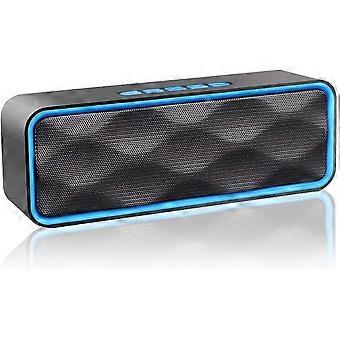
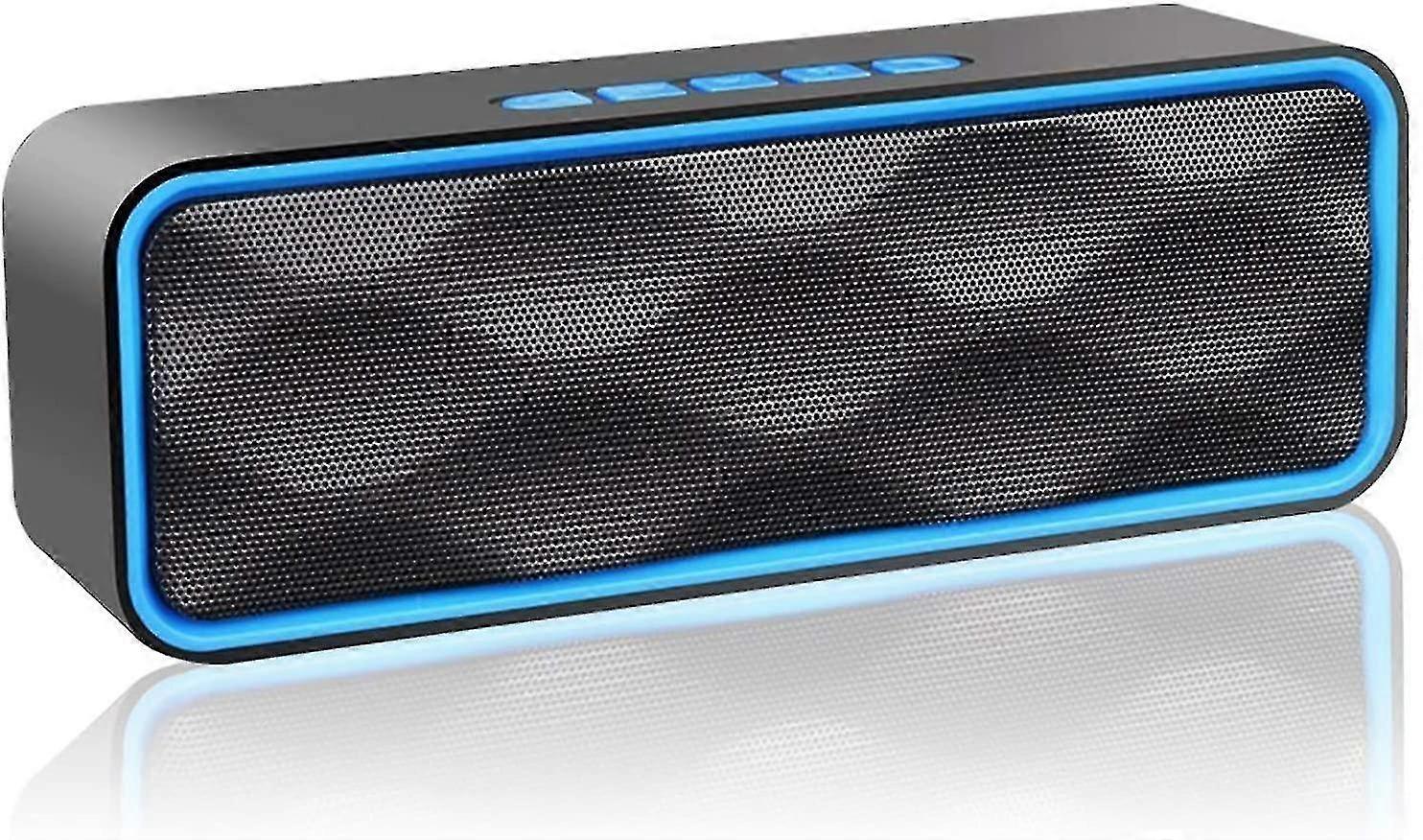
Portable Bluetooth Speaker, Wireless Speaker, Bluetooth 5.0 Subwoofer 18 * 4.3 * 6.3cm
Crystal clear high quality sound: Mid and high frequencies, distinct from our two precision acoustic drivers, deliver excellent stereo sound and enhanced bass from our proprietary passive radiator design. Built-in dual-driver portable speaker with crystal-clear sound and strong bass without distortion even at the highest volume
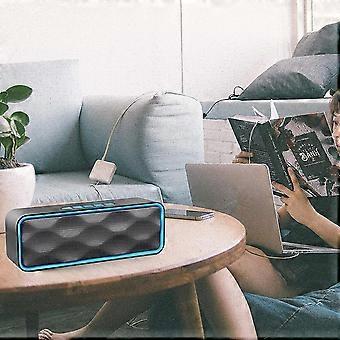
Louder volume and more bass: The small speaker could provide 30% more volume and richer bass than other competitors. The HD crystal-clear deep bass speaker for outdoor and indoor active use: room-filling sound, perfect for home, dorm, kitchen, bathroom, car, parties; music streaming or internet radio services
Charging Instructions:
Bluetooth speakers can be charged using computer USB port or universal 5V USB charging head of MP3, 4, mobile phone, etc.
1) Correctly connect the charging cable, plug the 3.55mm interface into the DC 5V socket of the speaker, and plug the USB interface into the computer or charging head.
2) The red light is on when charging, and can be fully charged in about 3-5 hours, the red light will turn off when the battery is fully charged.
Function keys use:
1. Cut song: short press previous song and next song buttons.
2. Adjust volume: long press "previous song" button to decrease volume, long press "next song" button to increase volume.
3. Switching function: "ON / OFF" is the on and off button. After turning on the phone, the first voice prompt is Bluetooth waiting for connection. At this point, you can search for a bluetooth connection with your mobile phone. Then briefly press the "M" menu key to switch to "FM mode (radio mode)".
Description of the function
First of all, the use of bluetooth
Turn it on first, there will be a bluetooth notification sound, the phone will turn on bluetooth to search for the device, find the available "SPEAKER4.2" bluetooth link pairing, then turn up the speaker and high - speaker can be read by bluetooth. [Note: There are usually three reasons for the failure of the Bluetooth connection. Firstly, the smart phone itself will have a memory function, and there will be a default bluetooth connection, which can only be reconnected after disconnecting it. Secondly. There are too many Bluetooth devices connected to it, making it impossible to store them. At this point, you just need to delete some Bluetooth memories. Thirdly. Bluetooth is no longer powered, there is no sound when Bluetooth is on. Usually there is no power to Bluetooth, so all you need to do is charge it.]
Secondly. Using MP3:
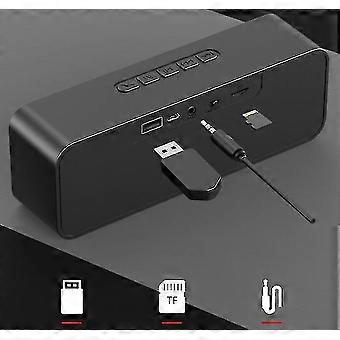
Power on, plug in TF memory card or U disk, you can short press up and down, pause and play key to change song and support playing music files in MP3 and WMA format.
Third, the use of FM radio:
After the speaker is turned on, insert the charging cable to act as an antenna, then short press the menu button "M" to switch to "FM mode (FM radio mode)", indicating that it entered the radio function. Then short press "play / pause button" to enter automatic station search, wait 30 seconds or 1 minute after auto station search end, short press "play / pause button" to start listening radio station, press "previous song", "next song" "button to switch between radio stations. [Note, the specific listening situation depends on the local FM signal coverage]
Fourth, the audio cable is connected to the computer:
You can connect bluetooth speakers with ordinary 3.5mm output devices (MP3, MP4, computer, TV, radio, 3.5mm headphone jack, cellphones, etc., the compatibility of different cellphone brands is different), so that the speakers become ordinary desktop speakers
Method: Turn on the power, plug the audio cable into the "audio hole" socket of the speaker and plug the round connector into the 3.5mm port of the output device such as a cell phone, MP3 or computer, and turn up the volume to make the audio connection and playback with the speaker.
-
ブランド:
Unbranded
-
カテゴリー:
スピーカー
-
色:
blue
-
Fruugo ID:
233256788-498871020
-
EAN:
9385488452932