説明
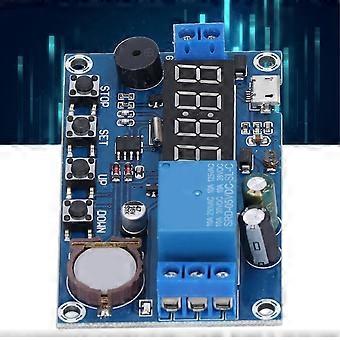
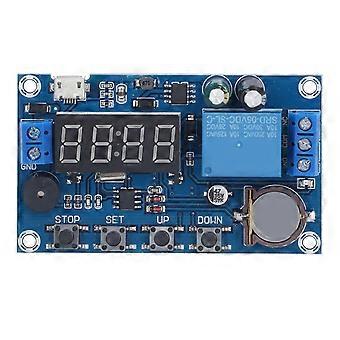
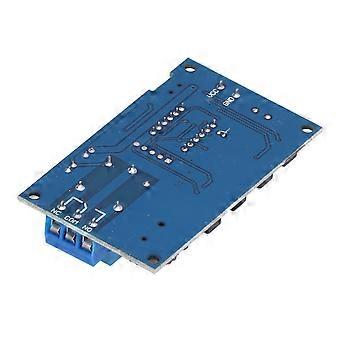
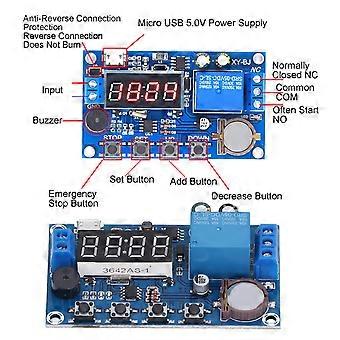
Relay Module 5 Time Periods 24H Delay Timer with Buzzer & Anti-Reverse
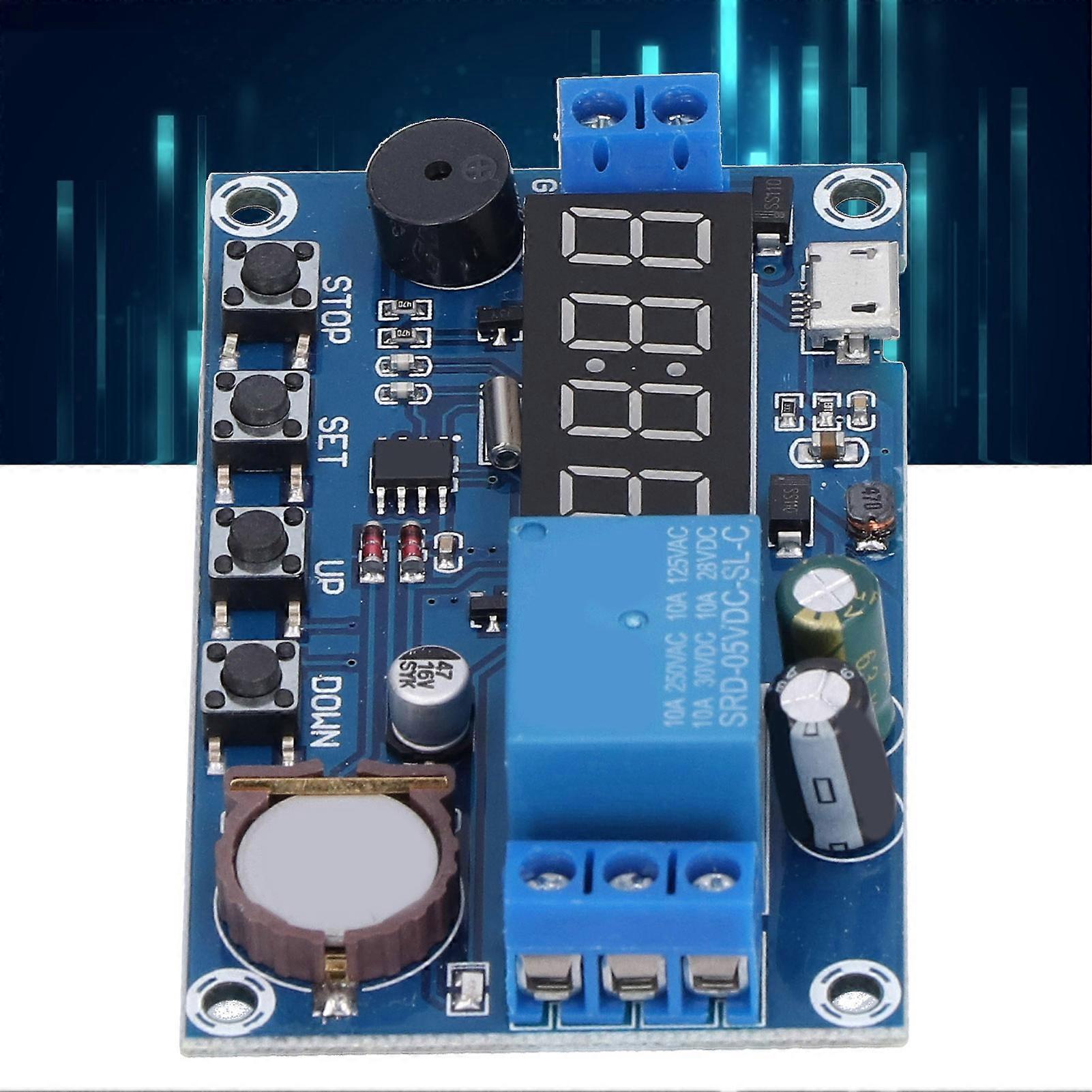
Relay Module 5 Time Periods Timing 24H Delay Timer Anti Reverse Connection Buzzer Warning Switch Controller Board
Function Mode Introduction:
OPE: Relay Closing Time
CLE: Relay Off Time
Time Period: PE-1 to PE-5, 5 Time Periods
"----": Function Shielding
P-1: Every day OPE relay is closed/output pulse CLE relay is disconnected/output pulse
P-2: OPE relay closed/pulse output on the same day CLE relay disconnected/pulse output
P-3: What day of the month and day: OPE relay closed/output pulse CLE relay disconnected/output pulse
P-4: From what day of the month to what day of the month, what time every day starts and ends at what time: OPE relay closes/output pulse CLE relay disconnects/output pulse
P-5: What time to day of the month starts and ends at what time: OPE relay is closed/output pulse CLE relay is disconnected/output pulse
Battery Information: 3V Button Battery, CR1220, 200mAh (Built-In Battery Shipped)
Note: Stop Time/Date (CLE)> Start Time/Date (OPE)2. How to set the parameters
In the time running interface, press and hold the SET button for 2 seconds and then let go, the system enters the parameter setting interface:
1. Select the time period: PE-1~PE-5 to select by short pressing the UP and DOWN keys;
2. Select the mode: "----" P-1~P-5 (that is, the time period is set to the corresponding mode) to select by short pressing the UP and DOWN keys; ("----" means Block this time period)
Note: The repeat mode for each time period can be selected from "----", P-1~P-5; for example: 5 time periods can work in P-1 mode at the same time, or let Time period 1 works in P-1 mode, time period 2 works in P-2 mode, etc.; it is very convenient and flexible, and can be combined in any combination according to your needs;
3. After selecting the mode, short press SET to enter the time zone setting interface, in the time zone setting interface, short press SET to switch the parameters, "OPE" start time point, "CLE" end time point, "dAE" date information;
4. After the parameter setting is completed, exit the setting, press and hold the SET button for 2 seconds, then let go, check whether the parameter setting is legal, save the parameter if it is legal, and return to the time running interface; if the parameter is wrong, it will display "ERR" reminder (stop time/date<= The start time/date will be reported as an error) Return to the parameter setting interface;
Note: Stop time/date (CLE)> start time/date (OPE)
Additional features: Any time period can be set individually
In the specific parameter setting interface (after the second step), short press STOP to switch the output mode:
OUT1: the start point turns on the relay, the end point turns off the relay
OUT2: 1S pulse output at the time point
In the specific parameter setting interface (after the second step), long press STOP to switch the ringing mode:
bLL0: ringing prohibited
bLL1: Bell enable
Note: After ringing, press any button to stop this ringing
STOP button function expansion:
Relay enable mode:
1. ON: the relay is on during the relay on time;
2. OFF: The relay is forbidden to conduct and is always off;
Short press the STOP button on the time display interface to switch between ON and OFF, the current state will flash, and then return to the main interface. (This function is an emergency stop function, one key to open and close the relay)
After the relay is forbidden to conduct, it will be the alarm clock function after setting the mode.
Sleep mode:
1. C-P sleep mode: within five minutes, without any operation, the digital tube automatically turns off the display, and the program runs normally;
2. O-d normal mode: the digital tube is always on for display;
On the time display interface, press and hold the STOP button for 2 seconds and then release it to switch between C-P and O-d states. The current state will flash, and then return to the main interface.
-
Fruugo ID:
413339911-873482917
-
EAN:
6901337316755