説明
4/3 Lens 2214210103511
Function:
1. Strong compatibility: suitable for E-M1, E-M1II, E-M5, E-M51II, E-M10, E-M10II, E-M10III and GH1, GH2, GH3, GH4, GH5, GH5S.
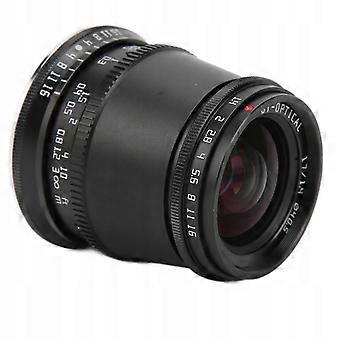
2. Wide angle and large aperture: The APS‑C 17 mm F1,4 optical lens uses 8 groups of 9 elements in an optical design, which corresponds to approximately 81° for a full 25 mm frame.
3. Lightweight design: small volume, shooting on the go is more portable. 17mm f1. Wide-angle fixed focal length lens with large aperture, suitable for scenery, humanistic photography, portraits and other objects.
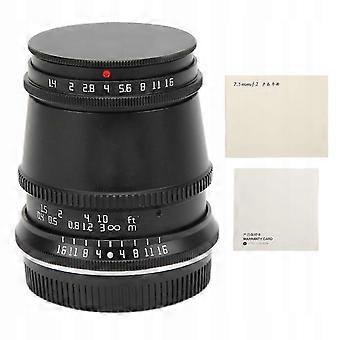
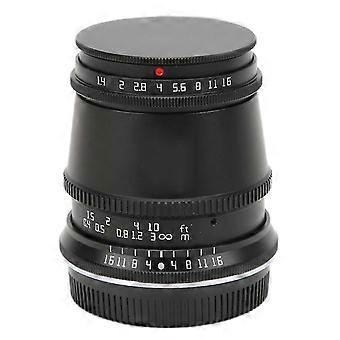
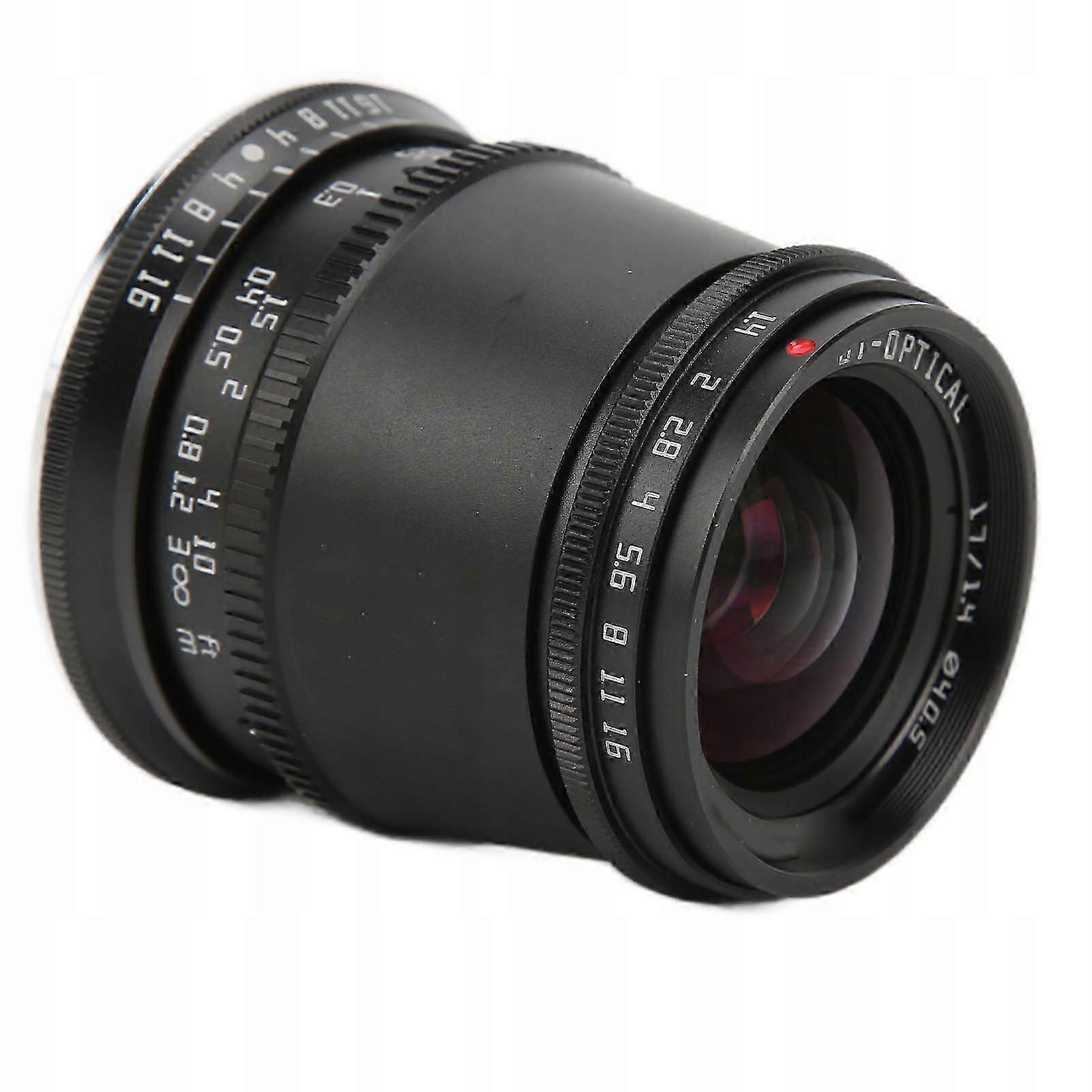
4. Graduated Aperture: Without looking at the lens to switch the aperture, you can also know what you want, and photography is more convenient. The F1.4 aperture provides more light and allows you to take large photos in low light conditions.
5. Wide focal range: The viewing angle below 17mm is about 81°. This angle is wide. It avoids exaggerated and difficult to control features of the ultra-wide angle, making it easier to create scenery, architecture, humanities and other topics.
Specification:
Item Type: 17mm F1.4 Camera Lens
Color: Black
Focal length: 17mm/0,7 inch
Lens Aperture Range: F1.4-f16
Frame: APS-C
Filter diameter: 40,5 mm/1,6 inch
Nearest Focus: 0,2 m/0,7 feet
Viewing angle: 81°
Aperture Blade: 10 pieces
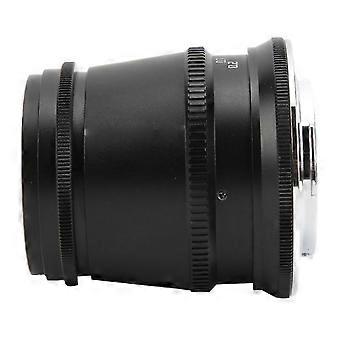
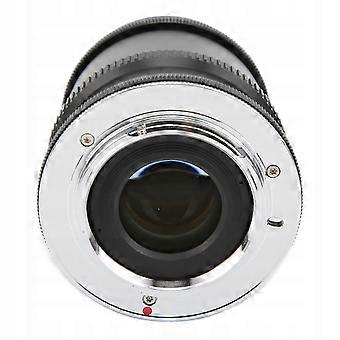
Bayonet: M4/3 mount
Focusing method: manual focusing
Optical structure: 9 elements in 8 groups
Material: alloy optical lens
Weight: approx. 394 g/13,9 oz
Anti Shake Lens: Without Anti Shake
Photography scene: landscape, humanities, portrait
Suitable camera:
for GM1, GM5, GM7, GX1, GX7, GX8, GX85, GX9G, G1, G2, G3, G5, G6, G7, G9, GH1, GH2, GH3, GH4, GH5, GH5S, GF1, GF2, GF3, GF5, GF6, GF7, GF8, GF9, GF10 and other apparatuses
For Olympus: E-PM1, E-PM2, E-P1, E-P2, E-P3, E-P5, E-M1, E-M1II, E-M5, E-M51II, E-M10, E-M10II, E-M10III, E-PL1, E-PL2, E-PL3, E-PL5, E-PL6, E-PL7, E-PL
How to use:
1. Set the camera to trigger mode without the lens, otherwise the camera will not be able to take photos.
2. Align the lens bayonet identification point with the bayonet identification point on the body and rotate it clockwise. When you hear the sound of a “click”, it means that the lens has been installed in its place.
3. If you need to remove the lens from the camera, press the lens removal button, then turn the lens counterclockwise to remove it.
List of packages:
1 x Lens
1 x Manual
-
Fruugo ID:
439193059-920775160
-
EAN:
9011716098671