説明
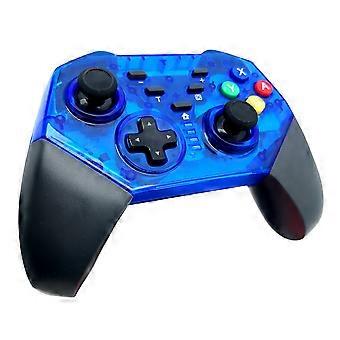
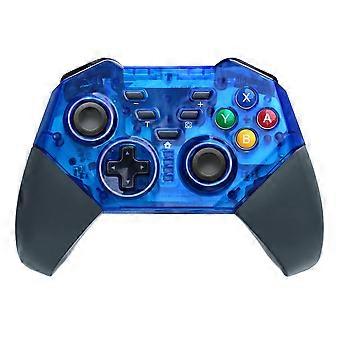
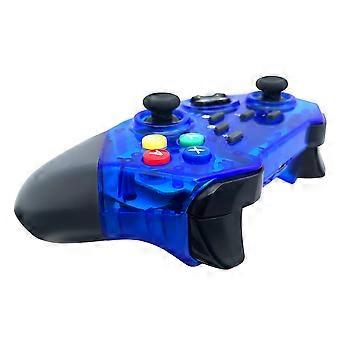
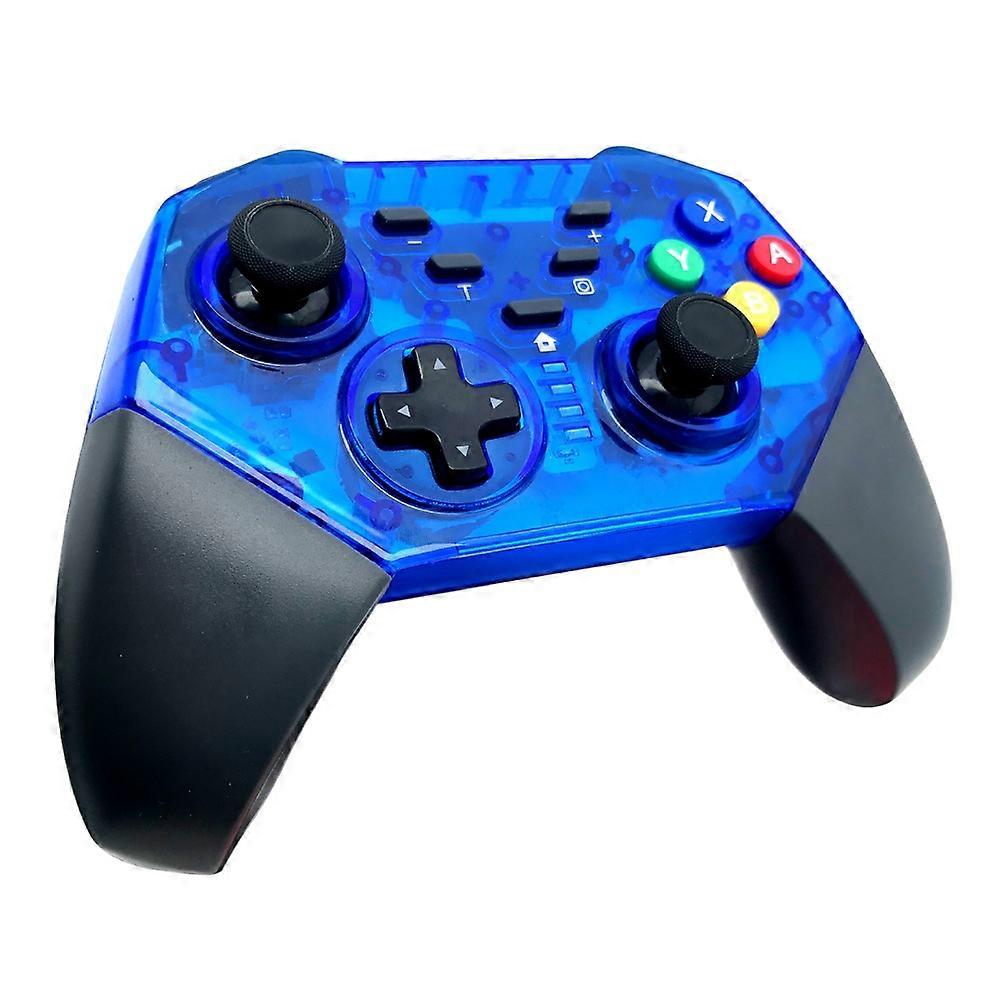
8579 Switch PRO controller Wireless Bluetooth-compatible Gamepad for Switch Console with TURBO Keys
・This Pro controller is compatible with Switch console also supports Windows PC
・Wireless connection, lower interference, stable connecting signal
・One-key connecting mode for ease of handling
・Built-in with 400mAh polymer lithium battery, it can be continuously used for around 5h after fully charged
・It supports motion sensing function via built-in Gyro; supports double-shock function via built-in dual motors; supports TURBO function
・Up to four wireless Pro controllers can be connected to a Switch console simultaneously
・It can be used normally even during charging
・Ergonomic design and light weight construction make it comfortable even for long hours of continuous gaming
・It can be upgraded by update software via connecting it to PC
Specification:
・Wireless connection: about 8 meters
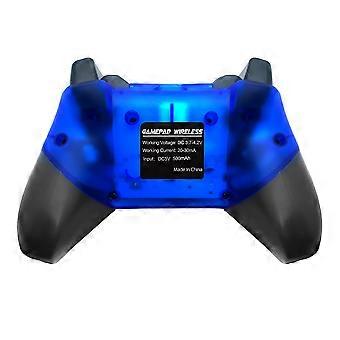
・Input voltage: DC 5.0V
・Lithium battery capacity: 400mAh
・Working voltage: DC 3.6-4.2V
・Working current: 20-40mA
・Vibration consumption current: 50-140mA
・Translucent abrasive crust
Controller Use:
1) Wireless connection to Switch host:
A. Connecting to a Switch console for the first time:
・Power on a Switch console, on the main interface of the console click (by using your finger) “Controllers”-- "Change Grip/order" to come to pairing mode interface; press “HOME” key and hold for 4s to power a controller on, four LEDs in the controller start blinking slowly and circularly then blinking quickly and circularly after 4s, when one (or more) of the four LEDs is solid bright, it means that the controller is paired with the console successfully; press "B" key to return to the main interface of the console
B. Connecting to a paired Switch console:
・If a controller was paired with a Switch console ever before, just press "HOME" key shortly to power the controller on, the controller will be connected to the console automatically again
C. Connecting controller back to Switch console:
・a. If a controller is in sleeping mode, press "HOME" key shortly to wake it up, it will be connected to the console again automatically
・b. If a Switch console is in sleeping mode, first press the power button of the console to wake the console up then shortly press "HOME" key of the controller to connect it back to the console (If a Switch console is in sleeping mode, the console can't be woken up by directly pressing any key of the controller)
2) Connecting to Switch Console via USB cable
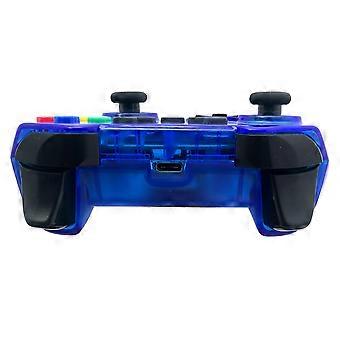
・On the main interface of a Switch console, click "Settings" -- "Controllers and Sensors" -- "Pro Controller Wired Communication" -- "ON" to open Pro controller wired connection; connect a controller to the USB port of the console holder through a USB cable, LED 4 in the controller starts blinking slowly then LED 1 in the controller will be blinking slowly after the controller is connected to the console
3) Connecting to Windows PC via USB cable
・X-360 driver is required to be downloaded and installed to a Windows PC at first; connect a controller to the Windows PC through a USB cable, four LEDs in the controller start blinking slowly then LED 1 and LED 4 will be blinking slowly after controller driver is installed to the PC automatically and successfully, the controller is ready for use. Games of X-360 mode are supported. X-360 driver can be gotten from internet
・Note: With vibration function but without motion sensing function under X-360 mode wired connection
Package included:
・1x8579 Switch PRO controller Wireless Bluetooth-compatible Gamepad
-
Fruugo ID:
462617399-973596592
-
EAN:
6914295170291