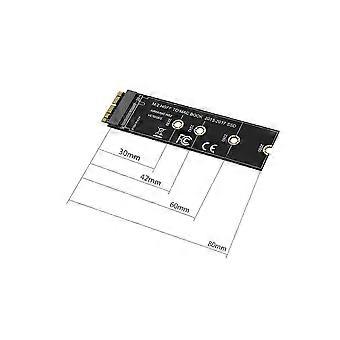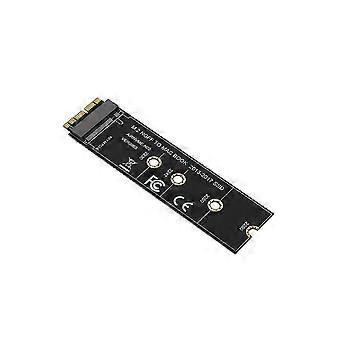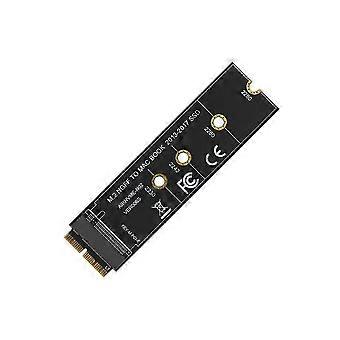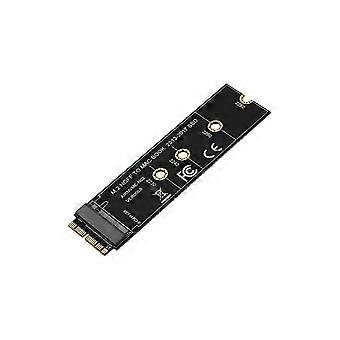
Advanced M.2 NVMe SSD Adapter Card for MacBook Air Pro Retina (Model Compatibility A1465, A1466, A1398, A1502) NVMe/AHCI Upgrade Kit (Years 2013-2023)

¥5,090
配送料無料

Advanced M.2 NVMe SSD Adapter Card for MacBook Air Pro Retina (Model Compatibility A1465, A1466, A1398, A1502) NVMe/AHCI Upgrade Kit (Years 2013-2023)

  • ブランド: Unbranded

Advanced M.2 NVMe SSD Adapter Card for MacBook Air Pro Retina (Model Compatibility A1465, A1466, A1398, A1502) NVMe/AHCI Upgrade Kit (Years 2013-2023)

  • ブランド: Unbranded
希望小売価格: ¥7,290
価格: ¥5,090
得する金額: ¥2,200 (30%)
販売元:
¥5,090
配送料無料

在庫あり

以下の支払い方法を利用することができます

説明

Advanced M.2 NVMe SSD Adapter Card for MacBook Air Pro Retina (Model Compatibility A1465, A1466, A1398, A1502) NVMe/AHCI Upgrade Kit (Years 2013-2023)

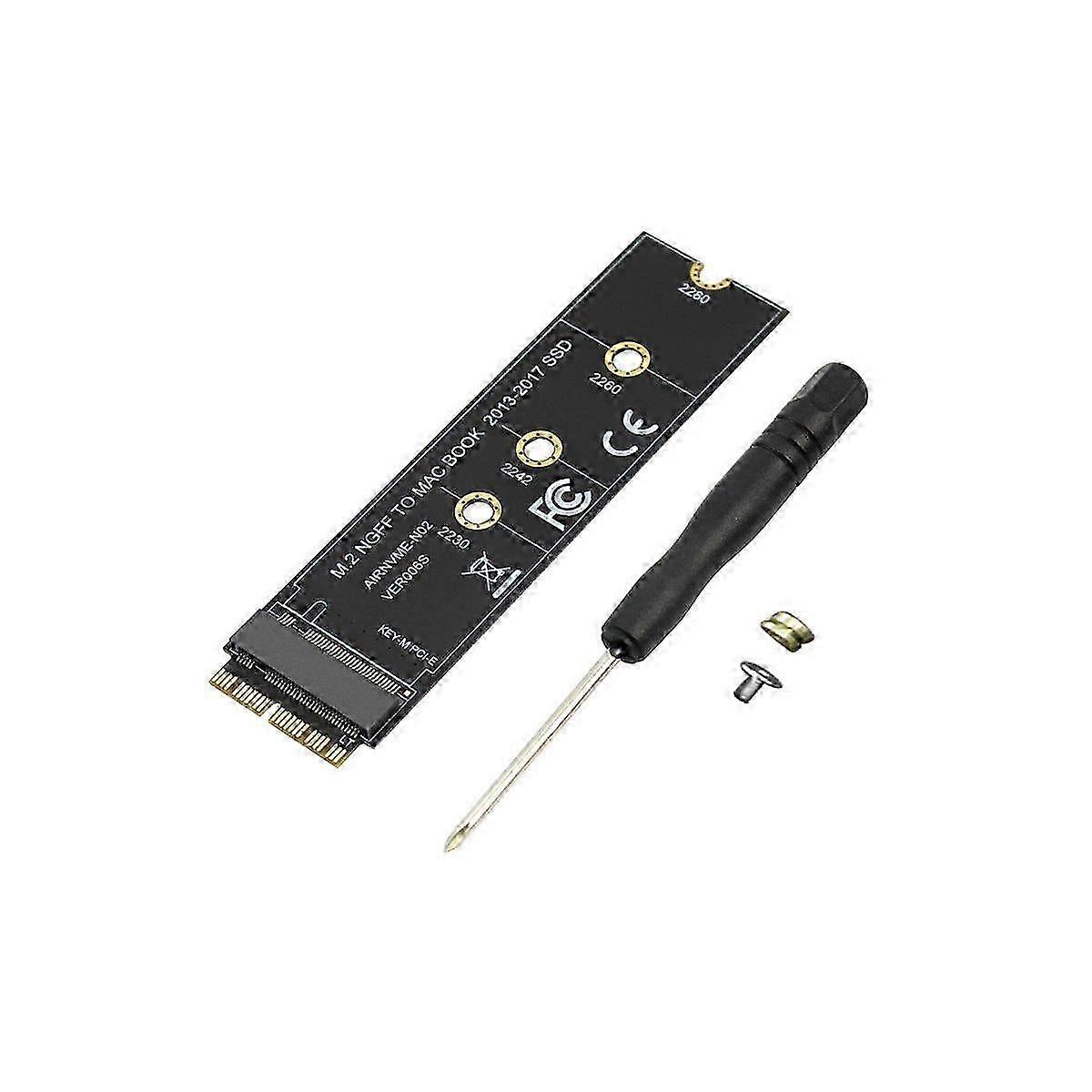
This M.2 PCIe nVME SSD convert adapter allows to upgrade SSD for 2013-2015 with capacity NVME SSD. It is compatible with Air 11 inch A1465 Air 13 inch A1466 (Mid 2013-2017), Pro (Retina) 13 inch A1502 15 inch A1398 (Late 2013 - Mid 2015), Pro ME253 MD878. Requires macOS 10.13 High or Later DO NOT compatible with earlier than macOS 10.13 versions. Please use your SSD to upgrades your macOS before installation. Support M.2 NVME or AHCI SSD such as 960 , 970 or PRO (Not support 960 Plus), , Crucial P1, EX920, for SX8200, 600p series NVME SSD and so on. It can't support recovering from internet, important to prepare bootable USB disk driver(M.2 PCIe has no OS systerm inside,it must be erased first). Type:Cable Adapter How to use: 1. Make sure to install the High on your old drive, so that a newer firmware is installed that can handle NVME. 2. For your old driver, please do a full backup via Time Machine. 3. Create a High Installer on a bootable USB stick. 4. Open the and disconnect the battery while switching out and make sure both adapter and new SSD sit snug. 5. Reconnect the battery before closing the shell. 6. Insert the Installer USB stick from , and press the option key while the machine starts. 7. Finally, once it's up you can now go to the disk utils to format and install the OS. Notice: 1. You are kindly that macOS failed on resume from hibernating with some NVME SSDs of some . Have to turn off laptop all the time instead of close the lid and go. 2. Please insert our adapter fully into SSD slot and you must prepare bootable USB disk(see third point) with High to format M.2 SSD first, it can't support recover from internet. 3. There are many customers can use it, so we suggest you to try it again if your can't detect nVME SSD. colour:black Material:PCB Size:25x90mm Package Contents: 1 x Adapter card 1x screw set driver Only the above package content, other products are not included. Note: Light and different displays may cause the color of the item in the picture a little different from the real thing. The measurement allowed error is 1-3cm.
  • Fruugo ID: 419924365-884919527
  • EAN: 6210544260233

配送と返品

2日間以内に発送

  • STANDARD: 無料 - 間の配達 水 17 12月 2025–水 24 12月 2025 - 無料

中国より発送。

ご注文の商品は、お客様の仕様に従い、万全の状態で配送されるように最善を尽くしています。しかし、もし注文に抜けがあったり、注文したものと違う商品が届いたり、注文に満足できないその他の理由がある場合は、注文全体やその中のいずれかの商品を返品し、その全額の返金を受けることができます。 全額返金ポリシーを見る

製品コンプライアンスの詳細

以下に概説されているこの製品に固有のコンプライアンス情報を参照してください。

以下の情報は、この製品を販売する独立したサードパーティ小売業者によって提供されています。

製造業者:
次の情報は、Fruugoで販売される関連製品の製造業者の連絡先詳細です。

  • Aevon Atelier
  • Guangxi Lanyi Environmental Protection Technology Co., LTD
  • No. 303-2, 3rd Floor, Block C, Building 1, Anji Wall Street Industrial Valley, No. 189, Fazhan Avenue, Xixiangtang District, Nanning City
  • Nanning
  • CN
  • 530006
  • sidnknksnk@163.com
  • 13607862276

EUにおける責任者:
次の情報は、EUにおける責任者の連絡先情報の概要です。ここで言う責任者とはEUに拠点を置く指定経済事業者で、EU域内で販売される関連製品に関するコンプライアンス義務を負う者のことです。

  • Jean Luc
  • In Memoria Futuri SAS
  • 3 RUE DU PAS DE LA MULE 75004 PARIS
  • Paris
  • France
  • 75004
  • infoapexchen@gmail.com
  • 33745713901