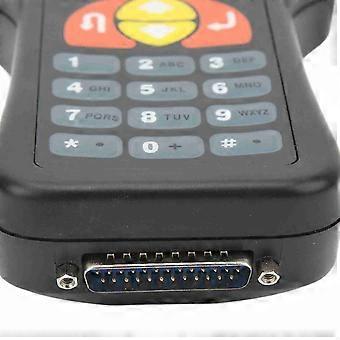
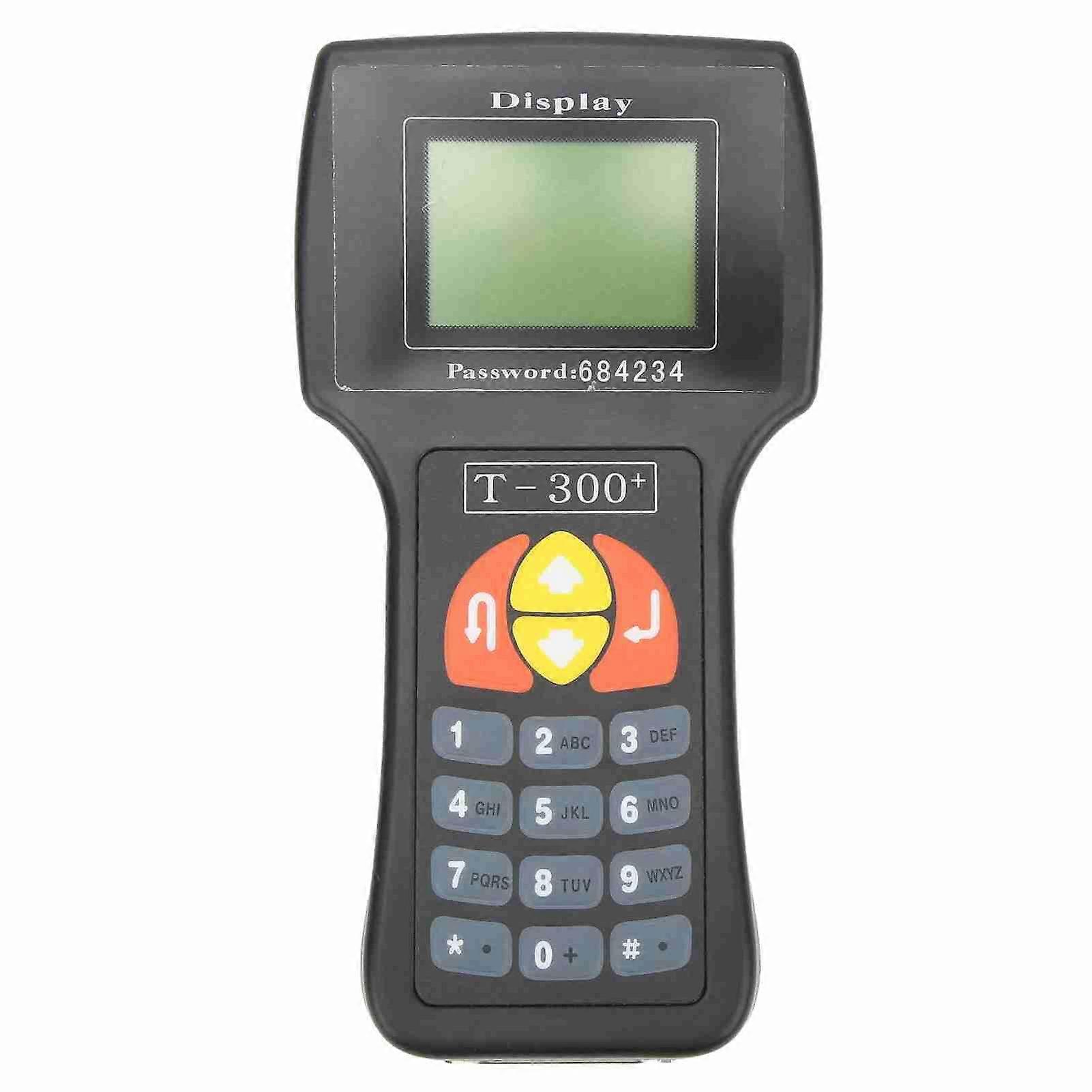
Description
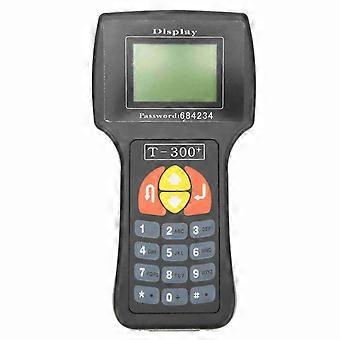
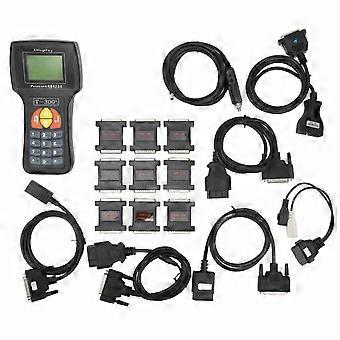
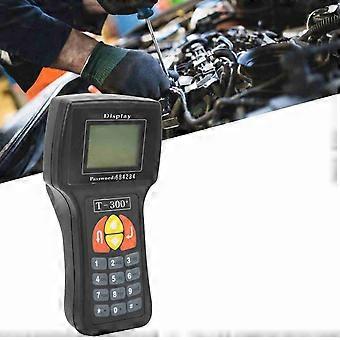
Key Programmer Read Clear Malfunction Code Diagnostic Scanner Detector Key Matching Instrument
Key Programmer Read Clear Malfunction Code Diagnostic Scanner Detector Key Matching Instrument
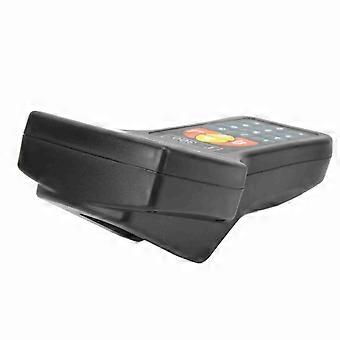
Item Type: Key ProgrammerMaterial: ABSAvailable Language: Spanish
Highlights:
1. The latest version
2. Spanish
3. No token limit
4. It is good to support multi brand cars before 2007.
Auto Key Programmer Functions:
1. Read the vehicle malfunction code
2. Clear the vehicle malfunction code
3. Read the system data stream
4. Read IMMO ECU ID
5. Fetch the machinery key code
6. Clear vehicle key memory
7. Program new key
8. Read vehicle key login password
9. Distinguish types of ECU
10. ECU IMMOBILISER programmes
11. Read EKA password
12. Programme new EKA password
13. Programme telecontrol implement
Key Programmer Install Steps:
Transponder key matching with 5 digits Login Code
Procedure for adding transponder keys to vehicles with separate Immobilizer box:
Switch ignition ON with new key. Select: Immobilizer Login
Enter 5 numbers Login Code (add 0 if you have 4 digits Login Code).
For example, if your Login is 1234, enter 1234.
Save
Go to Adaptation
Enter 01 and Channel Number
Enter
The Stored Value is the number of keys currently matched.
Enter number corresponding to the total number of keys to be matched,- for ex 2 ;
Enter Save
Switch ignition off and remove key
Insert next key to ignition and switch ignition on again
Wait 15 sec. Repeat this step with each key until all keys have been matched.
Select: Immobilizer - Login. Enter Login Code. Go to Adaptation
Enter 00 in Channel Number
Enter 0 and Save. This will learn ECU with Immobiliser.
Procedure for adding transponder keys to vehicles with Immobilizer in the instrument cluster:
Switch ignition ON with new key. Select: Instrument - Login
Enter 5 numbers Login Code (add 0 if you have 4 digits Login Code).
For example,if your Login is 1234,enter 01234.
Save
Go to Adaptation
Enter 21 and Channel Number
Enter
The Stored Value is the number of keys currently matched.
Enter number corresponding to the total number of keys to be matched,- for ex 2 ;
Enter - Save
Switch ignition off and remove key
Insert next key to ignition and switch ignition on again
Wait 15 sec. Repeat this step with each key until all keys have been matched.
Select: Immobilizer - Login. Enter Login Code. Go to Adaptation
Enter 00 in Channel Number
Enter 0 and Save. This will learn ECU with Immobiliser.
Supports Car List:
Replacement for AcuraReplacement for AlfaReplacement for CitroeReplacement for DaewoReplacement for FiatReplacement for HyundaiReplacement for IsuzuReplacement for InfinitiReplacement for JaguarReplacement for KiaReplacement for Land RoverReplacement for LanciaReplacement for LincolnReplacement for Mazda JapanReplacement for Mazda USAReplacement for MitsubishiReplacement for PeugeotReplacement for RoverReplacement for for SeatReplacement for for Suzuki
Install Steps:
Transponder key matching with 5 digits Login Code Procedure for adding transponder keys to vehicles
with separate Immobilizer box:Switch ignition ON with new key. Select: Immobilizer - Login
Enter 5 numbers Login Code (add 0 if you have 4 digits Login Code).
For example,if your Login is 1234,enter 1234.
Save
Go to Adaptation
Enter 01 and Channel Number
Enter
The Stored Value is the number of keys currently matched.
Enter number corresponding to the total number of keys to be matched,- for ex 2 ;
Enter - Save
Switch ignition off and remove key
Insert next key to ignition and switch ignition on again
Wait 15 sec. Repeat this step with each key until all keys have been matched.
Select: Immobilizer - Login. Enter Login Code. Go to Adaptation
Enter 00 in Channel Number
Enter 0 and Save. This will learn ECU with Immobiliser.
Procedure for adding transponder keys to vehicles with Immobilizer in the instrument cluster:Switch ignition ON with new key. Select: Instrument - Login
Enter 5 numbers Login Code (add 0 if you have 4 digits Login Code).
For example,if your Login is 1234,enter 01234.
Save
Go to Adaptation
Enter 21 and Channel Number
Enter
The Stored Value is the number of keys currently matched.
Enter number corresponding to the total number of keys to be matched,- for ex 2 ;
Enter - Save
Switch ignition off and remove key
Insert next key to ignition and switch ignition on again
Wait 15 sec. Repeat this step with each key until all keys have been matched.
Select: Immobilizer - Login. Enter Login Code. Go to Adaptation
Enter 00 in Channel Number
Enter 0 and Save. This will learn ECU with Immobiliser.
Transponder key matching with 5 digits Login Code
Procedure for adding transponder keys to vehicles with separate Immobilizer box:
(Fits for Transporter)
Switch ignition ON with new key. Select: Immobilizer -> Login
Enter 5 numbers Login Code (add 0 if you have 4 digits Login Code).
For example, if your Login is 1234, enter 01234.
Save
Go to Adaptation
Enter 01 in "Channel Number"
Enter
The "Stored Value" is the number of keys currently matched.
Enter number corresponding to the total number of ke
-
Fruugo ID:
389697590-835279924
-
EAN:
8451310719984
Delivery & Returns
Dispatched within -1 days
Shipping from China.
We do our best to ensure that the products that you order are delivered to you in full and according to your specifications. However, should you receive an incomplete order, or items different from the ones you ordered, or there is some other reason why you are not satisfied with the order, you may return the order, or any products included in the order, and receive a full refund for the items. View full return policy