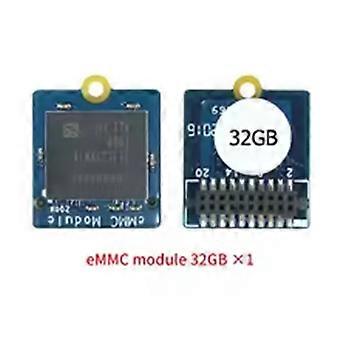
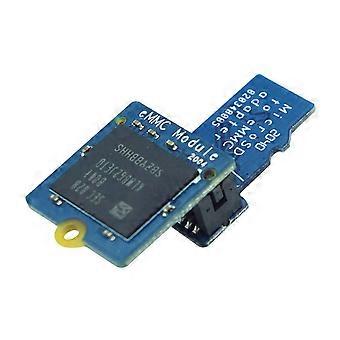
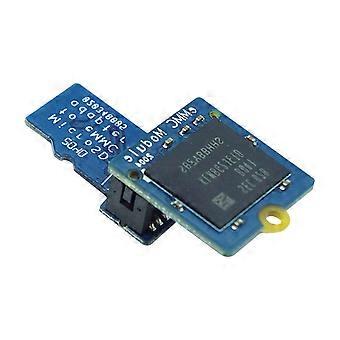
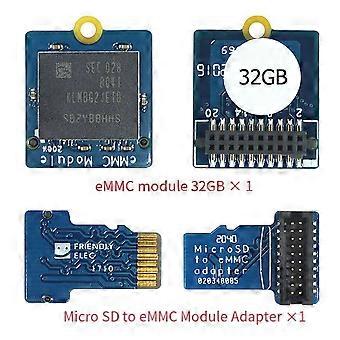
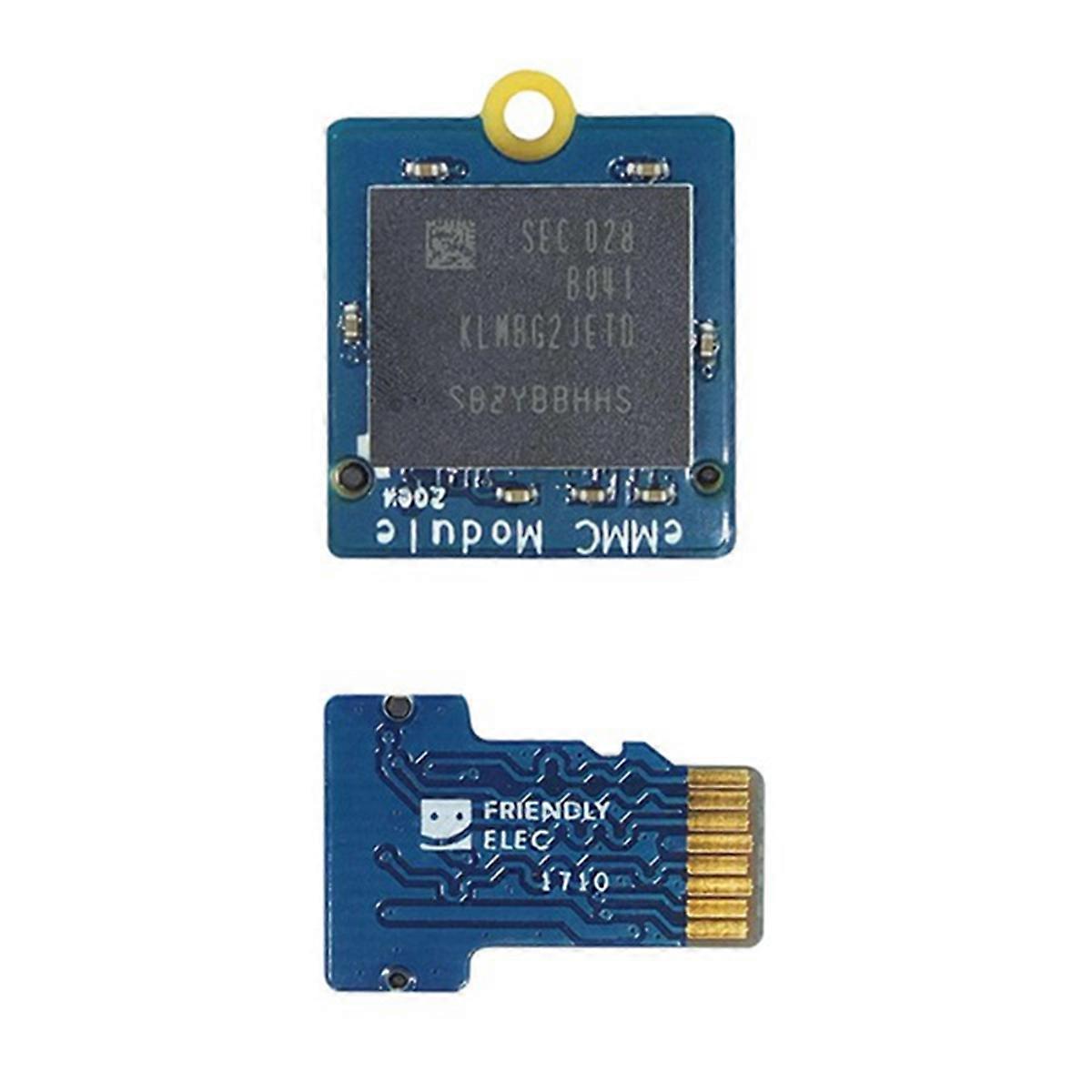
EMMC Module 32GB with Micro-SD Compatible Turn EMMC Adapter T2 for Nanopi K1 / K2 / M4V2 / NEO4

¥3,599
+ 配送料¥349

EMMC Module 32GB with Micro-SD Compatible Turn EMMC Adapter T2 for Nanopi K1 / K2 / M4V2 / NEO4

  • ブランド: Unbranded

EMMC Module 32GB with Micro-SD Compatible Turn EMMC Adapter T2 for Nanopi K1 / K2 / M4V2 / NEO4

  • ブランド: Unbranded
価格: ¥3,599
販売元:
¥3,599
+ 配送料¥349

在庫あり

14日間返品ポリシー

以下の支払い方法を利用することができます

説明

EMMC Module 32GB with Micro-SD Compatible Turn EMMC Adapter T2 for Nanopi K1 / K2 / M4V2 / NEO4

Programming system to eMMC module: Prepare an SDHC card with a capacity of 8G or above, unzip the EFlasher firmware and the flash tool win32diskimager separately, and run win32diskimagerI as an administrator under . On the interface of win32diskimagerI, choose your SD card drive letter After decompressing the EFlasher firmware, click the Write button to burn to the SD card, or use the dd to write the EFlasher firmware to the SD card under Linux; After the programming is completed, eject the SD card from the computer, insert the development board and start the development board, then the system start from the SD card and start automatically. EFlasher programming tool, you have multiple ways to operate EFlasher: Method 1: Connect -compatible or LCD display and USB mouse, operate EFlasher on the graphical interface Method 2: Connect the development board to the LAN through a network cable, log in to the development board through ssh, and then enter the eflasher to operate according to the prompts of the line. (Note: The user logged in by ssh is root, the password is , and the development board IP can be viewed (Obtained in the background of the router) Method 3: Log in to the serial terminal through the debugging serial port, enter the eflasher on the terminal to operate; Method 4: Connect an Icd2usb accessory to the development board, the accessory. The K1 key above can select the system to be programmed, then the K2 key to confirm the programming, the programming progress be displayed on lcd2usb. After the programming is completed, cut off the power, then pull out the SD card on the development board, and then power on again, the development board start the system you just programmed from eMMC Note: due to different production batches, the printed characters are different, which does not affect the use. Color:Blue Material:PCB Package Contents: 1
  • Fruugo ID: 421153088-887130210
  • EAN: 6132286902861

製品安全情報

以下に概説するこの製品に固有の製品安全性情報を参照してください。

以下の情報は、この製品を販売する独立したサードパーティ小売業者によって提供されています。

メーカー型番: I500852986
シリアルナンバー: I500852986

配送と返品

24時間以内に発送

  • STANDARD: ¥349 - 間の配達 金 19 12月 2025–月 29 12月 2025

中国より発送。

ご注文の商品は、お客様の仕様に従い、万全の状態で配送されるように最善を尽くしています。しかし、もし注文に抜けがあったり、注文したものと違う商品が届いたり、注文に満足できないその他の理由がある場合は、注文全体やその中のいずれかの商品を返品し、その全額の返金を受けることができます。 全額返金ポリシーを見る

製品コンプライアンスの詳細

以下に概説されているこの製品に固有のコンプライアンス情報を参照してください。

以下の情報は、この製品を販売する独立したサードパーティ小売業者によって提供されています。

製造業者:
次の情報は、Fruugoで販売される関連製品の製造業者の連絡先詳細です。

  • Shenzhen Haoyouqu Electronics Co., Ltd.
  • Shenzhen Haoyouqu Electronics Co., Ltd.
  • Tian'an Community
  • Shatou Subdistrict
  • Futian District
  • shenzhen
  • CN
  • 518000
  • woebgueh@outlook.com
  • 15320490316

EUにおける責任者:
次の情報は、EUにおける責任者の連絡先情報の概要です。ここで言う責任者とはEUに拠点を置く指定経済事業者で、EU域内で販売される関連製品に関するコンプライアンス義務を負う者のことです。

  • 0utong GmbH
  • 0utong GmbH
  • Brehmstr, 56,40239 Duesseldorf
  • Düsseldorf
  • Germany
  • 40239
  • info@outong.de
  • 4921131054698