説明
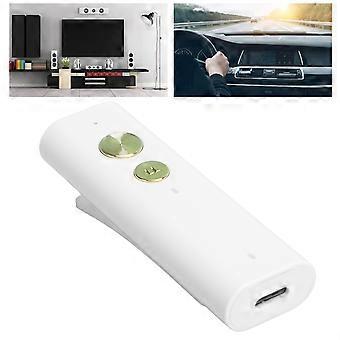
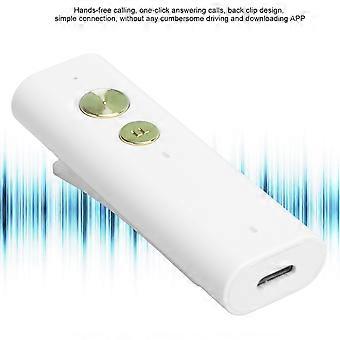
Car Bluetooth 5.1 Adapter Portable Audio Receiver with 110mAh Battery
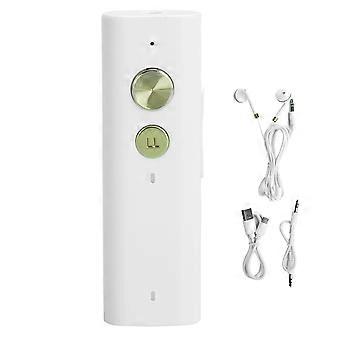
Car Bluetooth 5.1 Adapter Portable Audio Receiver with Earphone for Phone/Computer
Item Type: Portable Audio ReceiverMaterial: ABSColor: As Picture ShownWeight: Approx. 68.0g/2.4ozBluetooth Version: Bluetooth V5.1
Support Protocol: A2DP, AVRCP, HFP, HSP
Working Frequency: 2.402GHz -2.480GHz
Power Level: Class II
Receiving Sensitivity: -90dB at 0.1% BER
Working Current:
Normal Mode: About 16MA
Low Latency Mode: About 18MA
Built-in Battery: 110MAH
Charging Current: about 100MA
Charging Time: About 1.5 hours
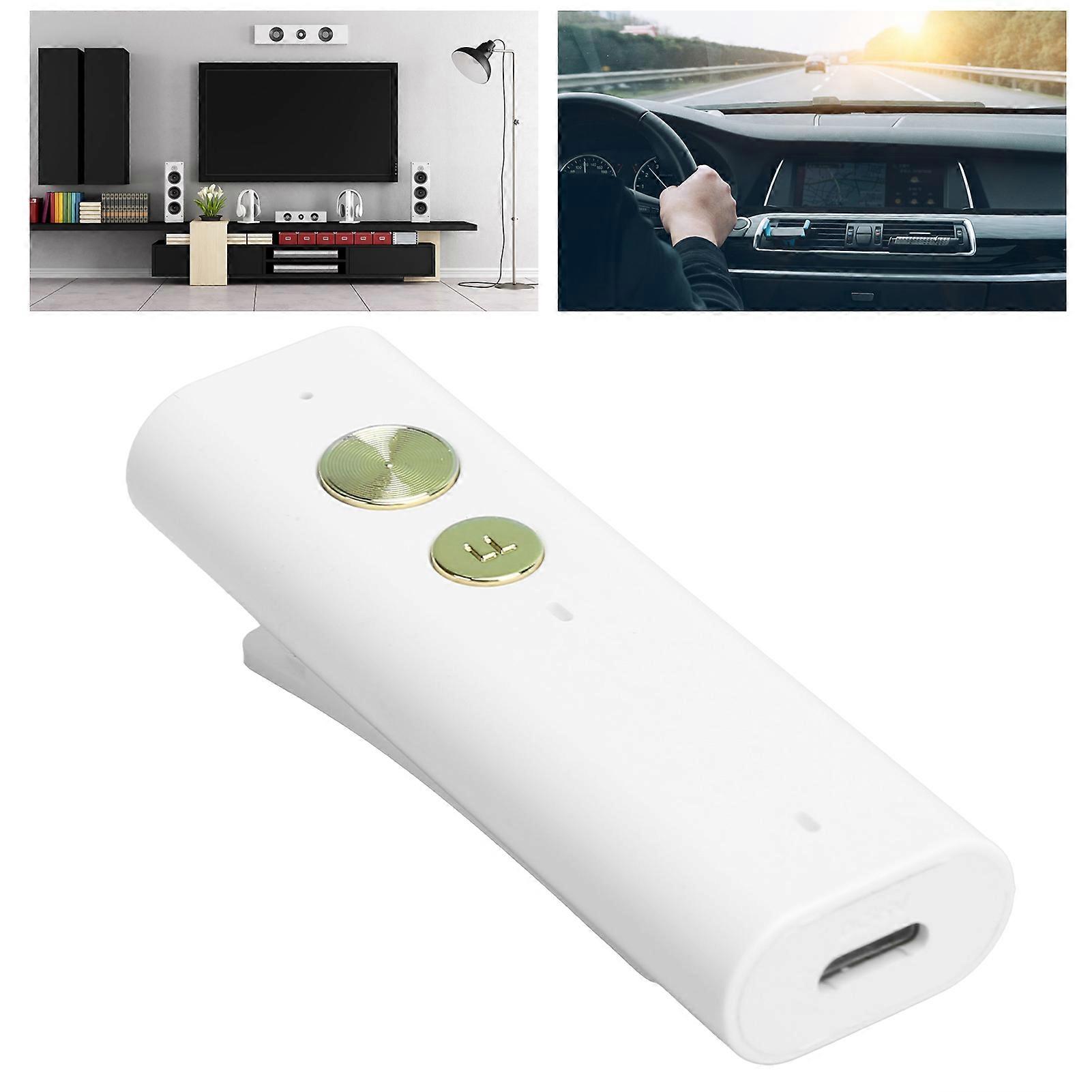
Low Delay Mode: LL button can switch cyclically, in LL mode, the indicator green light is on
Life Time: >6H
Bluetooth Distance:> 10M (open place)
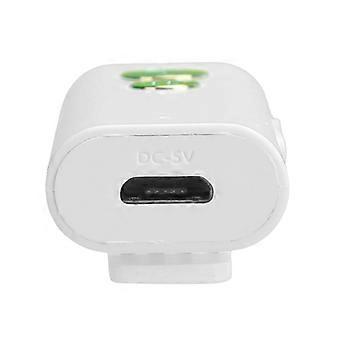
Charging Method: Micro USB 5V
Output Connection Mode: 3.5MM stereo interface
Compatible for Android/IOS system mobile phones/PAD, and other audio equipment with AUX input function
Hoe e:
1. Turn on/off (the interval between on/off should be greater than 3 seconds)
Press and hold the multi-function button for 3 seconds to turn on/off.
2. Automatic shutdown function The device is in an unconnected state, and automatically shuts down after 10 minutes, and wakes up after restarting.
3. Clear the pairing function In the shutdown state, press and hold the multi-function button for 6S, and the green light of "LL" flashes to clear the paired device information.
4. Low-latency mode During the connection, if you need to enter the low-latency mode, please click the "LL" button, the green light below the button will light up, and the product will enter the low-latency mode.
5. Music playback During music playback, short press the multi-function button to achieve pause and playback functions. Short press the "+" button to realize the volume increase function. Short press the "-" button to realize the volume reduction function. Press and hold the "+" button to switch to the previous song and press the "-" button to switch to the later song
6. When an incoming call occurs in the call function, short press the multi-function button to answer the call. During a call, short press the multi-function button to hanging up the call. And press the multi-function button for 1 second to reject the call. Note: Please make sure that the call is as close as possible to the MIC port to ensure the quality of the call.
Pairing steps:
A. Press and hold the multi-function button on the device for 3 seconds, the indicator light is on, and the device is turned on
B. The blue indicator light below the device flashes quickly, and the device enters the Bluetooth pairing state.
D. Turn on the Bluetooth function of the mobile phone, click Search Bluetooth device, and then select and connect the device "BT-B51 in the Bluetooth list.
E. After the connection is successful, the blue indicator light below the device will flash slowly.
-
Fruugo ID:
414128554-874960552
-
EAN:
3331338124654