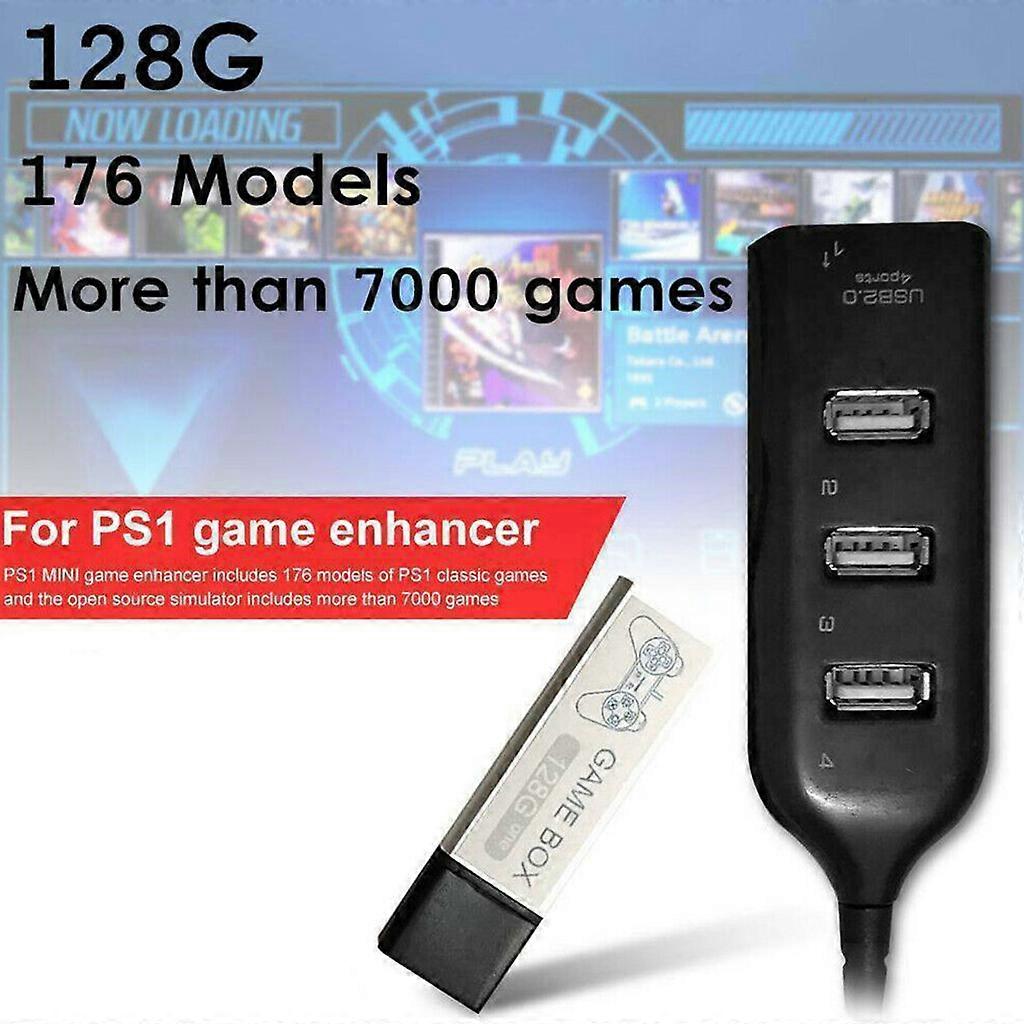
Game Enhancer Plug 7000 Classic Games Open Source Simulator Expansion Pack 4-port USB Hub Stick for PS1 Mini White

¥8,790
配送料無料

Game Enhancer Plug 7000 Classic Games Open Source Simulator Expansion Pack 4-port USB Hub Stick for PS1 Mini White

  • ブランド: Unbranded

Game Enhancer Plug 7000 Classic Games Open Source Simulator Expansion Pack 4-port USB Hub Stick for PS1 Mini White

  • ブランド: Unbranded
価格: ¥8,790
販売元:
¥8,790
配送料無料

在庫あり

14日間返品ポリシー

支払い方法:

説明

Game Enhancer Plug 7000 Classic Games Open Source Simulator Expansion Pack 4-port USB Hub Stick for PS1 Mini White

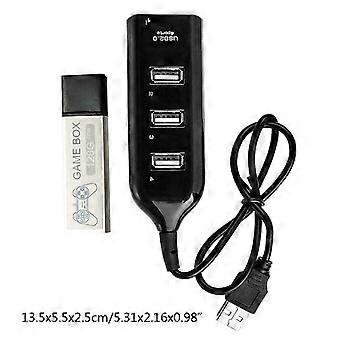
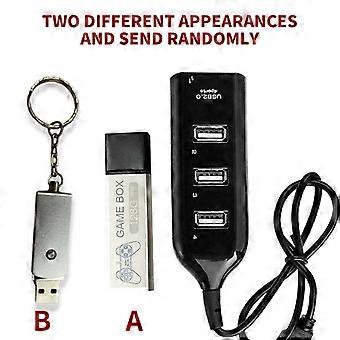
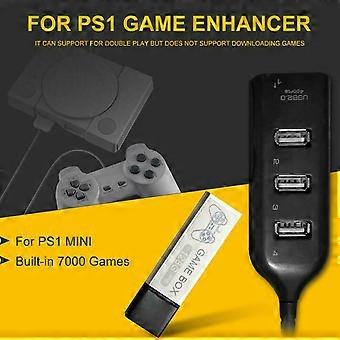
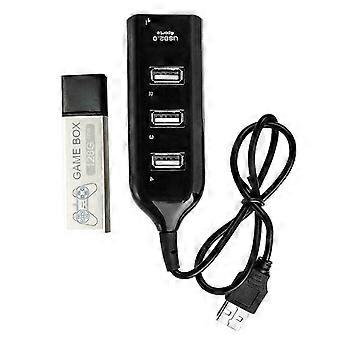
["Description:\nbrand new and high quality \n\nFeatures:\nMade of ABS material, more durable.\nGame enhancer includes 176 models of classic games and the open.\nSource simulator includes more than 7000 games.\nIt can support for double for play but does not support downloading games.\nMost of the built-in games have been tested, but there may be a few games that are not supported.\n \nSpecification:\nItem Type:Game Enhancer\nMaterial:ABS\nColor:Black\nSize:Approx 13.5x5.5x2.5cm/5.31x2.16x0.98in\nMemory:128G\nApplicable Scope:Extended Game Pack\nConnection Method:Direct Connection\nAdditional Features:Game Pack Extension\nGame Version:Lite Version\nVideo Game Rating:Entry Level, Elite Level, Enthusiast Level\nNotice:We have two different appearances (A and B) and will send randomly.\n\nEnter system interface\n1. Press the button on the system interface to enter the game interface.\n2. In the game, press the RESET button of the host (reset) to exit the game.\n3. Press the O-shaped button on the game interface to return to the main interface.\n4.Press the \"square\" button on the system interface to enter the open source simulator interface.\n5. The simulator interface exits while pressing SELECT+SEART.\n6. Simulator interface exits the system interface, select Main Menu, and find the Quit Retroarch option to exit.\n7. Simultaneously press R2+L2 on the system interface and the game console will shut down.\n\nNotes:\n1.When the individual product is turned on for the first for time, you need to read the disk scan directory, \npress the X button to scan it.\n2.The first for time to read the disk, entering the system is slow, which is a normal situation. \nDo not mess with the button because random press may get stuck.\n3.Please insert the game collection bar before powering on, then plug in the power and \npress the power button to load the game.\n4.After turning off all the power, you can unplug the game collection bar and \nyou can'for t pull it out during use, otherwise it will damage the system file.\n5.Does not support personal download games. Most of the built-in games have been tested,\nbut there may be a small number of games that are not supported.\n6.Please allow 0-3cm error due to manual measurement. pls make sure you do not mind before you bid.\n7.Due to the difference between different monitors, the picture may not reflect the actual color of the item. Thank you!\n\nPackage Included:\n1x Game Enhancer\n1x Hub"]
  • Fruugo ID: 350044452-763205205
  • EAN: 7901000499623

配送と返品

24時間以内に発送

  • STANDARD: 無料 - 間の配達 木 01 1月 2026–火 06 1月 2026 - 無料

中国より発送。

ご注文の商品は、お客様の仕様に従い、万全の状態で配送されるように最善を尽くしています。しかし、もし注文に抜けがあったり、注文したものと違う商品が届いたり、注文に満足できないその他の理由がある場合は、注文全体やその中のいずれかの商品を返品し、その全額の返金を受けることができます。 全額返金ポリシーを見る

製品コンプライアンスの詳細

以下に概説されているこの製品に固有のコンプライアンス情報を参照してください。

以下の情報は、この製品を販売する独立したサードパーティ小売業者によって提供されています。

製造業者:
次の情報は、Fruugoで販売される関連製品の製造業者の連絡先詳細です。

  • Cgsqub
  • Shenzhen Yiyuxun Hardware Tools Co., Ltd.
  • Room 205, Building D10, No. 5, Cengyao Industrial Zone, Yulv Community
  • Yutang Street, Guangming District
  • Shenzhen
  • China
  • 518000
  • firneiwodnw@163.com

EUにおける責任者:
次の情報は、EUにおける責任者の連絡先情報の概要です。ここで言う責任者とはEUに拠点を置く指定経済事業者で、EU域内で販売される関連製品に関するコンプライアンス義務を負う者のことです。

  • Yating He
  • E-CrossStu GmbH
  • 69 Mainzer Landstrasse
  • Frankfurt am Main
  • Germany
  • 60329
  • E-crossstu@web.de
  • +4969332967674