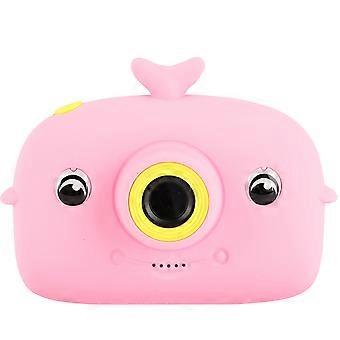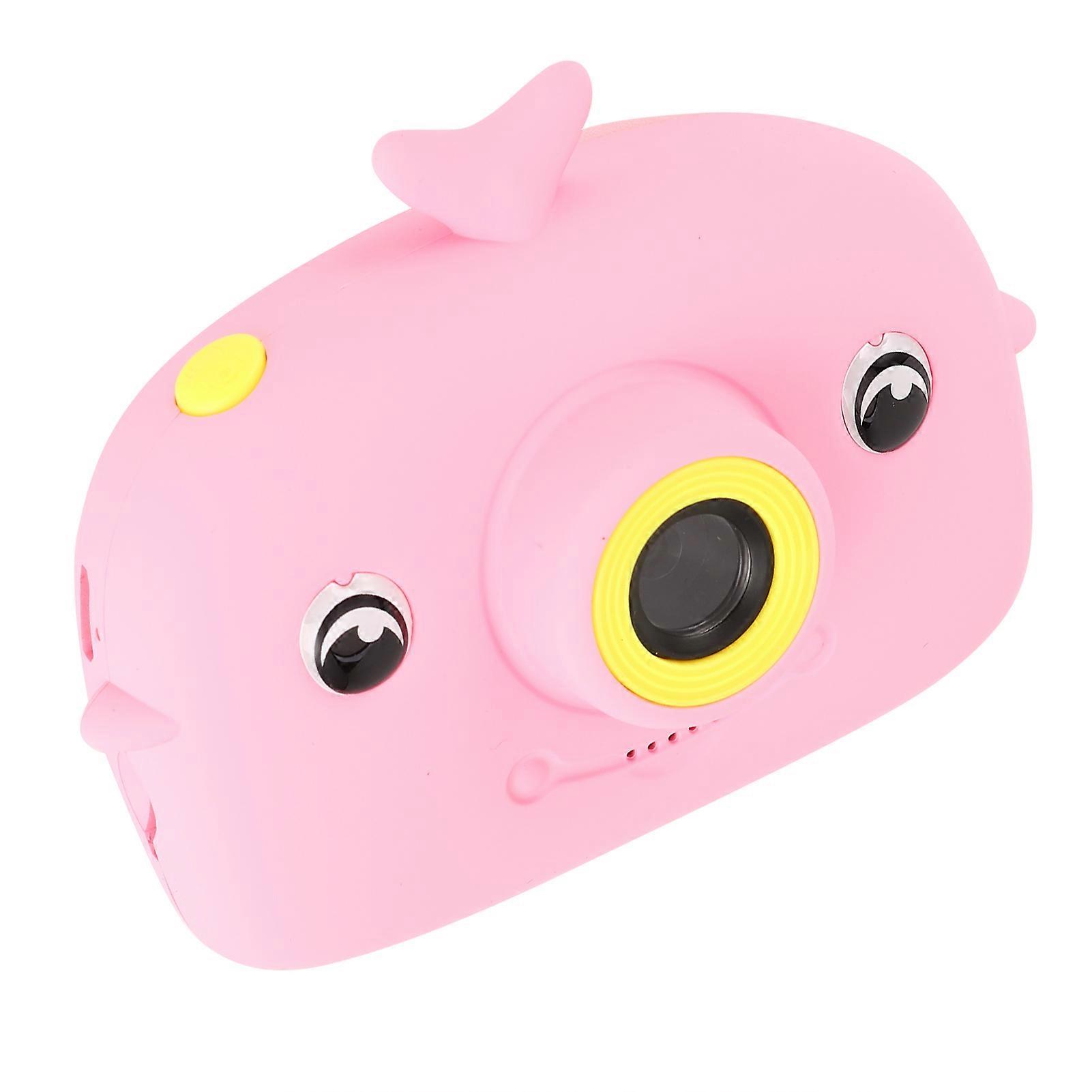
Children Portable Digital Camera 2.0in Color Screen Pink 32GB Max

¥3,799
+ 配送料¥449

Children Portable Digital Camera 2.0in Color Screen Pink 32GB Max

  • ブランド: Unbranded

Children Portable Digital Camera 2.0in Color Screen Pink 32GB Max

  • ブランド: Unbranded
希望小売価格: ¥5,690
価格: ¥3,799
得する金額: ¥1,891 (33%)
販売元:
¥3,799
+ 配送料¥449

在庫あり

以下の支払い方法を利用することができます

説明

Children Portable Digital Camera 2.0in Color Screen Pink 32GB Max

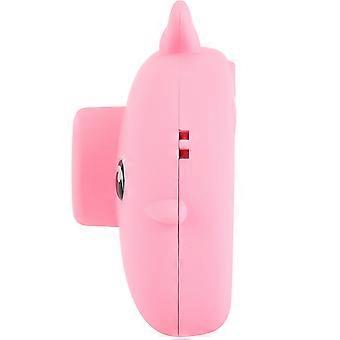
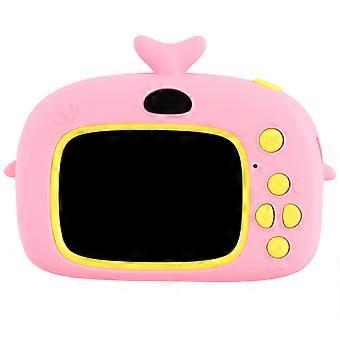
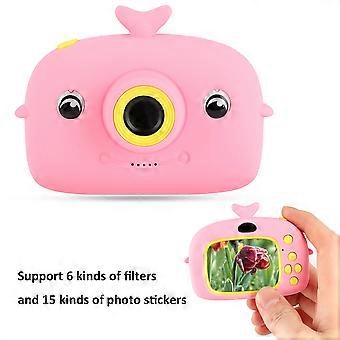
Children Portable Digital Camera 2.0in Color Screen Handheld Video Recording Camera Item Type: Children CameraMaterial: ABSColor: PinkScreen Size: 2.0in Color ScreenWeight: Approx. 163.0g/5.7ozMemory Card: External Memory Card (up to 32GB, not included) Video Resolution: 1080P: 1440x1080 720P: 1280x720 VGA: 640x480 Video Format: JPG Photo Resolution: 3M, 2M, 1.3M, VGA Battery: 4.2V Li-ion Battery 800mAh (included, non-removable) Input: 5V/2A How e: 1. Long press the power button to turn on, the blue indicator light will light up when the power is turned on; long press the power button again to shut down, and the blue indicator light is off at this time 2. In video mode, short press the "mode button" to switch to the video mode, the upper right corner of the screen will display the video rate and video icon respectively; short press the "video/photograph" button to start video, the video indicator starts to flash to indicate that the video is working 3. In the camera mode, short press the "mode button" to switch to the camera mode, the upper right corner of the screen will display the camera resolution and camera icon; short press the "video/photo button" to take a photo, the indicator light flashes once when the photo is taken to indicate the completion of the photo 4. Video/photo playback Short press the "mode key" key to switch to playback mode, and the playback icon will be displayed at the upper right corner of the screen; short press the "up key" to select files upward, and short press the "down key" to select downwards File; short press the "video, camera button" to play the selected video file 5. Menu settings Short press the "menu key" to call up the setting menu; by short pressing the "up key" or "down key", you can cycle up and down among the setting items; select the setting item that needs to be changed, through Short press the "video, camera button" to confirm and enter the change 6. Exit the setting menu; short press the "menu button" to exit the setting state; in the USB mode, connect the USB cable to the computer, and the child camera will automatically connect USB can read and access video files or photo files in this mode
  • Fruugo ID: 414150963-875001185
  • EAN: 8431338157081

配送と返品

24時間以内に発送

  • STANDARD: ¥449 - 間の配達 金 19 12月 2025–月 29 12月 2025

中国より発送。

ご注文の商品は、お客様の仕様に従い、万全の状態で配送されるように最善を尽くしています。しかし、もし注文に抜けがあったり、注文したものと違う商品が届いたり、注文に満足できないその他の理由がある場合は、注文全体やその中のいずれかの商品を返品し、その全額の返金を受けることができます。 全額返金ポリシーを見る

製品コンプライアンスの詳細

以下に概説されているこの製品に固有のコンプライアンス情報を参照してください。

以下の情報は、この製品を販売する独立したサードパーティ小売業者によって提供されています。

製造業者:
次の情報は、Fruugoで販売される関連製品の製造業者の連絡先詳細です。

  • Guangzhoushiyiangongchuangwangluojishu Co.,Ltd.
  • Guangzhoushiyiangongchuangwangluojishu Co.,Ltd.
  • Room201,AreaB,No.280,Zhongshan Avenue East
  • Huangpu
  • Guangzhou
  • Guangdong
  • China
  • 518000
  • firzen.pan@gmail.com
  • +8619128656319

EUにおける責任者:
次の情報は、EUにおける責任者の連絡先情報の概要です。ここで言う責任者とはEUに拠点を置く指定経済事業者で、EU域内で販売される関連製品に関するコンプライアンス義務を負う者のことです。

  • SUCCESS COURIER SL
  • SUCCESS COURIER SL
  • CALLE RIO TORMES NUM.1.PLANTA 1,DERECHA.OFICINA3.Fuenlabrada.
  • Madrid
  • Spain
  • 28947
  • successservice2@hotmail.com
  • +34910602659