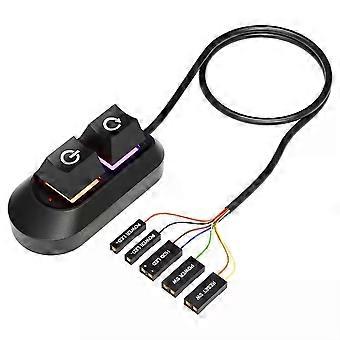
2M Mechanical Desktop Power Switch External Start Computer Switch on/Off and Reset Button Extension Cable PC Power Button Switch
¥1,999
配送料無料

2M Mechanical Desktop Power Switch External Start Computer Switch on/Off and Reset Button Extension Cable PC Power Button Switch

  • ブランド: Unbranded
販売元:

2M Mechanical Desktop Power Switch External Start Computer Switch on/Off and Reset Button Extension Cable PC Power Button Switch
  • ブランド: Unbranded

¥1,999

保存する ¥450 (18%)

希望小売価格

¥2,449
在庫あり
配送料無料

14日間返品ポリシー

販売元:

¥1,999

保存する ¥450 (18%)

希望小売価格

¥2,449
在庫あり
配送料無料

14日間返品ポリシー

支払い方法:

説明

2M Mechanical Desktop Power Switch External Start Computer Switch on/Off and Reset Button Extension Cable PC Power Button Switch
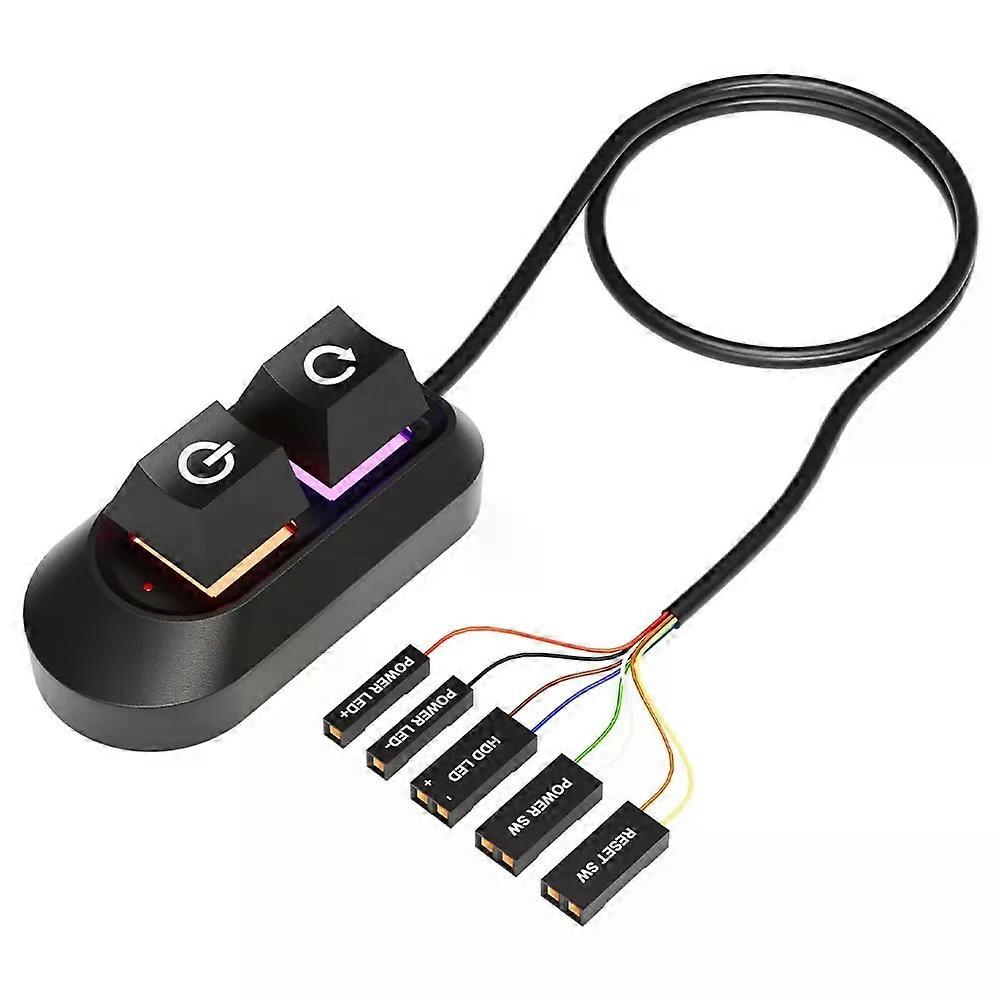
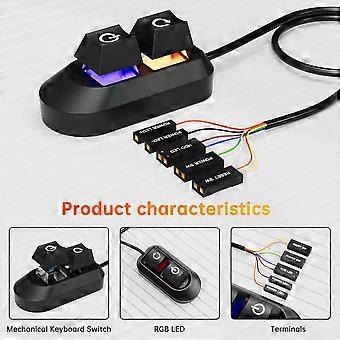
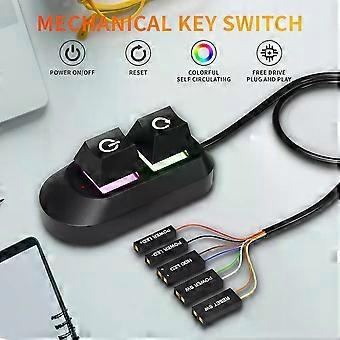
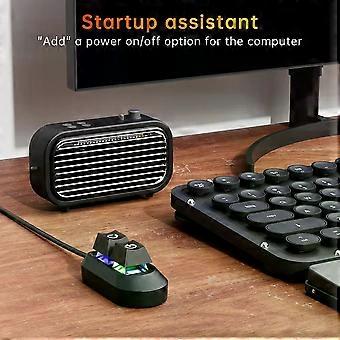
Specifications: Product weight: 56g Product size: 65/32/27.5mm Line length: 2m Color: black Packaging weight: 90g Packaging size: 115/85/35mm NOTE!! There are two versions of this key switch, one is RGB button ,the other is No RGB button ,please kindly choose when you make a purchase Features: External Desktop PC Power / Reset Switch: controlling your computer from the comfort place in the room using the power button and reset button with long cable. Even your computer in a hard to reach place, this power button can make PC power switch ON/OFF much easier. ✔️Mechanical shaft key switch and colorful gradient light : The mechanical axis key as same as the ON/OFF button, same as pressing the mechanical axis keyboard ; coupled with colorful gradient lighting effect, gives you a different power controll experience,along with the reset button ,when you don/x27;t need to power off and power on the computer, this reset button can help you. ✔️Easy to install: the package comes with installation instructions. Just install the HDD LED and RESET SW terminals in another row in sequence, and then check the POWER LED/and HDD LED/ according to the diagram, ensure that the positive electrodes are installed correctly Installations 1. Turn off your computer and disassable the side panel of your computer case. 2. Find the correct hole position from the rear part of thechassis, and lead the cable into the chassis. 3. Find the jumper position of power on and power LED terminais on the mainboard,replace the jumpers in turn and install them in place. Using the same method, install the HDD LED and RESET SW terminals in another row in sequence, and then check the POWER LED/andHDD LED/ according to the diagram, ensure that the positive electrodesare installed correctly. 4.If you want to retain these functions on the front panel,you need to use the one split two adapter for switching. 5.Inspect the installation position are correct, restart your computer and ensure all funtions works as normal .Use the tie to sort out the harness, and put the switch into the right position.
  • Fruugo ID: 451969971-953291754
  • EAN: 06942727508381

配送と返品

3日間以内に発送

  • STANDARD: 無料 - 間の配達 火 27 1月 2026–水 04 2月 2026 - 無料

中国より発送。

ご注文の商品は、お客様の仕様に従い、万全の状態で配送されるように最善を尽くしています。しかし、もし注文に抜けがあったり、注文したものと違う商品が届いたり、注文に満足できないその他の理由がある場合は、注文全体やその中のいずれかの商品を返品し、その全額の返金を受けることができます。 全額返金ポリシーを見る

製品コンプライアンスの詳細

以下に概説されているこの製品に固有のコンプライアンス情報を参照してください。

以下の情報は、この製品を販売する独立したサードパーティ小売業者によって提供されています。

製造業者:
次の情報は、Fruugoで販売される関連製品の製造業者の連絡先詳細です。

  • Hangzhou Zichi Network Technology Co., Ltd
  • Hangzhou Zichi Network Technology Co., Ltd
  • Room 205, Building 3, No. 1866, Binxing Road
  • Changhe Street, Binjiang District
  • Hangzhou
  • China
  • 310000
  • 18758862577@163.com
  • 15158876167

EUにおける責任者:
次の情報は、EUにおける責任者の連絡先情報の概要です。ここで言う責任者とはEUに拠点を置く指定経済事業者で、EU域内で販売される関連製品に関するコンプライアンス義務を負う者のことです。

  • Universal International business SARL
  • Universal International business SARL
  • 254 Rue Vendome 69003 Lyon
  • Lyon
  • France
  • 69003
  • Leroy.Holliana@outlook.com
  • 33773332462