説明
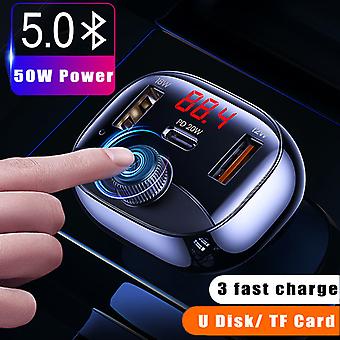
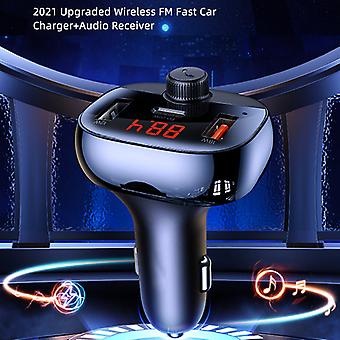
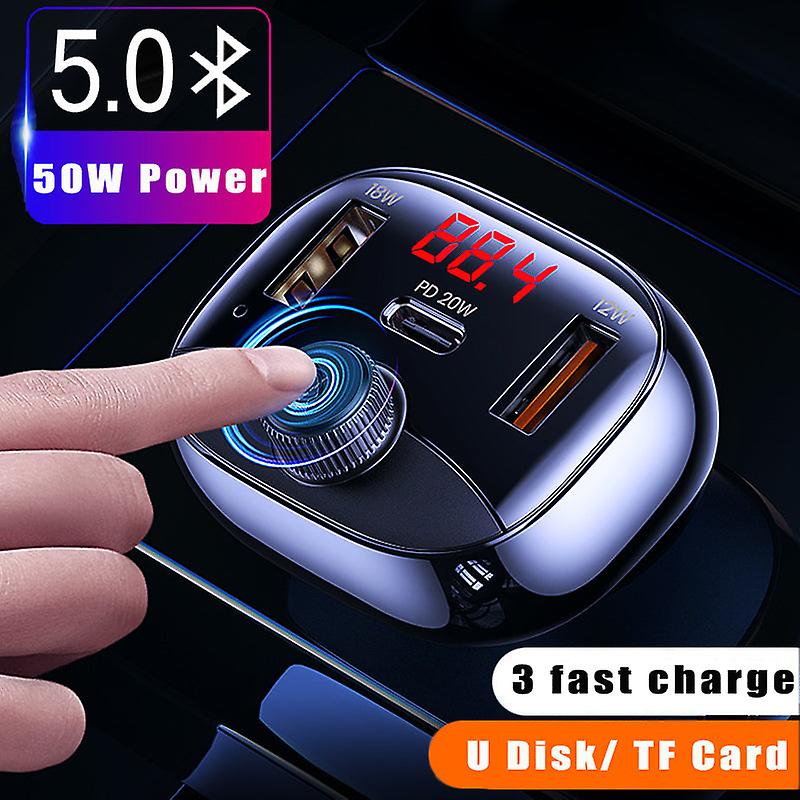
50W Car Mp3 Bluetooth 5.0 Fm Transmitter 3 Ports Fast Charger Digital Display Wireless Modulator Usb Car Kit
50W Car MP3 Bluetooth 5.0 FM Transmitter 3 Ports Fast Charger Digital Display Wireless Modulator USB Car Kit
1. Specification
Color&
65306;Black
Material&
65306;ABS
Size: 81.6*51.5*40.4mm
Input&
65306;DC 12V-24V
USB1 Output&
65306;5V-2.4A&
65288;12W max&
65289;
USB2 Output&
65306;5V-3A 9V-2A 12V-1.5A&
65288;18W max&
65289;
Type-C Output&
65306;5V-3A 9V-2.22A 12V-1.67A&
65288;20W max&
65289;
Total Output&
65306;50W(Max)
USB1 Compatible USB Disk Capacity&
65306;≤64G
Compatible TF Card Capacity:≤64G
BT Version&
65306;5.0
BT Connection Distance:&
65306;≤8m
FM Frequency Range&
65306;87.5-108MHZ
FM Transmission Distance:≤8m
Audio Playback Format: WAV/MP3/APE
Compatibility&
65306;For digital devices
2.Product Structure
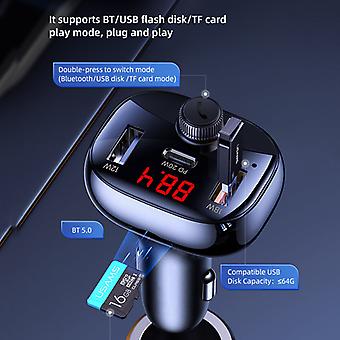
USB1 Output (Normal Charging/ Support USB Disk) Type-C Output USB2 Output
LED Screen LED Indicator
MIC Left Button Multi-function Knob Right Button TF Card Slot Metal Dome
Notes: Pictures for reference only, product please in kind prevail.
3. How to Use
&
9312; Connect to power supply
Plug the product into the cigarette lighter port and power on, the LED screen lights up, that means the start up is successful
&
9313;Connect to car audio via FM
Adjust the car audio to a blank frequency (no local radio channel);
Long press the multi-function button for 2 seconds, the number on LED flashes, enter FM mode;
Rotate the multi-function button to adjust the FM value of the product to make it consistent with the car audio.
If without any operation after 3 seconds, it will auto exit the FM mode, no need to press the button to confirm.
Notes: After connecting the car audio, LED will display the FM value and voltage alternately.
&
9314; Connect to audio input devices
BT mode: Turn on phone/ tablet’s Bluetooth,search“US-CC143”and click to connect,then can play music;after first connection, it will auto connect to the recently paired device.
USB disk mode: Insert the USB flash drive (≤64G) with audio files into the USB1 port to read the audio files
TF card mode: Insert TF card (≤64G) with audio files into TF card slot to read the audio files
Attentions:
*The product supports 3 play modes: BT mode, USB flash disk (≤64G) mode, TF card (≤64G) mode, double-press themulti-function button to switch between the three modes;
*The default play priority is BT mode, and when switch to USB flash disk/TF card mode, you need to wait a moment for files recognition before playing;
*If there is an incoming call when in TF card/USB flash disk mode, the product will directly switch to Bluetooth mode and ringtone rings, after hanging up the call, it will switch back to the mode before the call.
4. Charging
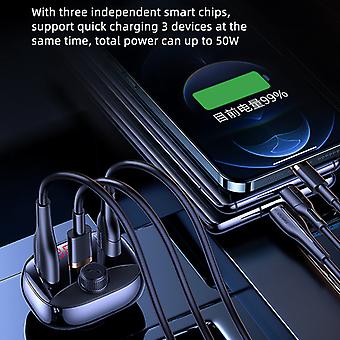
All three output ports can charge for digital devices such as phone/tablet.
USB2 port supports QC3.0/QC2.0/AFC/FCP/BC1.2DCP protocol;
Type-C port supports PD3.0/PD2.0/QC3.0//QC2.0/AFC/FCP/BC1.2DCP protocol;
Support fast charging two or three devices at the same time.
-
Fruugo ID:
179432657-383257971
-
EAN:
887121883626
製品安全情報
以下に概説するこの製品に固有の製品安全性情報を参照してください。
以下の情報は、この製品を販売する独立したサードパーティ小売業者によって提供されています。
製品安全ラベル

安全上の警告:
Please note that the product is safe under normal use conditions. However, improper use may lead to hazards such as damage, injury or other safety risks. Please read and follow the instructions carefully.This product complies with EU safety standards. However, for your safety, if any abnormality (such as strange smell, overheating, loose parts, etc.) is found during use, please stop using it immediately.In accordance with the EU General Product Safety Regulation, we remind you that this product is only suitable for [specific applicable people / scenarios]. Use in non - specified people / scenarios may bring potential safety hazards.