説明
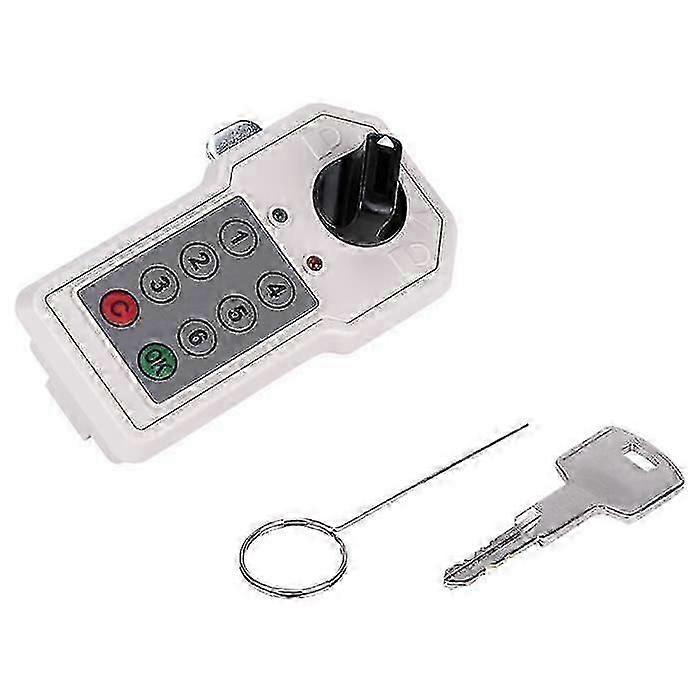
6-Digit Combination Security Lock for Cam Cabinet with Convenient Code Access
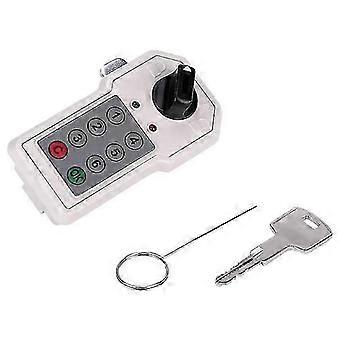
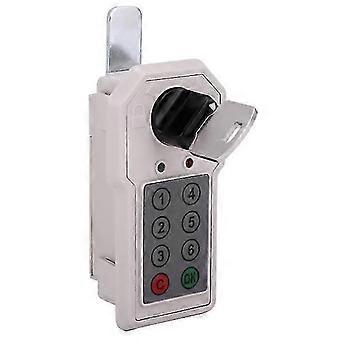
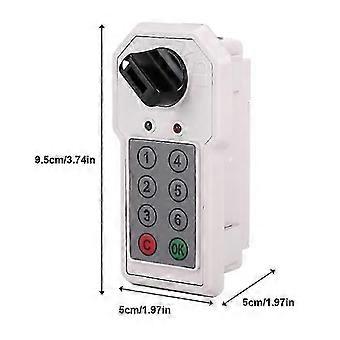
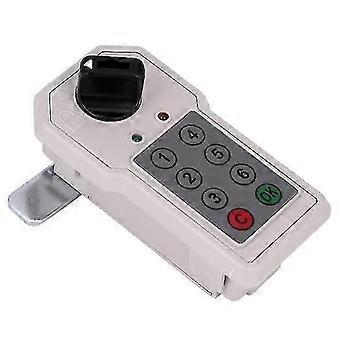
Feature: Master code and master key allow access if the user code is forgotten. LED indicator displays operational status and low battery warning. Easy screw-free installation. Adjustable cam rotates clockwise or counterclockwise. Ideal for filing cabinets, storage cabinets, and similar enclosures. Specifications: Material: ABS Dimensions: 9.5 x 5 x 5 cm / 3.74 x 1.97 x 1.97 in (approx.) Installation: 1. Battery installation: For first-time use, insert the included key and turn it 90 degrees clockwise to unlock. Install two AA alkaline batteries into the battery compartment on the back of the lock body. Then relock the cabinet. Remove and securely store the key. 2. Setting the password (user and management passwords are set together): Factory default: User password is “1”; management password is “6”. Password length: 1–12 digits. Passwords are retained when power is disconnected. First-time setup: Press button “1” (factory default) → press “C” → enter new password (e.g., 123456) → press “OK”. A long beep (“Di~”) confirms successful setup. To change password: Enter current password → press “C” → enter new password → press “OK”. A long beep confirms activation. 3. Unlocking: Enter the programmed password on the keypad → press “OK”. Each keypress provides audible and visual feedback. If correct, the green LED illuminates and a long beep sounds (“Di~”). Turn the knob clockwise to unlock. If the knob is not turned within the unlocking window, the lock automatically resets. If incorrect, a double-tone alert (“DI-DI”) sounds — re-enter the correct password. 4. Locking: Turn the knob counterclockwise to the locked position. 5. Security alarm: After four consecutive incorrect password attempts, the lock triggers a 60-second alarm. Enter the correct password and press “OK” to deactivate. 6. Low battery warning: When battery level is low, three short beeps sound during unlocking and the red LED illuminates. Approximately 100 more unlocks remain before full depletion. Replace batteries promptly. 7. Emergency mechanical unlock: If battery power is insufficient, use the included key to unlock. This is for emergency use only — replace batteries immediately after access. 8. Password reset (if forgotten): - After unlocking with the key, press the “Clear” button on the back of the lock. A long beep (“Di~”) confirms the user password has been restored to factory default. - After unlocking with the key, press and hold the “Clear” button for 5 seconds. A long beep (“Di~”) confirms the management password has been restored to factory default. If both passwords are forgotten, use the key to gain access and reset via the above steps. Package Includes: 1 x Digital Code Lock 1 x Emergency Key 1 x User Manual
-
ブランド:
Unbranded
-
カテゴリー:
錠・掛金
-
Fruugo ID:
459889726-968166251
-
EAN:
6254311651183
製品安全情報
以下に概説するこの製品に固有の製品安全性情報を参照してください。
以下の情報は、この製品を販売する独立したサードパーティ小売業者によって提供されています。
製品安全ラベル

安全上の警告:
Do not let your children touch this product alone to avoid swallowing or other injuries.