説明
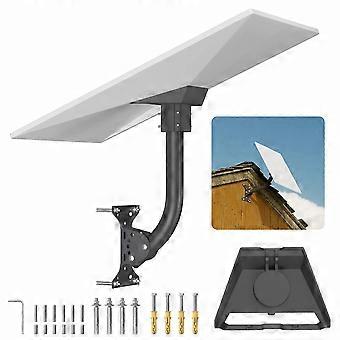
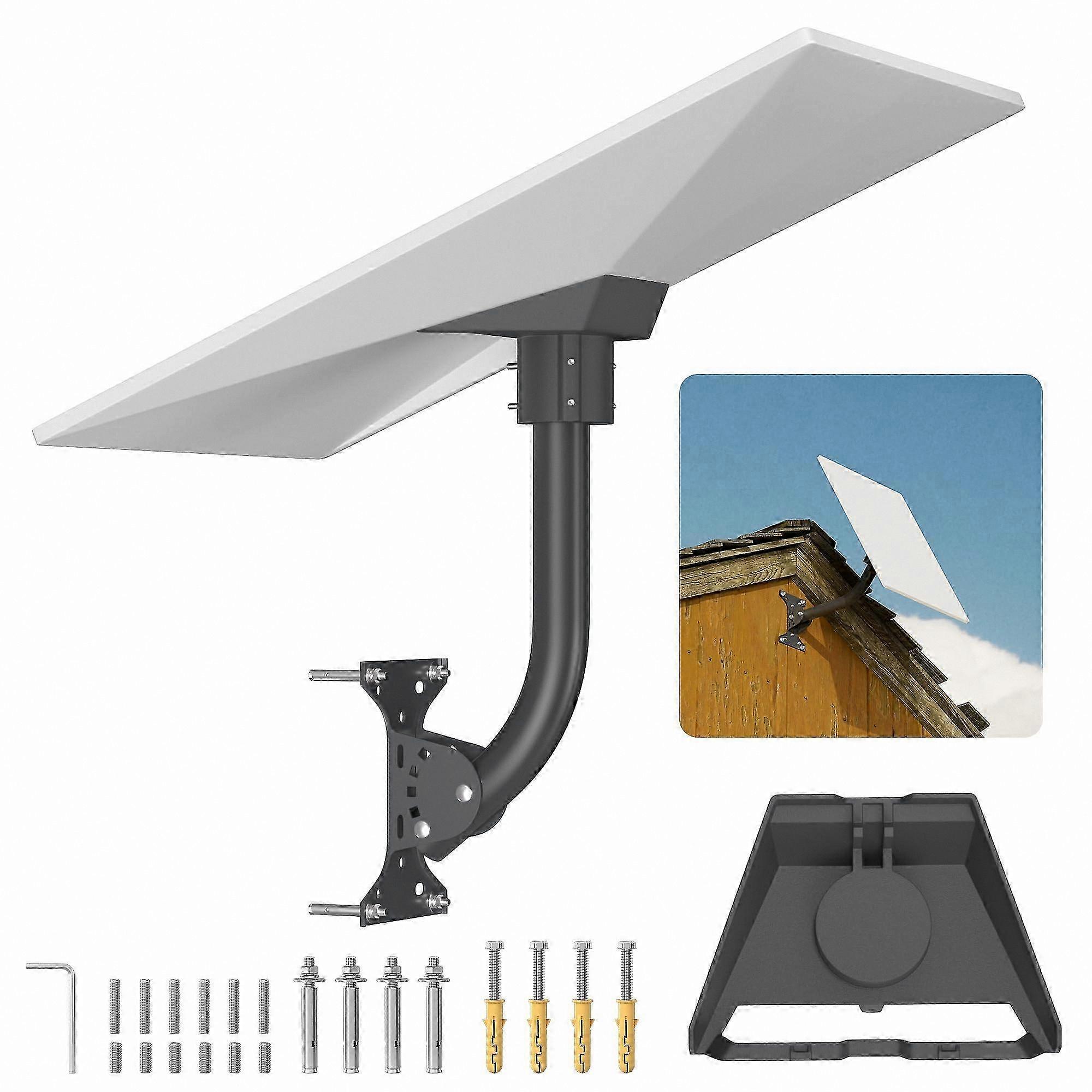
Adjustable Swivel Wall Mount with Metal Pipe Adapter for Satellite Dish Pole Installation Kit
- Adjustable Angle: The Starlink Wall Mount Gen 3 features five square ports for flexible angle adjustments, allowing you to find the optimal signal reception for your Starlink Gen 3 satellite dish. With a full 360° rotation at the top, you can easily adjust the orientation to enhance connectivity.
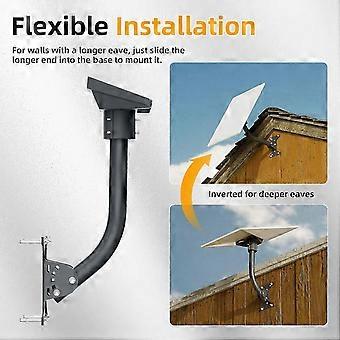
- Flexible Installation: Designed for various environments, the Starlink Gen 3 Pin Holder can be installed at either end of the pipe. This adaptability allows for unique setups, ensuring a reliable installation even in challenging conditions. Simply twist the pipe to achieve the desired fit when traditional mounting options are not suitable.
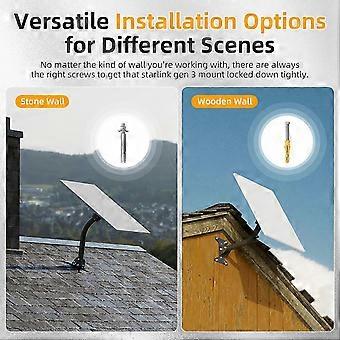
- Two Types of Expansion Bolts: Choose the right solution for your wall type. Our metal housing expansion screws are ideal for concrete walls, providing durability and a secure fit. For wood walls, our plastic housing expansion screws ensure easy installation without sacrificing stability.
- Weather-Resistant Durability: Constructed from high-quality, weather-resistant materials, the Starlink Gen 3 Roof Mount is built to endure harsh weather conditions. It offers reliable performance against high winds and inclement weather, ensuring your Starlink system remains operational when you need it most.
Use Scenarios:
1. Install on the roof or wall of your home to maintain a strong satellite connection, even during stormy weather.
2. Set up in a remote cabin or outdoor workspace where internet connectivity is essential, while easily adapting to varying installation conditions.
3. Position in a shaded area or on a sloped roof, where traditional mounting solutions may fall short, ensuring you capture the best signal.
The Starlink Wall Mount Gen 3 is your solution for a secure, efficient, and reliable satellite internet installation.
-
Fruugo ID:
454764610-958477578
-
EAN:
8723986621442
製品安全情報
以下に概説するこの製品に固有の製品安全性情報を参照してください。
以下の情報は、この製品を販売する独立したサードパーティ小売業者によって提供されています。
安全上の警告:
Please use according to the instruction manual