説明
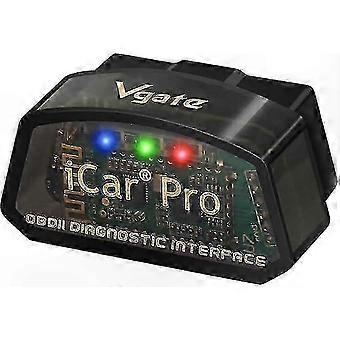
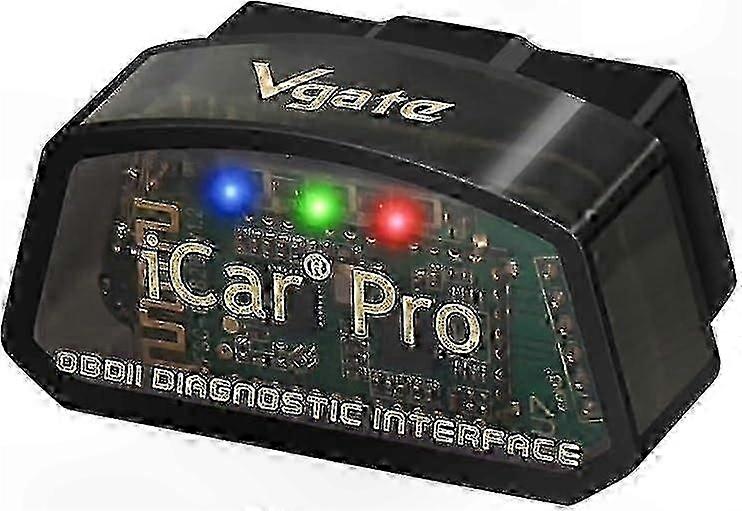
Bluetooth 4.0 BLE OBD2 Scanner Adapter for Car Diagnostics and Fault Code Reading
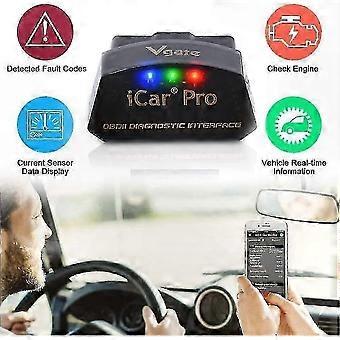
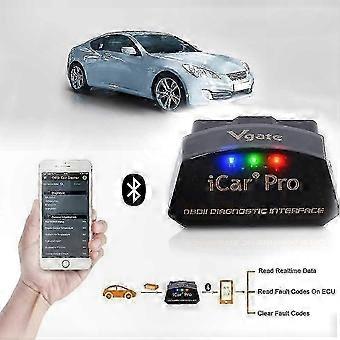
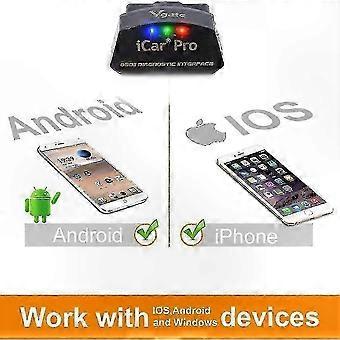
Vgate car scanner designed for car enthusiasts who want to perform professional-level diagnostics. Fully compatible with all OBD2 protocols and commands, featuring an auto-sleep / auto-wake function that minimizes power consumption and helps protect your vehicle's battery life. Note: The auto-wake function is not supported on hybrid or fully electric vehicles. Read both generic and manufacturer-specific diagnostic trouble codes. Equipped with a fast ARM processor capable of reading up to 30 PIDs per second. Access real-time ECU sensor data including engine RPM, fuel system status, fuel pressure, oxygen sensor voltages, and other key vehicle parameters. Prepare for emissions testing by checking readiness status. Read and clear trouble codes, turn off the MIL (Check Engine Light), view freeze frame data, and monitor I/M readiness. Works seamlessly with top OBD2 apps for enhanced functionality. After 30 minutes of engine shutdown, the Vgate iCar Pro Bluetooth 4.0 enters sleep mode to prevent battery drain. Smart wake-up triggers activate the device when connecting via Bluetooth, unlocking doors, or starting the engine. Compatible with all OBD2/EOBD-compliant vehicles. Supports all OBD2 communication protocols including SAE J1850-PWM, SAE J1850-VPW, ISO 9141-2, ISO 14230-4 (slow and fast), ISO 15765-4 (CAN), SAE J1939 (CAN), and ISO 11898 (raw CAN). Designed for 12V gasoline vehicles and light-duty 12V diesel vehicles with a gross weight of 6.5T or less that support OBD2 protocols. Not compatible with heavy-duty 24V diesel vehicles such as semi-trailers or tractors, which use different systems. Supports popular apps on iOS such as Bimmercode, OBD Fusion, OBD Auto Doctor, OBD Car Doctor, and JScan. Compatible with Android apps including Torque Pro, Torque Lite, JScan, OBD Fusion, and OBD Auto Doctor. Connection must be made through a third-party OBD2 app on your smartphone or tablet. App functionality may vary depending on the application used. For Android devices, the adapter will appear as "Android-Vlink" and should be connected using this name. For iOS devices, the name "iOS-Vlink" may not appear; simply enable Bluetooth and configure the device within the OBD2 app settings. Simple setup: Plug the Vgate iCar Pro Bluetooth 4.0 OBD2 adapter into your vehicle's OBD2 port, ensure Bluetooth is enabled on your mobile device, pair the device, launch your preferred OBD2 app, and begin diagnostics. Professional OBD2 diagnostic tool designed for reliable performance. Part of the iCar and vLinker series. Features low energy consumption and broad vehicle compatibility. Suitable for use with iOS and Android devices. Follow standard connection steps for quick and easy operation.
-
Fruugo ID:
425610865-894027347
-
EAN:
1343199205740
製品安全情報
以下に概説するこの製品に固有の製品安全性情報を参照してください。
以下の情報は、この製品を販売する独立したサードパーティ小売業者によって提供されています。
安全上の警告:
Do not let your children touch this product alone to avoid swallowing or other injuries