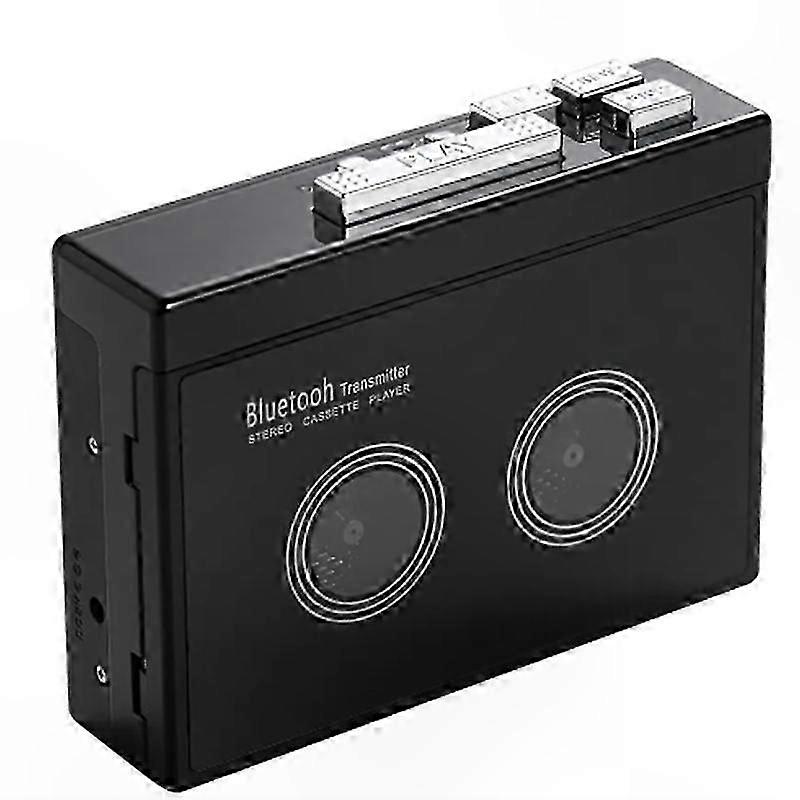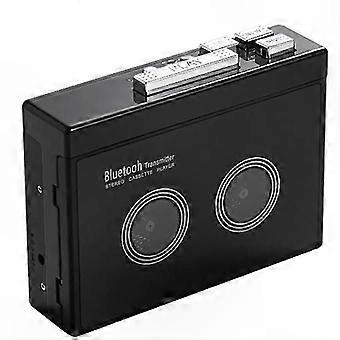
Bluetooth-Enabled Retro Cassette Player with Auto Reverse and Audio Playback Functionality

¥7,590
+ 配送料¥1,799

Bluetooth-Enabled Retro Cassette Player with Auto Reverse and Audio Playback Functionality
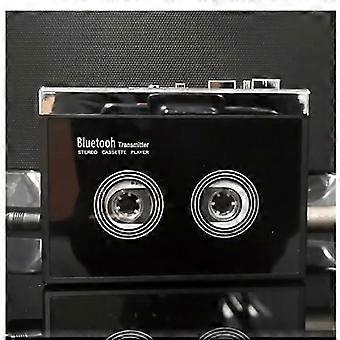
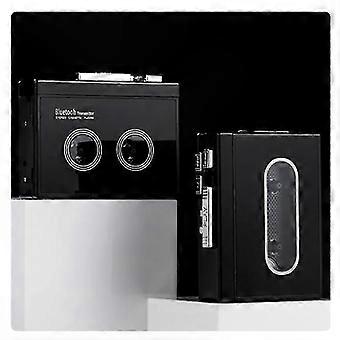
  • ブランド: Unbranded
販売元:

Bluetooth-Enabled Retro Cassette Player with Auto Reverse and Audio Playback Functionality
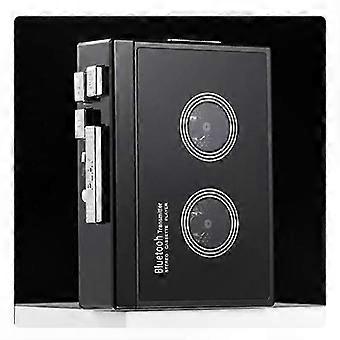
  • ブランド: Unbranded

¥7,590

保存する ¥3,600 (32%)

希望小売価格

¥11,190
在庫あり
+ 配送料¥1,799

14日間返品ポリシー

販売元:

¥7,590

保存する ¥3,600 (32%)

希望小売価格

¥11,190
在庫あり
+ 配送料¥1,799

14日間返品ポリシー

支払い方法:

説明

Bluetooth-Enabled Retro Cassette Player with Auto Reverse and Audio Playback Functionality
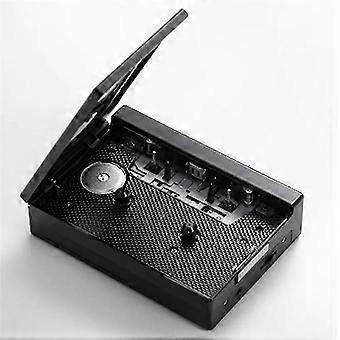
How to connect your phone via Bluetooth and switch to FM radio? (Note: K66-1 version supports Bluetooth only.) Plug in headphones or a speaker with a 3.5mm jack. Press and hold the Bluetooth power button for 3 seconds to activate Bluetooth mode. Press the FM button to toggle between Bluetooth audio and FM radio. A solid blue LED indicates an active Bluetooth connection; a flashing blue LED indicates FM radio mode. When prompted, enable Bluetooth on your phone, search for and pair with device name “HC01”. Once paired, the blue LED remains solid. Play audio from your phone through the connected headphones or speaker. Press “+” or “−” briefly to skip tracks; press and hold to adjust volume. You may also adjust volume directly from your phone.In FM radio mode, press the ▶ button to start automatic station search and save stations. After saving, press “+” or “−” briefly to switch between saved stations; press and hold to adjust volume. Tape playback is not available when using Bluetooth or FM radio modes.How to connect a Bluetooth receiver? Ensure the Bluetooth receiver is powered on. Press and hold the Bluetooth power button for 3 seconds to enable Bluetooth mode. The white LED will flash rapidly while searching and pairing automatically. Once paired successfully, the white LED stays solid. Insert a tape and press “PLAY” to begin playback. During Bluetooth pairing, do not plug anything into the headphone jack, as this prevents automatic pairing. Press and hold the Bluetooth power button for 3 seconds to turn off Bluetooth. If no Bluetooth device connects within a set time, the white LED will flash and Bluetooth will auto-disable.
  • Fruugo ID: 457903579-964891606
  • EAN: 8868253505510

製品安全情報

以下に概説するこの製品に固有の製品安全性情報を参照してください。

以下の情報は、この製品を販売する独立したサードパーティ小売業者によって提供されています。

安全上の警告: Please use according to the instruction manual

配送と返品

3日間以内に発送

  • STANDARD: ¥1,799 - 間の配達 水 28 1月 2026–木 05 2月 2026

中国より発送。

ご注文の商品は、お客様の仕様に従い、万全の状態で配送されるように最善を尽くしています。しかし、もし注文に抜けがあったり、注文したものと違う商品が届いたり、注文に満足できないその他の理由がある場合は、注文全体やその中のいずれかの商品を返品し、その全額の返金を受けることができます。 全額返金ポリシーを見る

製品コンプライアンスの詳細

以下に概説されているこの製品に固有のコンプライアンス情報を参照してください。

以下の情報は、この製品を販売する独立したサードパーティ小売業者によって提供されています。

製造業者:
次の情報は、Fruugoで販売される関連製品の製造業者の連絡先詳細です。

  • Wu Jiayue
  • Guangzhou Marvel Trading Co., Ltd.
  • Room C1839, 1002, No. 80, Modaonan Street, Yongtai, Yongping Street Baiyun District
  • Guangzhou
  • CN
  • 510420
  • jici5016queyimi14@163.com
  • 15625617795

EUにおける責任者:
次の情報は、EUにおける責任者の連絡先情報の概要です。ここで言う責任者とはEUに拠点を置く指定経済事業者で、EU域内で販売される関連製品に関するコンプライアンス義務を負う者のことです。

  • Van Lavazza
  • Y & H S.R.L.
  • Via Gravina 21 MT matera,Trani,Puglia
  • Trani
  • Italy
  • 75100
  • itlyhsrl@gmail.com
  • 0039 3917722149