説明
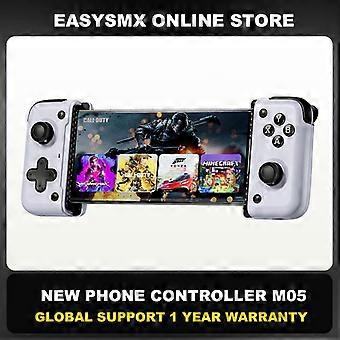
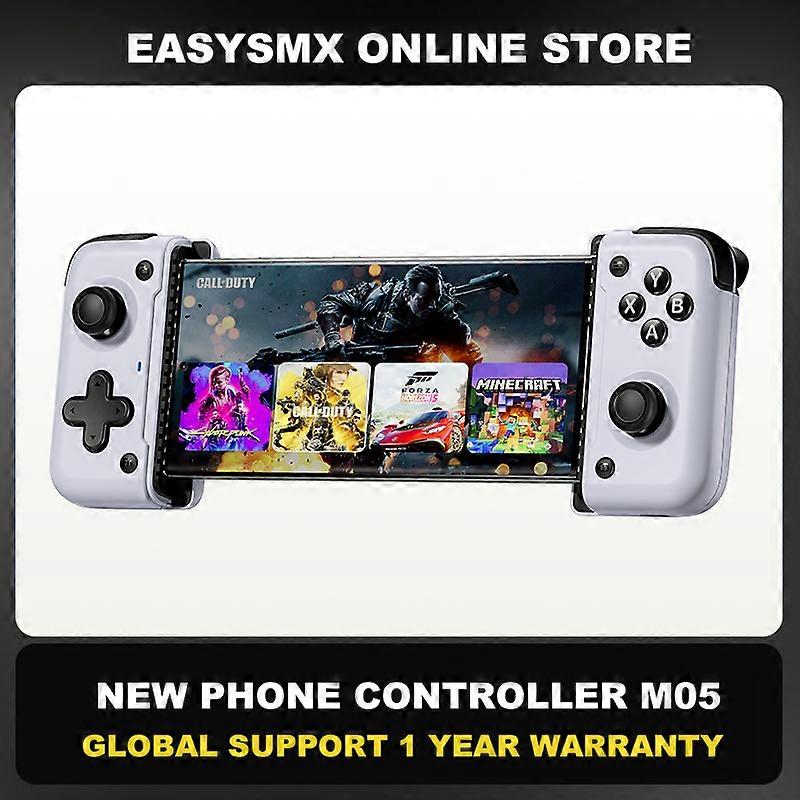
EasySMX M05 Type C Gamepad, Cloud Gaming Mobile Phone Controller for Android Phone/Xbox Game Pass/iPhone 15, Mapping function
Wide Compatibility
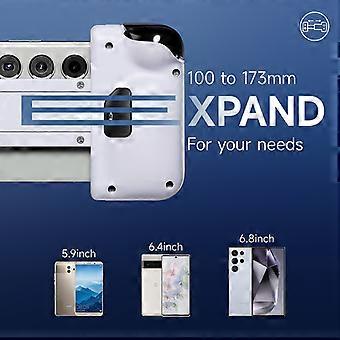
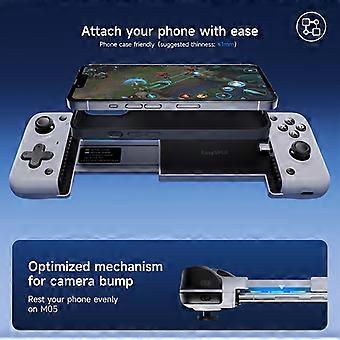
M05 game controller supports Android mobile phones with Type C interface, and supports mobile phones with mobile phone cases
Supports Native Android Games and Console-Ported Games
the controller has built-in HID/XBOX/PS protocols and is effectively compatible with native Android games. Controller games and console ported games, supporting Cloud Gaming Xbox Game Pass, STADIA, xCloud, GeForce, Luna
Vibration Effect
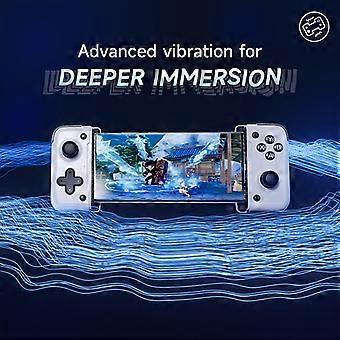
The controller has its own motor and supports native games with vibration signals through the streaming platform
Mapping Function
For mobile games that do not support native controllers, the controller supports the APP MooWii Gaming mapping function
Sleep Time
The controller will automatically enters sleep mode after ten minutes of no operation. After sleep, all global buttons can make it work.Press and hold the Turbo key for 6 seconds to enter the sleep mode
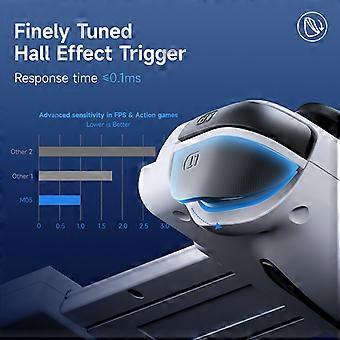
Hall Linear Trigger
Hall trigger, accurate micro-control, free retraction and retraction, experience the acceleration feeling brought by different throttle sizes in the game
0 Dead Zone Joystick
exclusive self-developed calibration algorithm 3D joystick, physical joystick brings smooth and accurate movement, 0 dead zone joystick
Play While Charging
The controller supports power consumption through the mobile phone. The controller itself does not need to be charged and supports 15W fast charging
500Hz Adjustable Polling Rate
Choose according to the performance of your mobile phone, up to 500Hz polling rate is supported
Controller Modes
HID mode (Android only)
The yellow light flashes slowly, and its always on when the connection is successful.
This mode is most compatible with native Android gamepads, and is recommended for native games.
XBOX mode (Xinput) (Android only)
The white light flashes slowly, and its always on when the connection is successful.
This mode is suitable for playing streaming and console ported games.
M Virtual touch (Android only)
The blue light flashes slowly, and its always on when the connection is successful.
This mode is mainly used in mobile games that do not support the native controller, the initial key mapping needs to be used with APP,the download address can be scanned on the back of the controller QR code(or manual APP Download Page),key mapping is completed the second time to enter the game does not need to open the APP to use.
To switch to mode, press and hold the FN+TURBO keys for 2 seconds
Connection How-to Video
-
Fruugo ID:
308804666-691387489
-
EAN:
9123213548051
製品安全情報
以下に概説するこの製品に固有の製品安全性情報を参照してください。
以下の情報は、この製品を販売する独立したサードパーティ小売業者によって提供されています。
製品安全ラベル

安全上の警告:
IMPORTANT SAFETY INSTRUCTIONS
READ BEFORE USE: Read all instructions and safety warnings before using this product. Failure to follow these guidelines could result in injury, damage, or malfunction.
GENERAL WARNINGS
INTENDED USE: Use this product only for its intended use as described in the user manual.
SUPERVISION REQUIRED: This product is not intended for unsupervised use by children or persons with reduced physical, sensory or mental capabilities.
INSPECT BEFORE USE: Inspect before use for any signs of damage or wear. Do not use if damaged.