説明
Galaxy Tab S6 Lite 10.4 inch 2022/2020 Keyboard Case Cute Round Key Colorful Keyboard Wireless Detac
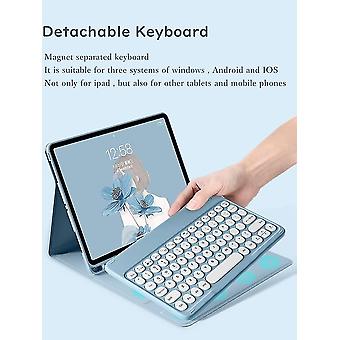
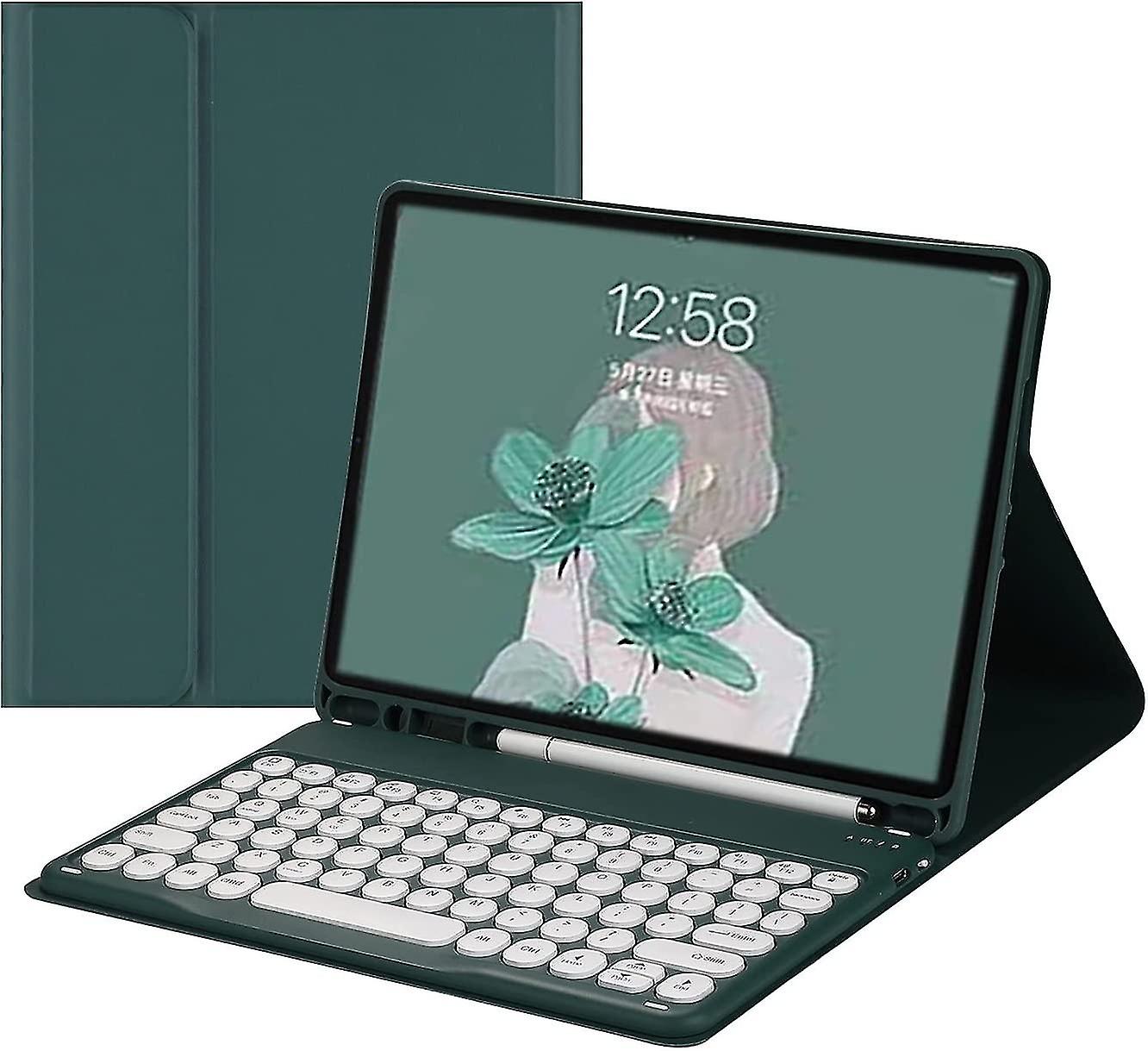
Compatibility designed for Galaxy Tab S6 Lite 10.4-inch 2020 tablet (Model: SM-P610/P615). -- Note: Not applicable to 2019 S6 (SM-T860/T865) version. Please verify model number "SM-Pxxx" before purchasing. Detachable The keyboard is magnetically attached to the case and can be removed or placed directly when needed. The keyboard is suitable for Windows Android iOS 3 systems and can be used not only with Galaxy tablets but also with other tablets and mobile phones. Built-in S pen holder case has a built-in pen holder, making it easy to use and take your pencil with you, you don't have to worry about losing your pen. There is no S Pen. The convenient shortcut keyboard is equipped with multi-functional shortcut keys, so you can take a screenshot, lock the screen or adjust the volume with one click. By combining FN with other keys, your tablet will be as convenient as your laptop. The Galaxy Tab keyboard case's scissor switch keys and Bluetooth 3.0 give you quiet, soft, and responsive typing. (The connection range can reach 10M). Stand Function With this sleek and elegant design, it turns your Galaxy Tab into a laptop in less than a second. Premium synthetic leather exterior protects your tablet from accidental drops and bumps; soft anti-slip interior protects your tablet from scratches. Perfect for working, writing or watching videos Bluetooth keyboard connection steps 1. After turning the power switch to the ON position, the power indicator light will light up for 3 seconds. Press Fn+C to enter the code pairing mode, and the Bluetooth indicator light starts to flash. Then the Bluetooth keyboard automatically enters pairing mode. 2. Turn on and unlock the tablet and click the "Settings" icon. 3. In the Settings menu, tap the Bluetooth menu. 4. Turn on the Bluetooth switch, and the tablet will automatically search for Bluetooth keyboard devices. 5. Discover the Bluetooth keyboard device: Bluetooth Keyboard**, click the Bluetooth keyboard and it will automatically connect. 6. After the Bluetooth connection is successful, the pairing indicator light goes out, and "Connected" will appear in the Bluetooth device list.
-
Fruugo ID:
297265547-665087747
-
EAN:
6412516823426