説明
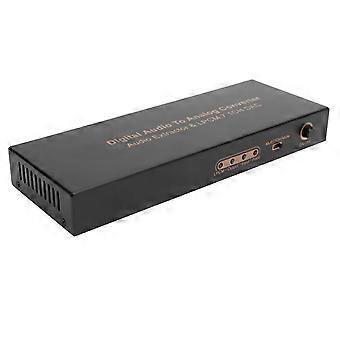
HD Multimedia Interface 4K Video Converter LPCM 7.1CH Digital Audio Extractor AdapterUK Plug 100?240V
Item Type: Audio Extractor
<br>Material: Iron Box
<br>Color: Black
<br>Weight: Approx. 633.0g/22.3oz
<br>Model: HDCN0033M1
<br>HD Multimedia Interface Input and Output Resolution: up to 4K/30Hz, 1080P/1080I/720P/576P/480P/60Hz
<br>HD Multimedia Interface Supports Video Color Format: 24-bit/dark 30-bit/36-bit
<br>HD Multimedia Interface Supports Audio Formats: DTS-HD/Dolby-TrueHD/LPCM/
<br>DTS/Dolby-AC3/DSD
<br>Support Digital Audio Conversion Format: LPCM, up to 7.1CH
<br>HD Multimedia Interface Maximum Transmission Bandwidth: 300MHz
<br>HD Multimedia Interface Maximum Transmission Rate: 9Gbps
<br>Input and Output TMDS Signal: 0.5-1.5Vp-p (TTL)
<br>Input and Output DDC Signal: 5Vp-p (TTL)
<br>DAC Sampling Frequency: 32-192 KHz
<br>DAC Bit Tate: 16-24 Bit
<br>For RCA Analog Output: 2V RMS
<br>Signal to Noise Ratio (1kHz 0dB): ≥90dB
<br>Total Wave Distortion (1kHz 0dB): ≤0.01%
<br>Frequency Response: 20Hz-20KHz
<br>HD Multimedia Interface Input Cable Length: ≤15m AWG26 HD Multimedia Interface Standard Cable
<br>HD Multimedia Interface Output Cable Length: ≤15m (1080P)/8m (4K) AWG26 HD Multimedia Interface Standard Cable
<br>Maximum Working Current: 500mA
<br>Power Adapter Specifications: AC 100V-240V 50/60Hz, DC 5V/1A
<br>
<br>How to use:
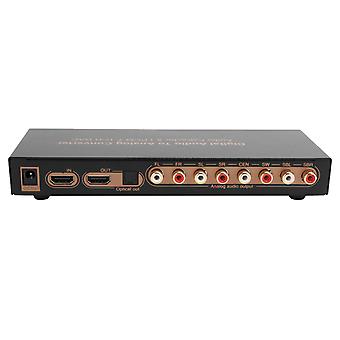
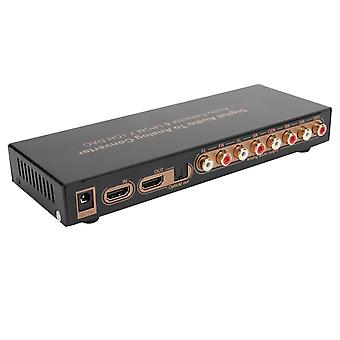
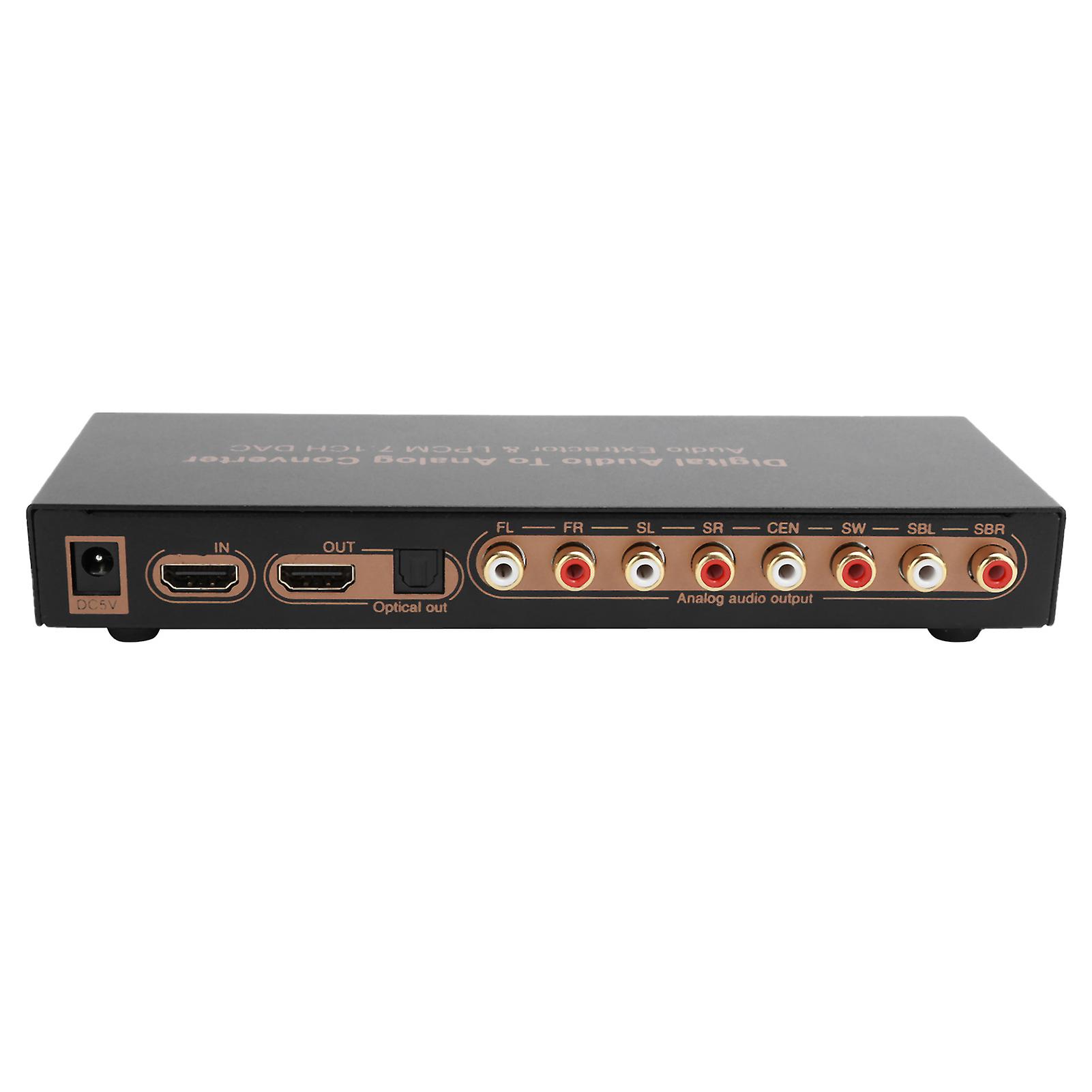
<br>1. Connect the DVD/BD HD Multimedia Interface HD output terminal to the HD Multimedia Interface input terminal of the converter via the HD Multimedia Interface cable.
<br>2. Connect the HD Multimedia Interface output terminal of the converter to the HD Multimedia Interface input terminal of the TV/monitor through the HD Multimedia Interface cable.
<br>3. When digital audio is needed, connect the optical output end of the converter to the optical input end of the power amplifier through an optical fiber cable.
<br>4. When analog audio is needed, connect the multi-channel analog audio to the analog audio input end of the power amplifier through for RCA audio cable. Note that the channels correspond one to one. When connecting a TV or stereo amplifier, you only need to connect the FL/FR two channels, and select the audio mode switch to 2CH mode.
<br>5. Finally, connect the DC head of the power adapter to the DC input end of the converter, and then insert the adapter plug into the power socket.1、Support 1 channel HD Multimedia Interface input and output, separate HD Multimedia Interface audio signal synchronously.
<br>2、Support 1channel SPIDF optical fiber digital audio output, and support multi?channel for RCA analog audio output.
<br>3、HD Multimedia Interface supports for 12?bit deep color FULL HD, 3D and 4K 2K video, high sound quality, low noise.
<br>4、HD Multimedia Interface supports for CEC function, using 24bit/192KHz DAC audio conversion chip.
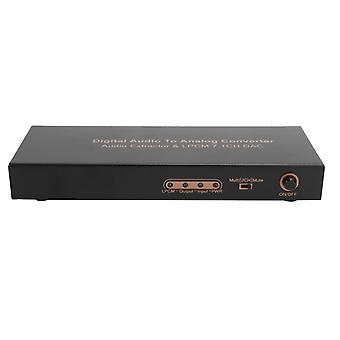
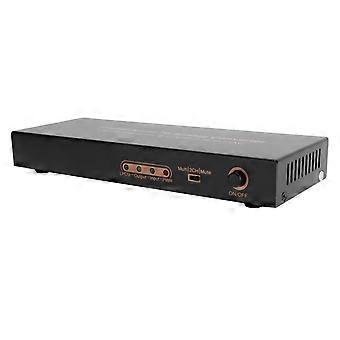
<br>5、Support multi?channel LPCM digital audio conversion into analog audio output, up to 7.1 channels, LED indicator. 6、Supports three audio output modes, switch between multi?channel (Multi), stereo (2CH) and mute, to match different applications.1 x Audio Extractor<p>1 x Charger</p><p>1 x Manual</p>
-
Fruugo ID:
378882516-818093699