商品詳細
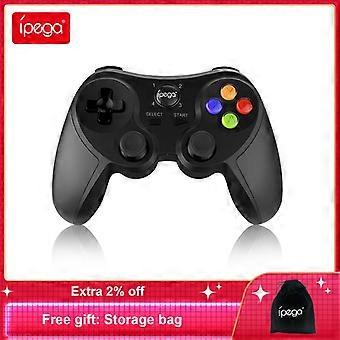
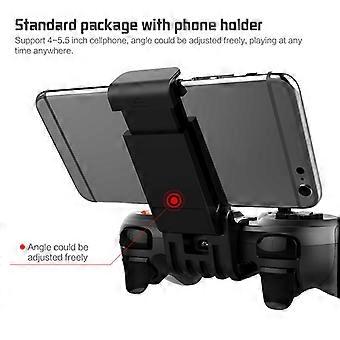
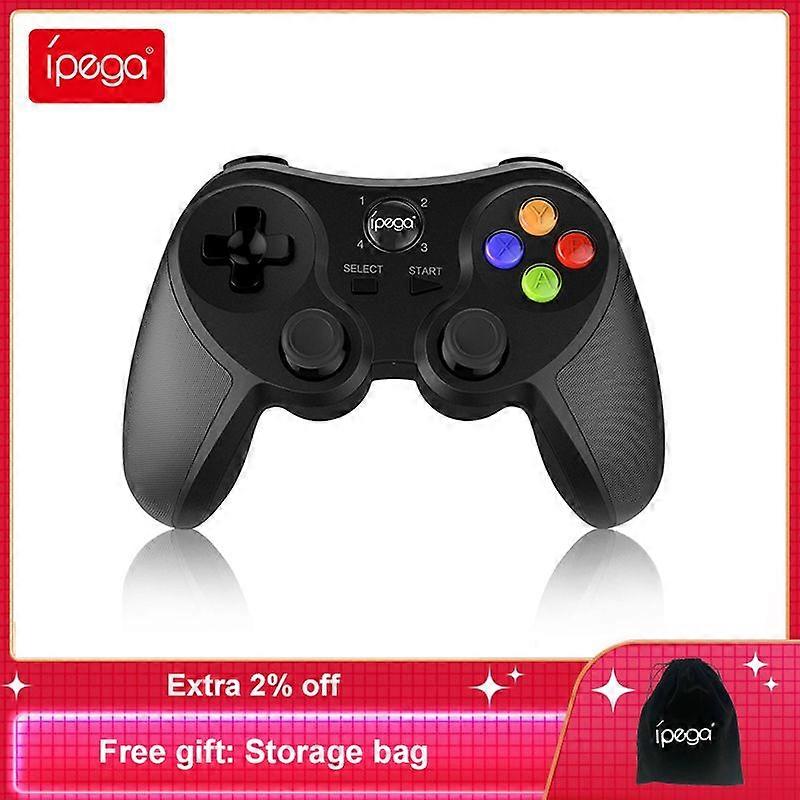
Ipega PG-9078 Mobile Game Controller Wireless Bluetooth Gamepad with Removable Bracket compatible withiOS Android Smart Phones PC
Applicable instructions
1.Thanks for purchasing iPega developed Bluetooth GamePad.
2.This product mainly compatible with Bluetooth enabled Android / Win 7 / Win 8 / Win 10 systems
devices for gaming control.
3.Compatible with above systems Smart phone, tablet, Android Smart TV/TV box and Windows PC.
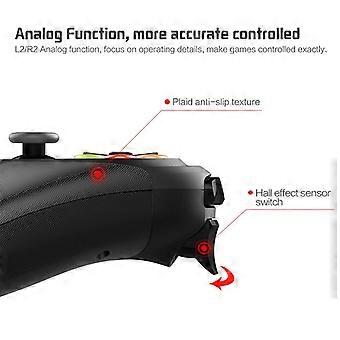
4.LT button and RT button have simulator function, much more focus on operating details, make
games controled exactly.
Introduction for key functions:
Usage of Android device
1. Press and hold X button + ipega button for 2 seconds at the same time, 4 LED indicator lights
will blink simultaneously in a rapid manner at this moment.Refer Pic1
2.Open the Bluetooth on Android device, click searching, find and select “PG-9078” for Bluetooth
pairing. Refer Pic2
3. LED1 lit on after Bluetooth connected. Refer Pic3
4.Then you are ready for playing games on Android devices.
How to connect PC device for playing games by using USB data cable:
1. Hold on the START key on gamepad and connect
gamepad to the computer"'"s USB port via the USB
cable. At this point entered the USB wired mode.
2. After the wired mode connected, the LED2
indicator is on; In this case, it is the PS3 mode. you
can play games on Sony PS3.
3. Press the ipega key for three seconds to switch to
x-input mode and playing of 360 games on PC.
The LED3 indicator lights up once successful
connected.
How to connect PC device with Bluetooth:
1. Press and hold iPega + X button for 2 seconds until LED flash quickly, which means game controller
entered into Bluetooth searching.(If your PC has Bluetooth function, please go to step4)
2.Insert the Bluetooth 4.0 or above dongle (not in the package) into the USB interface on PC device;
The driver will be installed by Windows system automatically;
3. After the driver is installed successfully,the symbol of the Bluetooth device will be displayed in the
lower right corner of the computer.
4. Move the mouse to the Bluetooth symbol, click the right mouse button,and selectAdd device.
5. After selectingAdd device, the device model (PG-9078) icon can be searched.
6. Clicknext, and selectDo not use the code to match, it will be automatically added after confirmed ,
then remind the Bluetooth was connected! After connected, the indicator light is always on.
7. It will be D_INPUT mode after the Bluetooth is connected successfully and can support the games
running in simulator way.
Packing list
Frequency asked question to operate this Gamepad
Q1: I opened Bluetooth searching, but still can’t pair it with my device?
A1: Please turn off and ignore the previous connected device. Then reopen Bluetooth for
connect. If you still can’t connect, then please use the needle press the RESET button on the
back of Gamepad for 5 seconds. Then reconnect the Bluetooth.
Q2: I can’t turn on the Gamepad.
A2: Please recharge the Gamepad before you use it at the first time or use it again after a long
period. Please check the charge indicator light turn on while charging and will turn off once fully
charged. If the Charge indicator do not light on while charge cable connected to the power
source, then please try to change a charge cable or use the needle press the RESET button on
the back of Gamepad for 5 seconds.
Q3: Joystick moving itself or other buttons works improper when entered the game.
A3: Please use the needle press the RESET button on the back of Gamepad for 5 seconds.
Please be reminded don’t touch wrong buttons while Bluetooth pairing.
-
Fruugo ID:
211019118-449772966