説明
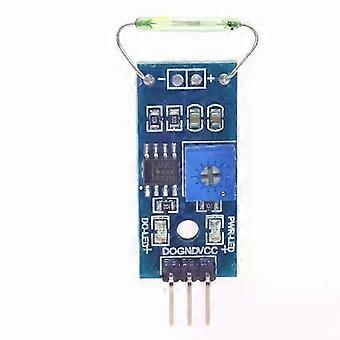
MagSwitch: A new reed sensor module, magnetron module, and reed switch for Arduino.
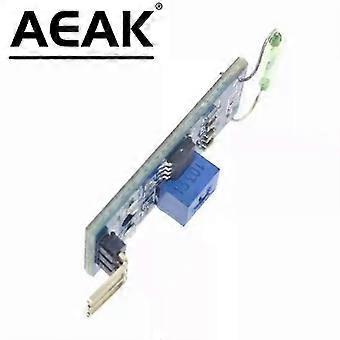
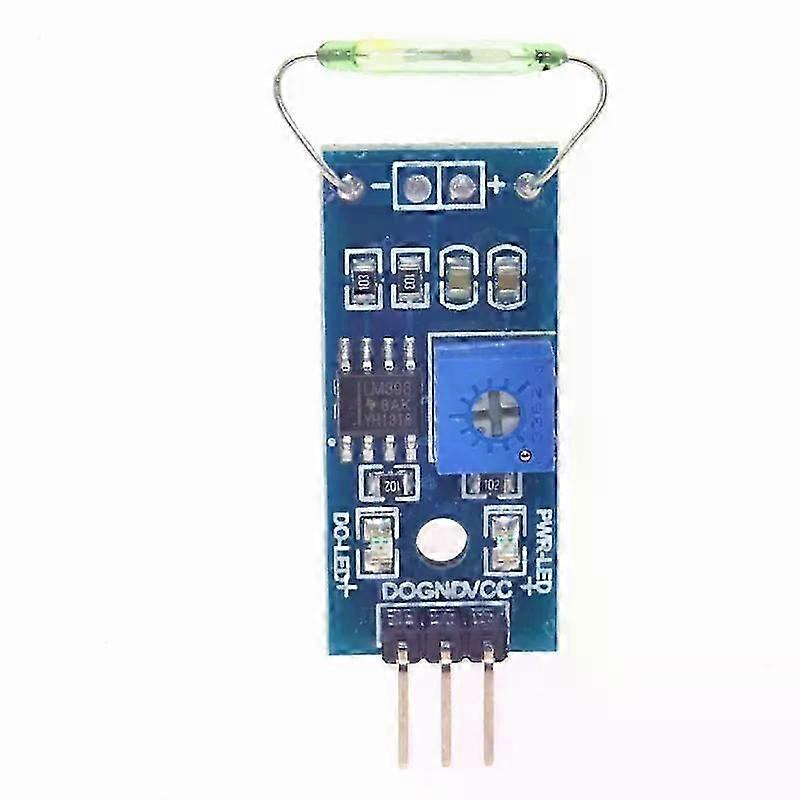
New Reed Sensor Module/Magnetron Module/Reed Switch/Magnetic Switch for Arduino
New Reed Sensor Module/Magnetron Module/Reed Switch/Magnetic Switch for Arduino
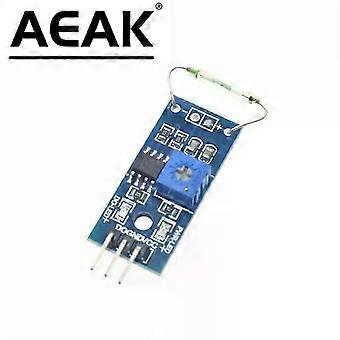
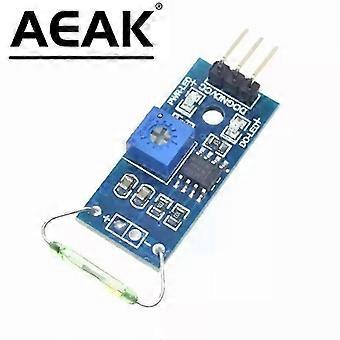
Reed Sensor Module/Magnetron Module/Reed Switch/Magnetic Switch for Arduino
Module Features:
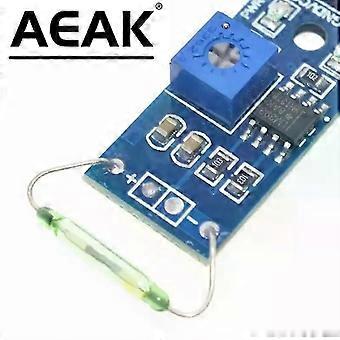
1. Uses imported normally open reeds
2. Clean comparator output signal, good waveform, current less than 15mA.
3. Operating voltage 3.3V-5V
4. Output form: Digital switch output (0 and 1)
5. With mounting bolt holes for easy installation
6. Compact circuit board size: 3.2cm x 1.4cm
7. Use of wide voltage comparator LM393
Instructions
A reed switch is a passive electronic contact element with advantages such as simple structure, small size, and easy control. Its housing is usually a sealed glass tube. It contains two flexible iron reed switches (also known as rhodium metal reeds) filled with an inert gas. Normally, the two glass tubes, made of a special material, are separated. When a magnetic material is near the glass tubes, the two reed switches are magnetized and attracted to each other under the influence of magnetic lines of force, forming a circuit between the connection points. When the external magnetic force disappears, the two reed switches separate due to their elasticity, thus breaking the circuit. Therefore, the reed electrodes, used as signals to control the magnetic field switching device, can be used as sensors for counting, distance, etc. (in security systems, mainly for door magnetic sensors, window magnetic sensors, etc.), and are also widely used in various communication devices. In practical applications, a permanent magnet is usually used to control the on/off state of the two metal plates; this is also called a "magnetic rectifier." Circuit Diagram: Source Code: Arduino Test Program Connected to D0 (Example): Arduino Test Program Connected to D0 (Example): int Led = 13; // Define LED interface int buttonpin = 3; // Define reed sensor interface int val. // Define digital variable val void setup() { PinMode (Led, OUTPUT); // Define LED output interface PinMode (buttonpin, INPUT); // Define reed sensor as input interface } void loop() { Val = digitalRead (pin); // Read the value of digital interface 3 If (val == LOW) // When the reed sensor has a signal, the LED lights up { DigitalWrite (Led, HIGH); } Otherwise { DigitalWrite (Led, LOW);
}
}
If (RI)
{
Date = SBUF; // Microcontroller receives data
SBUF = date; // Microcontroller sends data
RI = 0;
br>br>br>
-
Fruugo ID:
460981562-970286320
-
EAN:
9140214859016
製品安全情報
以下に概説するこの製品に固有の製品安全性情報を参照してください。
以下の情報は、この製品を販売する独立したサードパーティ小売業者によって提供されています。
製品安全ラベル

安全上の警告:
Important Safety Instructions
Read Before Use: Please read all instructions and safety warnings before using this product. Failure to follow these guidelines may result in injury, damage, or malfunction.
General Warnings
Intended Use: Use this product only for its intended purpose as described in the user manual.
Supervision Required: This product is not intended for use by children or persons with reduced physical, sensory, or mental capabilities without supervision.
Inspection Before Use: Check for any signs of damage or wear before use. Do not use if damaged.