説明
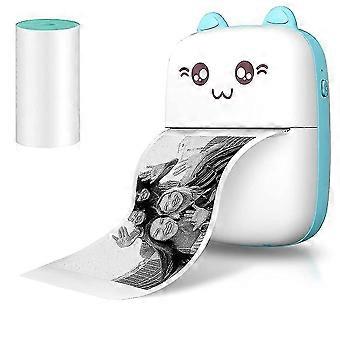
Portable Photo Printer For Ph Wireless Printer Android Ios Receipt Printer For Craft, Home
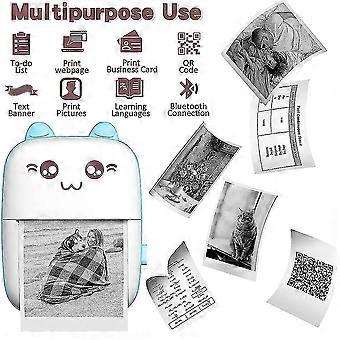
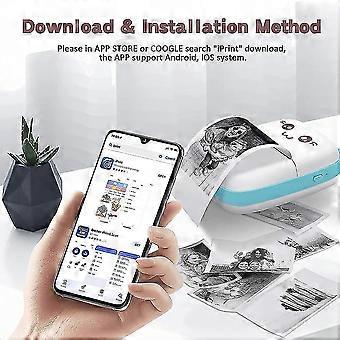
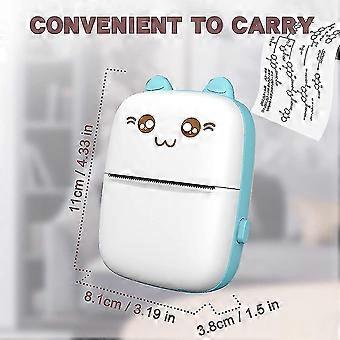
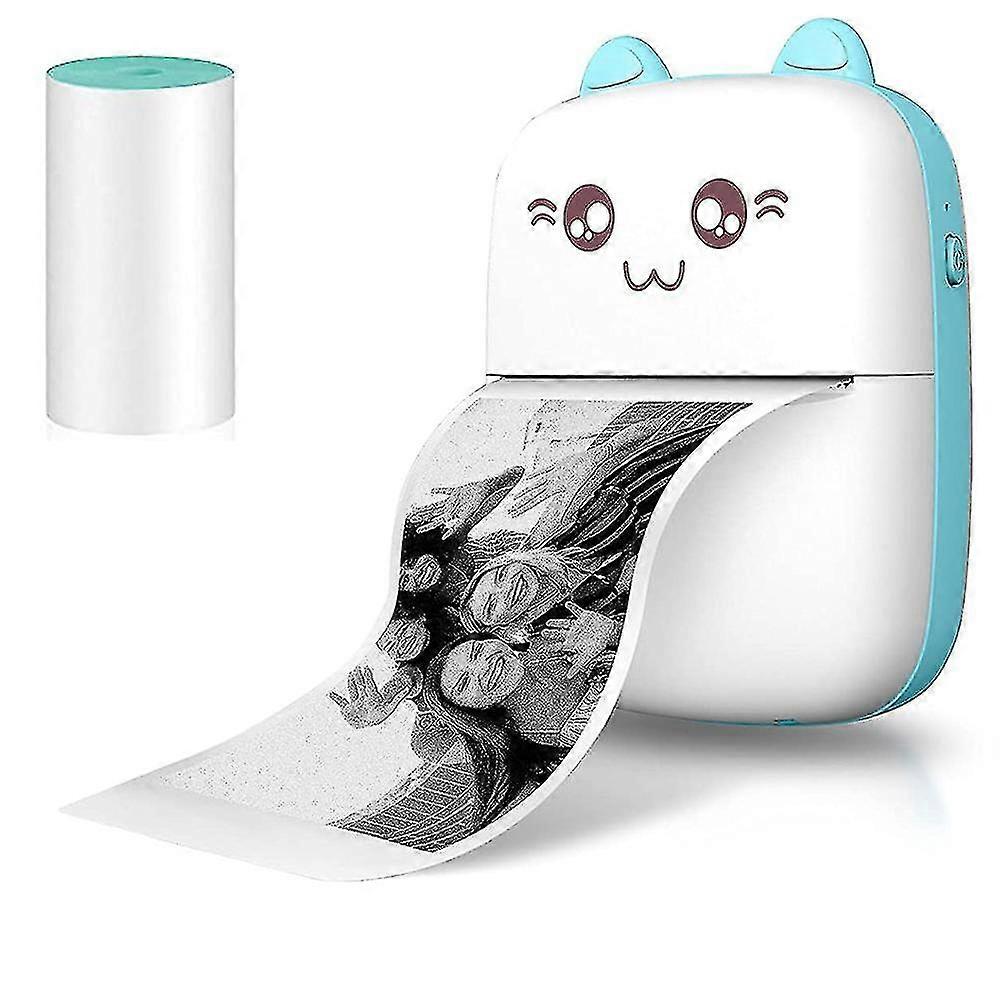
One Pocket mini printer and one Thermal paper in packPocket mini printer, ideal gift for girl or boy's birthday, party, Christmas, Easter. Make childhood colorful and happyWireless Mini Thermal Printer with Android or iOS APP for Pictures, Receipts, Notes, Lists, Messages, QR Codes Print.Small size with built-in 1000mAh battery that you can take it anywhere, easy to carry, USB bluetooth printer,High quality print roller, clear print and stable performance,Mini printer use 203dpi high resolution printing head and 5V interface, which makes your printing quality more outstanding.Lovely appearanceIt is an ideal gift for girl or boy's birthday, party, Christmas, Easter. How to use the portable photo mini printer? a. Your phone must have Bluetooth function. b. Download the printer software .c. Register your account d. Turn on the Bluetooth of the printer and smartphone e. Connecting the printer on the smartphone software. How do I access the option to print? 1.Install "iPrint" APPSearch and download the "iPrint" APP from the Apple store or Google APP market over mobile phone, tablet, or computer. 2. Turn on powerPress the POWER/SET key on the left side of the Pocket mini printer for more than 3 seconds to turn on the power, and the power LED will be blue. 3. Search and link printer over BluetoothClick: My > > My device, Search for Bluetooth device: GBXX-XXXX, Pair with GBXX-XXXX (if the small blue circle on the right appears, it means the pairing is successful). 4.Select print template or contentSelect various functions on the APP to print in various ways, For example: Photograph, diary, Temprate, Charactor Recognition, Document,Web pages,Click "Print" in the lower left corner to print. How to replace the thermal paper of printer? 1.Press the latch on the right side of the mini printerthen open the cover. 2. Replace the thermal paper and pull out a small piece of paper to install the paper correctly. 3. Close the printer of cover,press the POWER/SET key more than 3S to turn on. 4. Link smart phone by Bluetooth,Select your favorite content then print them. Tips: a. If the sticker is too thick, there will be paper jam. If you buy the paper roll by yourself, please pay attention to the data before placing an order. (The paper roll width of 56mm and a diameter of 30mm. ) b. The printing depth can be adjusted. If it is too deep or too shallow, you can adjust it according to the photo. c. Please read the user guide carefully before you start to use the product. d. Need you search "iPrint" on App store or by Google. e.The Printer only print black and white photos, characters tips list or pattern, it can not print color photos.
-
Fruugo ID:
156784607-332227750
-
EAN:
6974051283849
製品安全情報
以下に概説するこの製品に固有の製品安全性情報を参照してください。
以下の情報は、この製品を販売する独立したサードパーティ小売業者によって提供されています。
製品安全ラベル

安全上の警告:
Please read the instructions and precautions before use
材料:
95% plastic 5% metal