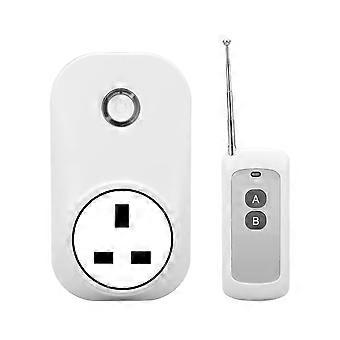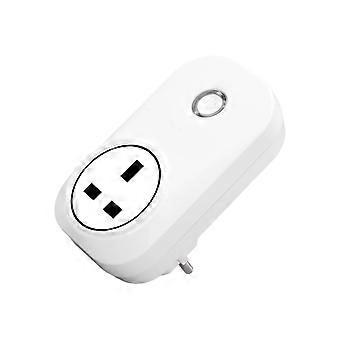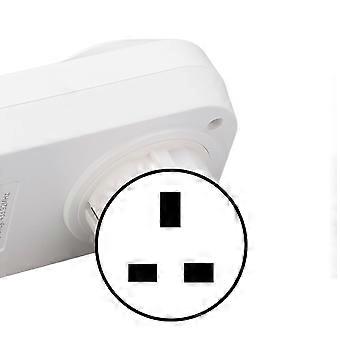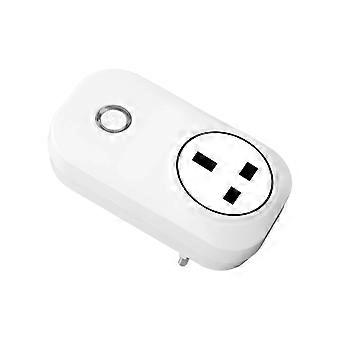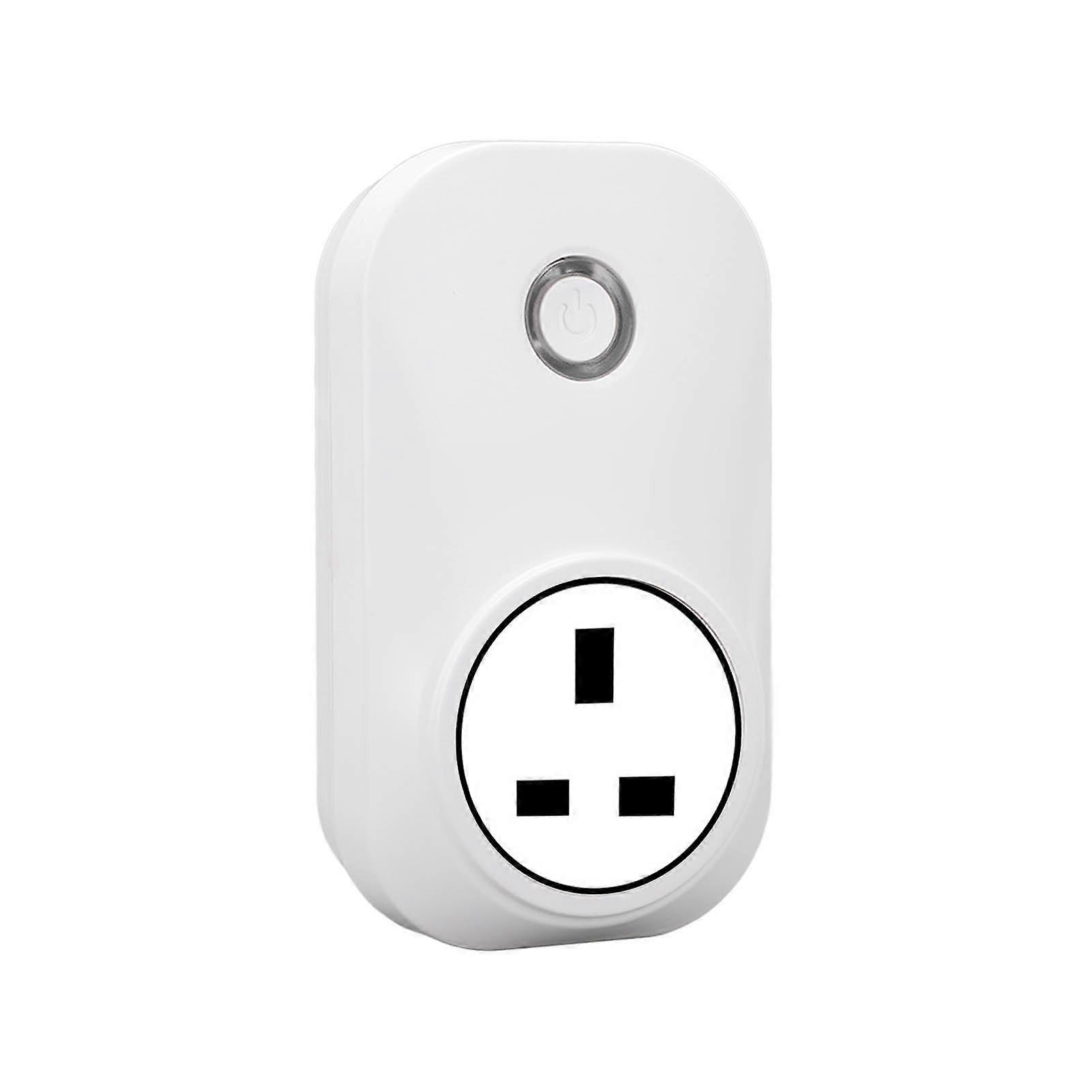
Smart Plug 2.4G WiFi Voice Control 433MHz Wireless Switch Timing

¥4,049
+ 配送料¥449

Smart Plug 2.4G WiFi Voice Control 433MHz Wireless Switch Timing

  • ブランド: Unbranded

Smart Plug 2.4G WiFi Voice Control 433MHz Wireless Switch Timing

  • ブランド: Unbranded
希望小売価格: ¥6,690
価格: ¥4,049
得する金額: ¥2,641 (39%)
販売元:
¥4,049
+ 配送料¥449

在庫あり

14日間返品ポリシー

支払い方法:

説明

Smart Plug 2.4G WiFi Voice Control 433MHz Wireless Switch Timing

Smart Plug 2.4G WiFi APP Voice Control 433MHz Wireless Switch Delay Timing for Google Assistant Material: ABS Battery: 1PCS 12V 23A battery (NOT included) Quiescent Current: 8mA Rated Current: Maximum 10A WiFi: IEEE 802.11.b/g/n Use APP: For TUYA / for Smart Life Voice Control: Support for Home, for Tmall Genie, etc. Working Frequency: Remote Control 433.92MHz, WiFi 2.4G Load Power: 2200W Receiving Sensitivity: -105dbm Coding Method: Learning Type Working Mode: Self-locking, interlocking, timing, delay Modulation Method: ASK Control Distance: APP has no distance limit, remote control is approx. 100m/109yd (open area without interference) How e: Pairing Method: The socket has only one button, which is both the power button (manual switch) and the pairing button (remote control + APP). How to Pair APP Mode: Turn on the power, press and hold the pairing button for 5 seconds; the blue indicator light starts to flash slowly, indicating that you are waiting for pairing, then open the for TUYA APP and search for the device. When pairing for the first time, put the phone, switch and router as close as possible, about 15s will show that the pairing is successful, at this time the blue light is normally on, you can rename the device. Enter the APP page to set the scene and location. The switch is off by default, if you want to make changes, you can enter the Restart State Settings of the APP, and you can choose Power Off, Power On or Power Off Memory. How to Pair the Remote Control Mode: Turn on the power, press the pairing button, the red light is on, indicating that the output circuit is connected; press it again, the red light is off, indicating that the output circuit is off. Press the pairing button 8 times continuously, the red light flashes, indicating that the code is cleared successfully. When the output circuit is disconnected, press the pairing button twice, the red light turns on, and then press the remote control button, the red light flashes 3 times quickly, and the self-locking mode is set successfully. When the output circuit is disconnected, press the pairing button 3 times, the red light is on, press the A and B buttons of the remote control respectively, and the interlock mode is set successfully (ie A is on and B is off) Explanation of Output Mode: 1. Self-Locking: Press the same remote control button, press it once, the relay is turned on, and press it again, the relay is turned off. 2. Interlock: Press the A button on the remote control to turn on the relay, and press the B button on the remote control to turn off the relay.
  • Fruugo ID: 412737186-872597013
  • EAN: 6901336769484

配送と返品

24時間以内に発送

  • STANDARD: ¥449 - 間の配達 金 16 1月 2026–月 26 1月 2026

中国より発送。

ご注文の商品は、お客様の仕様に従い、万全の状態で配送されるように最善を尽くしています。しかし、もし注文に抜けがあったり、注文したものと違う商品が届いたり、注文に満足できないその他の理由がある場合は、注文全体やその中のいずれかの商品を返品し、その全額の返金を受けることができます。 全額返金ポリシーを見る

製品コンプライアンスの詳細

以下に概説されているこの製品に固有のコンプライアンス情報を参照してください。

以下の情報は、この製品を販売する独立したサードパーティ小売業者によって提供されています。

製造業者:
次の情報は、Fruugoで販売される関連製品の製造業者の連絡先詳細です。

  • Guangzhoushiyiangongchuangwangluojishu Co.,Ltd.
  • Guangzhoushiyiangongchuangwangluojishu Co.,Ltd.
  • Room201,AreaB,No.280,Zhongshan Avenue East
  • Huangpu
  • Guangzhou
  • Guangdong
  • China
  • 518000
  • firzen.pan@gmail.com
  • +8619128656319

EUにおける責任者:
次の情報は、EUにおける責任者の連絡先情報の概要です。ここで言う責任者とはEUに拠点を置く指定経済事業者で、EU域内で販売される関連製品に関するコンプライアンス義務を負う者のことです。

  • SUCCESS COURIER SL
  • SUCCESS COURIER SL
  • CALLE RIO TORMES NUM.1.PLANTA 1,DERECHA.OFICINA3.Fuenlabrada.
  • Madrid
  • Spain
  • 28947
  • successservice2@hotmail.com
  • +34910602659