説明
Thermal Label Printer Bluetooth Wireless, Barcode and Address Maker for Phone and Laptop
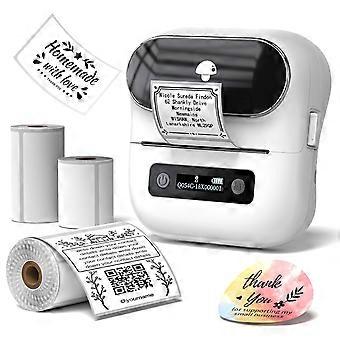
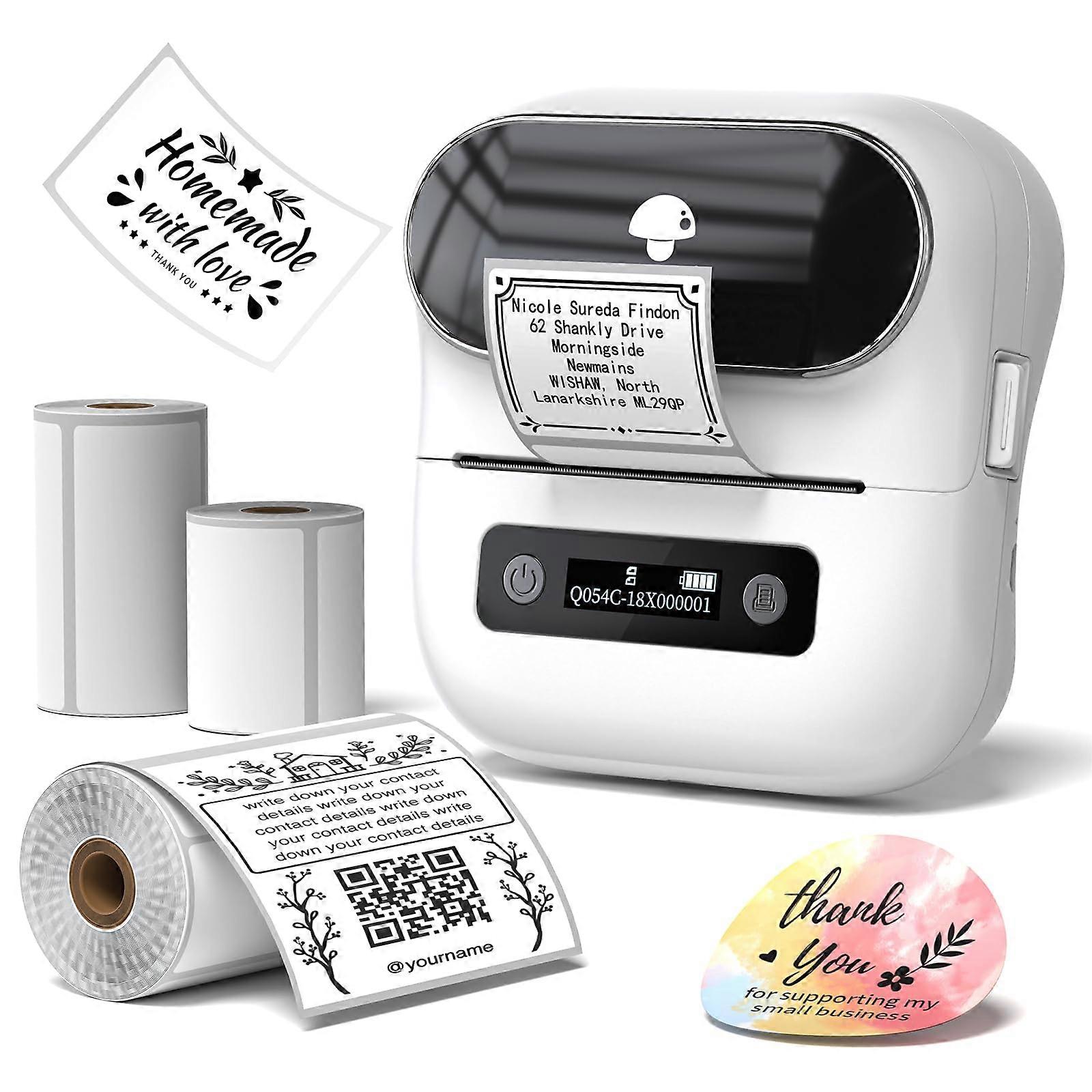
M220 Label Maker and Thermal Label Printer
The M220 label maker is a compact, versatile labeling solution designed for everyday organization and professional use. Combining portability, efficient thermal printing, and easy connectivity, it allows you to create quality labels quickly and conveniently.
Key Features and Benefits:
Portable and Compact Design
Supports labels from 0.78 inches to 3.14 inches in width, making it ideal for creating address labels, barcodes, office supply labels, and more. Its small size fits easily in bags, allowing you to carry and use it anywhere, anytime.
Note: The M220 does not support printing 4 x 6 inch labels.
Quality Thermal Printing
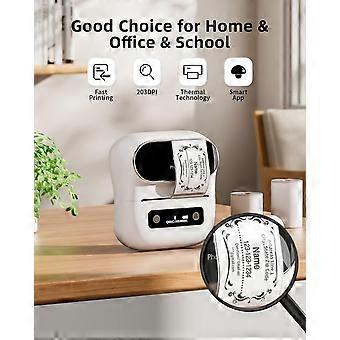
Utilizes thermal printing technology for clear, sharp, and smudge results without the need for ink or toner. Only thermal paper is required, helping reduce ongoing supply costs. Suitable for teachers, students, classrooms, and office environments.
Includes Multiple Label Sizes
Comes with three rolls of labels in different sizes:
1.97 in x 1.18 in
1.97 in x 3.14 in
2.76 in x 3.14 in
These options cover daily labeling needs such as identifying children's belongings, creating name tags, school supplies, crafting small business stickers, and organizing household items.
Reliable Wireless and USB Connectivity
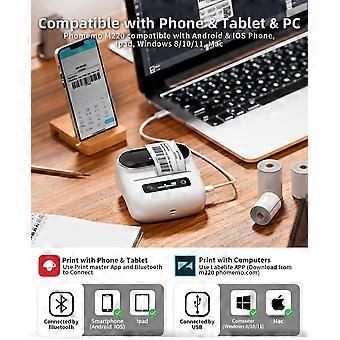
Equipped with a 2200 mAh rechargeable battery, providing up to 4 hours of continuous printing on a full charge. Bluetooth technology ensures stable wireless connections with Android and iOS phones, tablets, and select operating systems including Windows 8/10/11 and MacOS.
Important: For PC or laptop use, the M220 must connect via USB; Bluetooth connection is not supported for computers.
Powerful and EasytoUse App
Works with the Print Master app, offering a wide selection of templates, icons, borders, and fonts. The app supports barcode, QR code, image insertion, and scanning features, allowing you to labels for a variety of purposes. Simple oneclick pairing with the M220 makes printing efficient and straightforward.
Quick Setup for Mobile Printing
Step 1: Download the Print Master app.
Step 2: Turn on the M220 label maker and enable Bluetooth on your phone or tablet.
Step 3: Use the Printer icon in the app to search for the M220, connect via Bluetooth, select your label size, edit your design, and start printing.
Practical Applications:
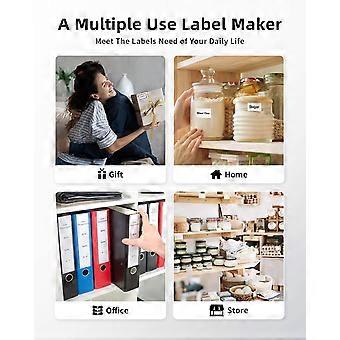
Business: Create product barcode labels, inventory organization tags, and stickers directly from your phone or tablet.
Education: Label classroom supplies, student materials, and teaching aids for easy identification and tracking.
Home Organization: labels for storage bins, kitchen containers, and cables to maintain a neat, organized space.
The M220 label maker offers dependable performance, flexible label sizing, and easy mobile connectivity, making it a practical choice for both and professional labeling tasks.
-
Fruugo ID:
450255092-948616312
-
EAN:
6246888883036