説明
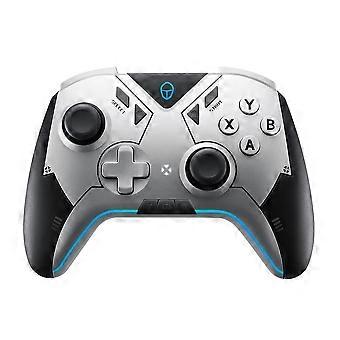
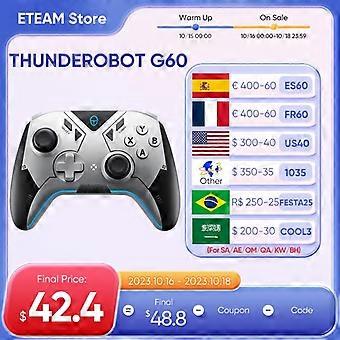
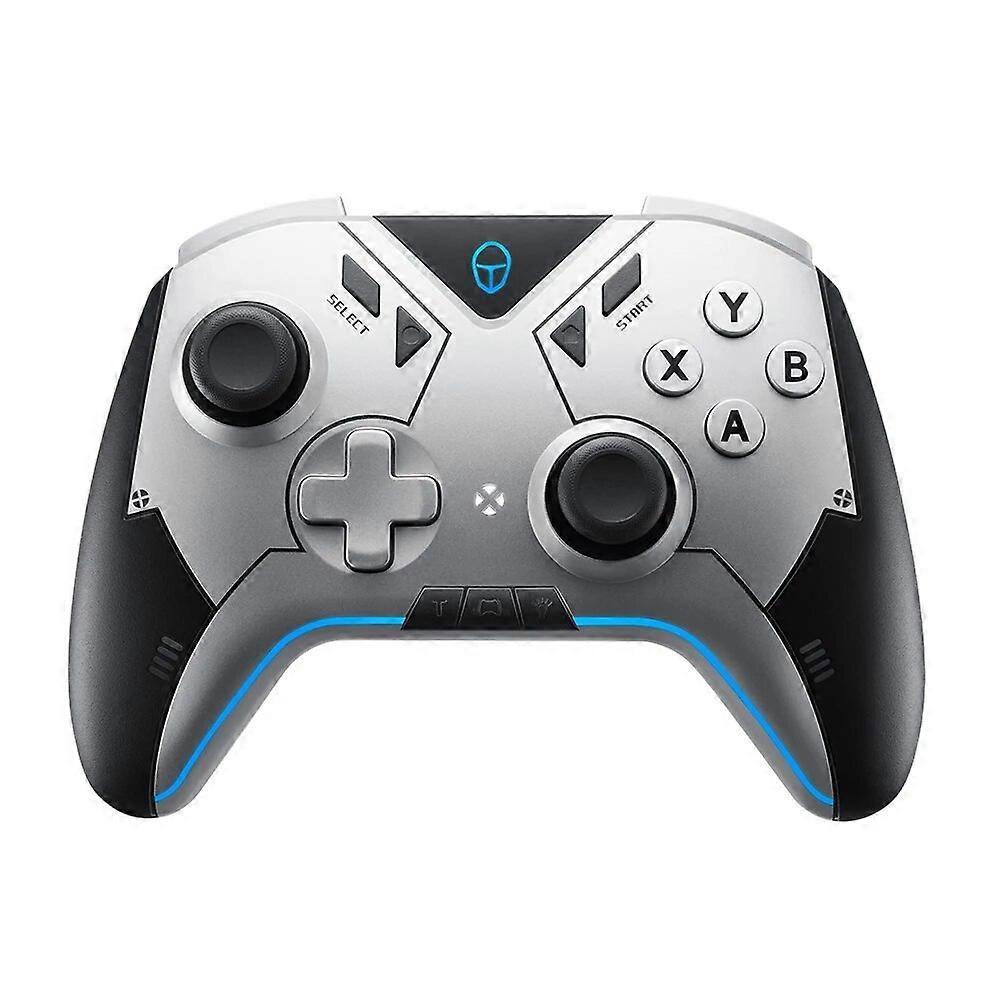
THUNDEROBOT G60 Gamepad Gaming Controller Hall Effect ALPS Joystick Wireless Dual Vibration For Nintendo Switch PC Steam iOS
Applicable to Multiple Platform
Supports devices such as windows computerswitch and Android iOS phones and tablets.[Note: Apple iOS13.4 (inclusive) and above systemsdo not currently support virtual touch technology]
Three modes of connectionBluetooth / receiver / wired for a variety of scenariosTwo custom game modes, Raid Mode and Rampage ModeAdd M1 and M2 auxiliary buttons, so that you can plan and win in shooting/racing games easily.Raid ModeSuitable for FPS shooting games, hold down M1 right stick output range to 50% of the original hold down M2, activate the gyroscope to simulate the right stick outputRampage modeSuitable for racing games, hold M1 gyroscope simulation Dpad left and right directional keys output hold M2, gyroscope simulation left stick, left and right swing handle to the left / right output
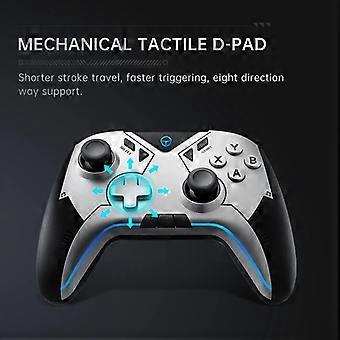
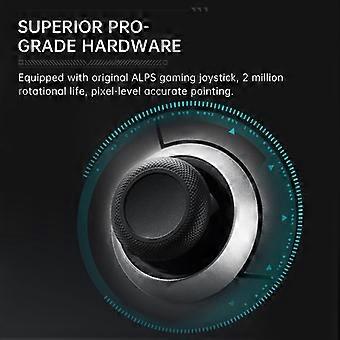
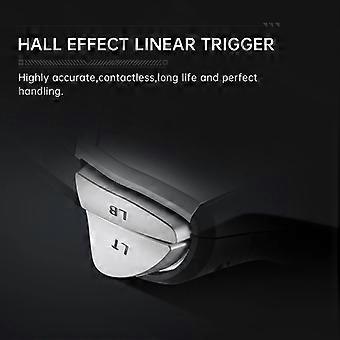
Conventional keystrokes electric after all level configuration profeional e-sports players, profeional players preferred the original Japanese ALPS gaming joystick2 million rotation life, pixel-level accurate pointingMechanical light-touch cro-key switchNear-contact switch, short stroke, fast triggerEight-way support, doubling the efficiency of the combination of movesABXY high quality mechanical micro switchFast trigger, long pre not tired, soft touch, quick moveHall Linear TriggerHall trigger is driven by electromagnetic induction technology, the signal changes with the magnetic field caused by the pre, the transmiion of data more accurate, pre the touch feels twice as good
One button to wake up the host with six-axis body gyroscopeSwitch hibernationHome button to wake up the last connected hostFour macro programming keys4 macro-programmed keys, mapping other key values, recording other key operation actions, and store four sets of programming, the game of skill to operate a key out of the big move, greatly enhance the efficiency of operationTURBO continuous button manual / automatic two modes a finger operation to save effortContinuous setting:e.g.:TURBO+XTurbo burst buttonTurbo burst function can be set:Manual burst, automatic burst, cancel burst, cycle switchSetting method:Pre and hold the T key plus the corresponding function key, the corresponding function key to achieve the manual burst pre the same combination again, the corresponding function key to achieve the automatic burst function pre the same combination again, the corresponding function key to cancel the burst functionA/B/X/Y/LB/RB/LT/RTTurbologoAsymmetric dual motor vibration four-speed adjustment feel realisticIn the fighting, racing and other games to feel a strong sense of impact, in different game scenes to bring the corresponding real vibration, as if in the battlefieldDescription of motor vibration intensityA total of 4 gears, the 4th gear is 100% intensity, the 3rd gear is 50% intensity, the 2nd gear is 30% intensity, the 1st gear is 0% intensity (off) factory default 50% intensityOperation instructionsShort pre the vibration key to adjust the intensity of motor vibration, set the current intensity of vibration for 0.5 seconds prompt vibration intensity switching cycle for 0-30%-50%-100%-50%-30% shutdown with memory function
Custom App
1. Visual adjustment of powerful functions, using industry-leadingdual-channel Bluetooth module.2. The handle can be connectedto the host device + the KeyLinker software on the mobile phoneat the same time.3. During the game, you can change the relevantfunctions and parameters on the controller at any time.KeyLinker APP Instructions:1.How to download: Download and install the keyword "KeyLinker" from AppStore, Huawei App Store, Google Play, Tencent App Store, 360 App Store, etc.2."KeyLinker" and handle connection and pairing method (take Huawei mate30pro as an example): When the handle is turned on, open the "KeyLinker" application on the mobile phone, find the name of the KeyLinkerBLE device, click pairing, and enter the software interface.3.The parameters of different functions on the handle can be adjusted through software operation, including settings: key function, joystick parameter trigger value, vibration intensity, burst keys, macro definition, RGB lighting, joystick calibration and other functions.4.Users can modify the parameters of the handle according to their own habits, and the flexible parameter settings greatly enhance the handle experience.5.*For the APP interface, there may be differences between different mobile phones. For detailed parameters and operation guides, please enter the "KeyLinker" applicationto view.
-
Fruugo ID:
266107040-587582227
-
EAN:
9085801750683