商品詳細
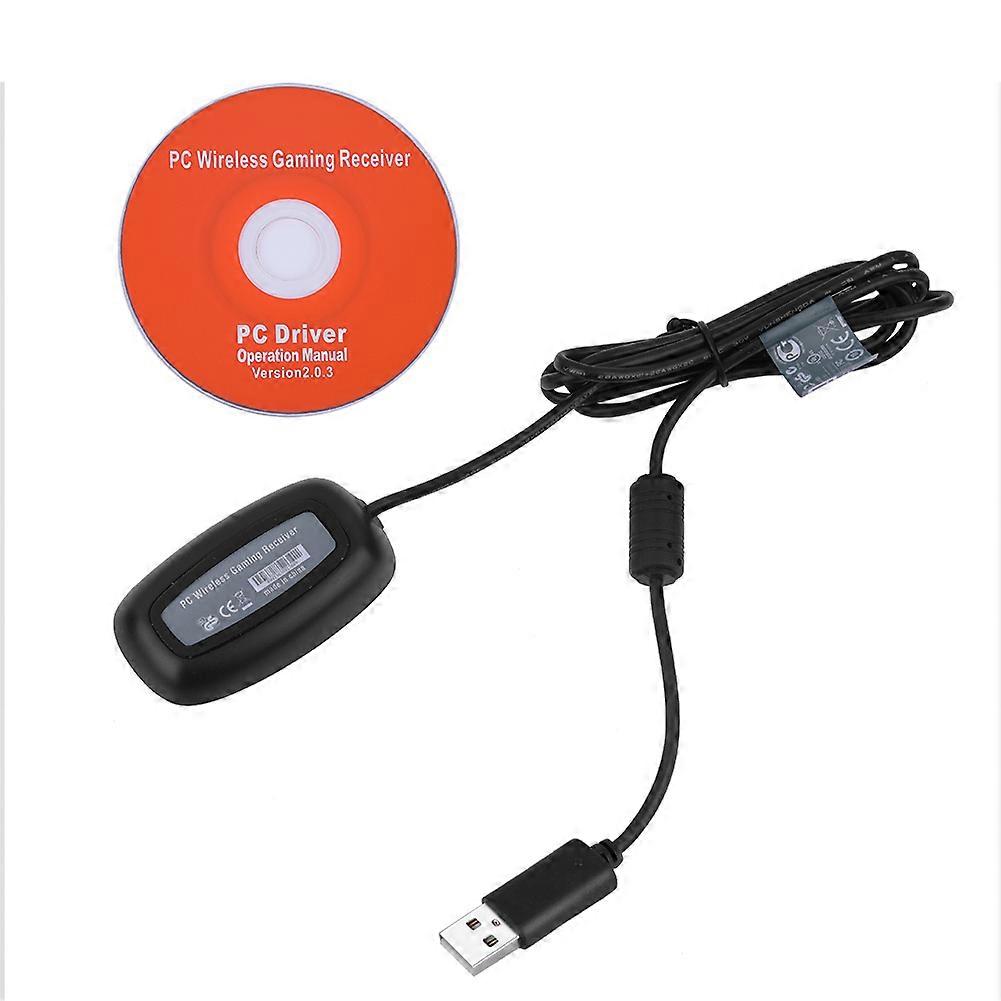
USB Wireless Gaming Controller Receiver Adapter For Windows PC Xbox 360
1、This wireless receiver is a simple adapter that connects four devices such as USB, wireless guitar, wireless headphone, etc. 2、Use 2.4GHz high-performance wireless technology. Suitable for XBOX360 wireless controller. 3、Provide up to 10 meters/32.81ft range for wireless freedom. 4、Use the usb 2.0 interface to connect personal computers. High-speed transmission, and stable performance. 5、This wireless receiver can connect the wireless controller to the computer easily(The game needs to support the controller).
Features:
This wireless receiver is a simple adapter that connects four devices such as USB, wireless guitar, wireless headphone, etc.
Use 2.4GHz high-performance wireless technology. Suitable for XBOX360 wireless controller.
Provide up to 10 meters/32.81ft range for wireless freedom.
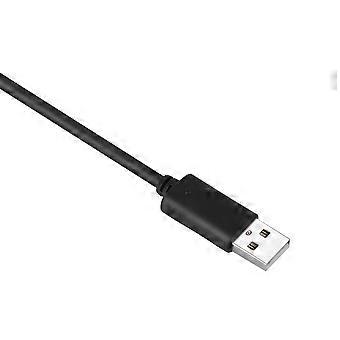
Use the USB 2.0 interface to connect personal computers. High-speed transmission, and stable performance.
This wireless receiver can connect the wireless controller to the computer easily(The game needs to support the controller).
Specification:
Material: ABS
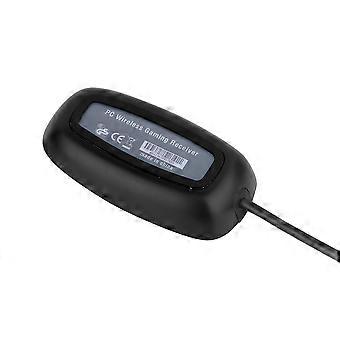
Product Type: Wireless Gaming Receiver
Transmission Distance: 10Meter/32.81Inch
Color: Black
Compatible: For XBOX 360 Controller
Weight: 110G
Quantity: 1PC
Package List:
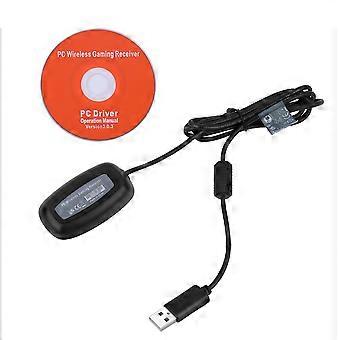
1 x Wireless Gaming Receiver
1 x CD PC Driver
Using Method:
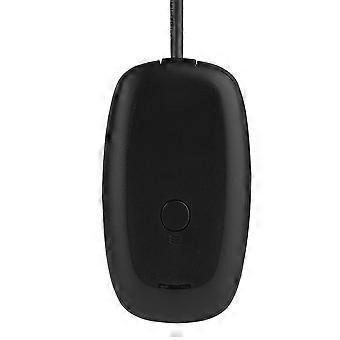
The first time access to the computer, the computer will find the new hardware and prompt to install the driver. When installed the driver successfully, press and hold the round button on the receiver about 1 second. The receiver will continue to flash the green light, which indicates it enter into the state of matching code. And then press the code button on the handle for matching. The game can be played after the success of the code.
A receiver can connect four controllers.
Using Method For WIN7:
WIN7 system driver file download:
64-bit driver: http://t.cn/zjw3omF(Copy the address to download)
32-bit driver: http://t.cn/zjw3V37(Copy the address to download)XP system tutorial - 360PC receiver
XP system driver file download: http://t.cn/zjwHEKU(Copy the address to download)
Firstly, you need to install the Microsoft for XOBX360 controller driver, 1.2 WHQL driver, and press the navigation key to start the X360 controller. At this point the navigation key of 4 lights are fully bright, which means no connection.
Clicking the right mouse to select "Properties", Device Manager". In the "Other Device" column, find the unknown equipment displayed after you insert the for XBOX360 receiver. Click the right mouse to choose "Properties", "Update Driver", "Manually locate and install driver software", "Select the list of computer device drivers", "Microsoft Windows public controller", "for XBOX360 Wireless Receiver for Windows file"
Then, when installed, you will be prompted not to install the driver for this device, and select "Yes" to continue the installation.
Finally, the installation is finished successfully, and for XBOX360 controller displayed has been found.
After entering the game, everything is normal. You can play the game freely. Vibration and operation are good!
-
Fruugo ID:
340670701-747246512
-
EAN:
643166534240