説明
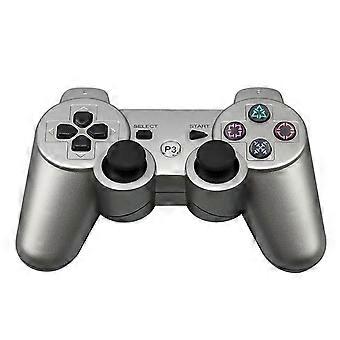
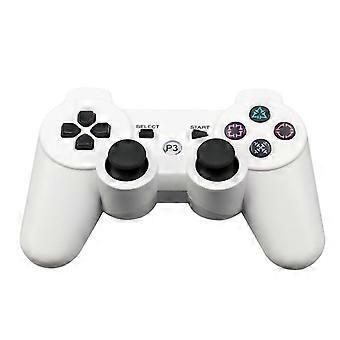
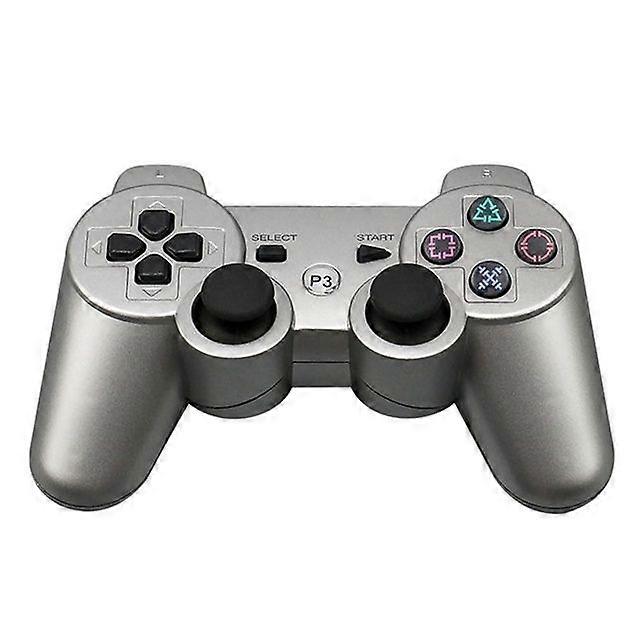
Wireless Controller compatible withPS3 Gamepad compatible withPS3 Bluetooth-4.0 Joystick compatible withUSB PC Controller compatible withPS3 Joypad
Wireless Controller For PS3 Gamepad For PS3 Bluetooth-4.0 Joystick For USB PC Controller For PS3 Joypad
PS3:
How to connect bluetooth?
1. turn on the game host, please make sure controller has enough power
2. use data cable(use original one if has) to connect controller with game host, then pressP3"button for 3-5 seconds, remove the cable when controller is synchronize with game host.
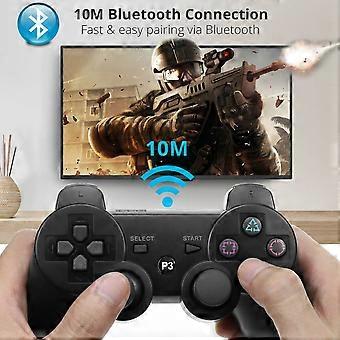
3. connect the host with bluetooth. (make sure controller is synchronize with game host)
Specification
Material: ABS
Size:150*100*50mm
Compatible with Sony PS3
Bluetooth Wireless Game ControllerSupports six-axis movements,
Ergonomic design and easy to use
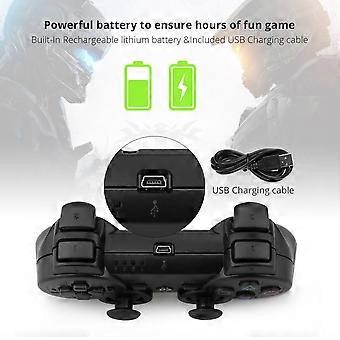
Built In Rechgargeable Lithium Ion battery pack.
Feature:
- High-performance bluetooth controller for PS3.
- the environmental protection material.
4 way button with 2 analog joysticks .
- bluetooth handle on line distance up to 10M.
- has seven channel and Turbo function of the LED indicator.
- support lithium battery charging.
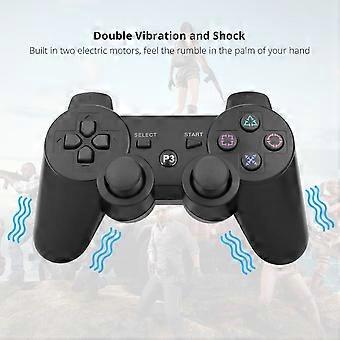
- support double motor vibration function.
- choose to use standard for PS3 function.
- a wide working voltage range, dormancy current low.
Package:
1 X wireless controller
1XUSB charging cable
PS4:
1. Precision Control: The feel, shape, and sensitivity of the controller"'"s analog sticks and trigger buttons have been enhanced to offer players absolute control for all games on P4.
2. Sharing at your Fingertips: The addition of the Share button makes sharing your greatest gaming moments as easy as a push of a button. Upload gameplay videos and screenshots directly from your system or live-stream your gameplay, all without disturbing the game in progress.
3. New ways to Play: Revolutionary features like the touch pad, integrated light bar, and built-in speaker offer exciting new ways to experience and interact with your games and its 3.5mm audio jack offers a practical personal audio solution for gamers who want to listen to their games in private.
4. Charge Efficiently: The Wireless Controller can easily be recharged by plugging it into your P4 system, even when on standby, or with any standard charger with a micro-USB port.
5.Battery built in
Ps4 Bluetooth handle update methed
In three steps
STEP1: Press and hold R3 (to switch the entire process, press and hold R3, can be connected or wake-up input)
STEP2: Sequential input combination keySTEP3: Press and hold L3 about 3 seconds, there will be a flashing light indicates that the switch has been completed.
About 30 second, you will finished it.
Note:
1.This Gamepad controller with Excellent Quality.
2. This controller is ONLY compatible with the PS4. It cannot be used on computers or mobile phones.
3. When using the controller for the first time, connect the cable to the PS4, press the round button in the middle of the controller, then remove the cable. Afterwards, you can just press the round button when you want to connect.
Package Included:
1 × Bluetooth Wireless Controller
-
Fruugo ID:
210463268-448622901
製品安全情報
以下に概説するこの製品に固有の製品安全性情報を参照してください。
以下の情報は、この製品を販売する独立したサードパーティ小売業者によって提供されています。
製品安全ラベル

安全上の警告:
important Safety Instructions Read Before Use: Please read all instructions and safety warnings before using this product. Failure to follow these guidelines may result in injury, damage, or malfunction. General Warnings Intended Use: Use this product only for its intended purpose as described in the user manual. Supervision Required: This product is not intended for use by children or persons with reduced physical, sensory, or mental capabilities without supervision. Inspection Before Use: Check for any signs of damage or wear before use. Do not use if damaged. Usage Precautions Environment: Do not use in wet, damp, or flammable environments unless specified as safe for such conditions. Proper Operation: Follow all operating instructions carefully. Avoid improper handling or misuse. Power Source: Use only the recommended power supply or batteries. Do not exceed specified voltage or current ratings. Maintenance and Care Cleaning: Disconnect from power before cleaning. Use only manufacturer-recommended cleaning methods and solutions. Storage: Store in a cool, dry place away from direct sunlight and extreme temperatures. Repairs: Do not attempt to disassemble or repair the product. Contact authorized service personnel for assistance. Specific Warnings Avoid Hazards: Keep the product away from sharp objects, water, and heat sources. In Case of Malfunction: If the product malfunctions or exhibits unusual behavior, discontinue use immediately and contact customer support. Disposal Instructions Recycling: Dispose of the product in accordance with local electronic waste disposal and recycling guidelines. Battery Disposal: Follow specific regulations for the safe disposal of batteries if included.